
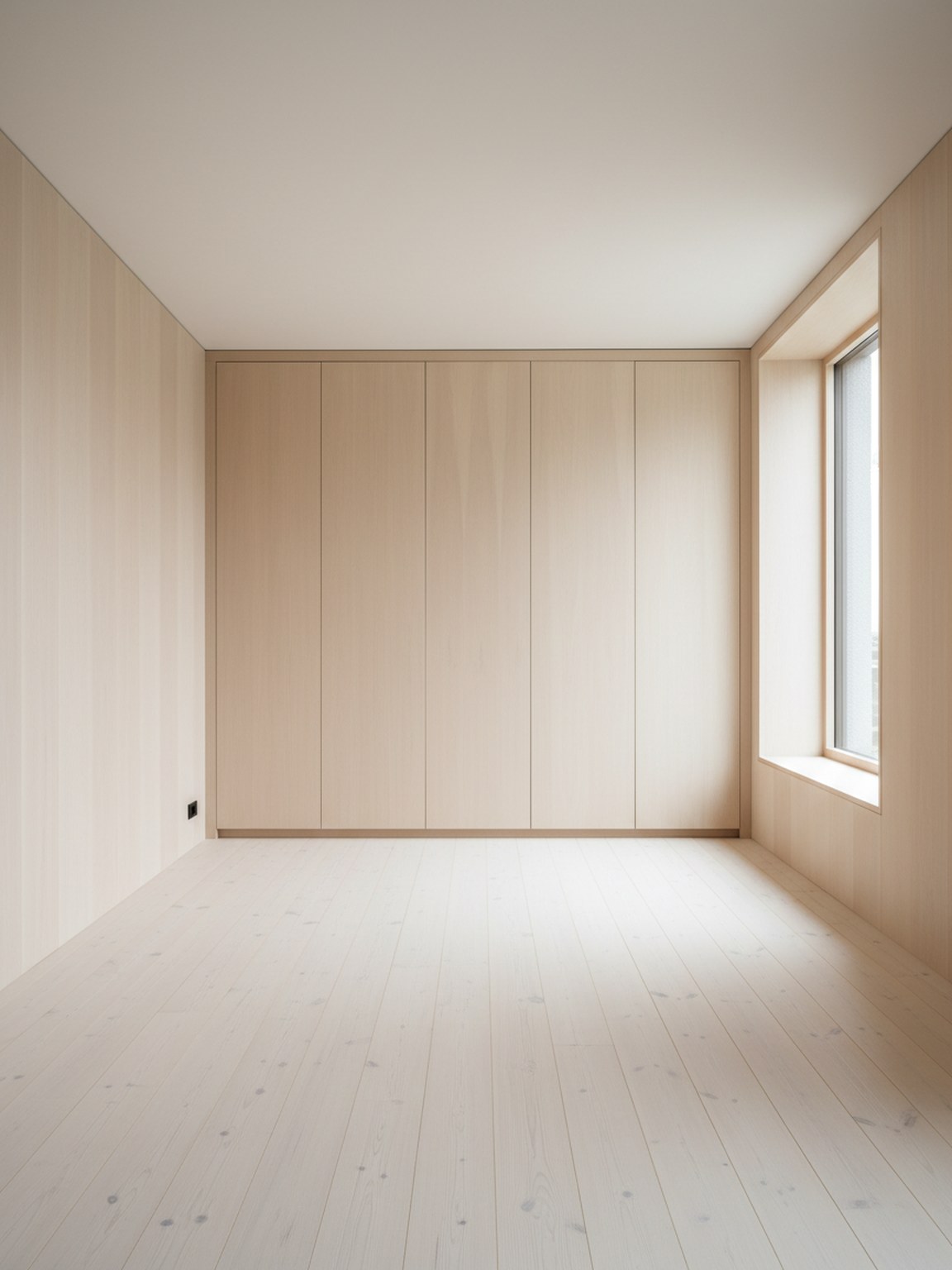
Start with the real client room
Use one clear room photo to ground the discussion in actual layout limits, light, and existing furniture context.
Caso d'uso
Trasforma una foto della stanza del cliente in concetti più chiari, opzioni di layout e direzioni di finitura. Room AI Studio aiuta i consulenti d'interni a passare da idee approssimative ad approvazioni più rapide con meno attriti.
Flusso di lavoro del consulente
Materiali di revisione più puliti per decisioni più rapide del cliente.
Use one clear room photo to ground the discussion in actual layout limits, light, and existing furniture context.
Generate a small set of layout, style, or material options so clients can compare clear paths without getting lost in too many choices.
Share the strongest visuals with short decision notes to move faster from concept review to approval and next-step action.
Cosa sblocca questo flusso di lavoro
Ideale per
FAQ
Queste risposte spiegano come i consulenti possono usare Room AI Studio senza trasformare le revisioni in un processo complicato.
Two or three strong directions are usually enough. That keeps the review focused while still showing meaningful contrast in layout, mood, or material direction.
It saves the most time early in the process, when clients need to react to something concrete and you want to avoid long revision loops based on abstract descriptions.
Send the visual plus a short note on what changed and why it matters. Clients respond faster when each option is tied to a practical decision rather than just a look.
Avanti
Presenta opzioni di stanza più chiare, guida il feedback più velocemente e porta avanti le approvazioni con meno scambi.