
Upload a room photo
Start with a clear room photo so Material Studio can read surfaces, lighting, and layout context more accurately.
Funzionalità
Esplora rapidamente le opzioni di finitura e texture con Material Studio in Room AI Studio. Confronta le direzioni dei materiali nella stessa stanza e scegli ciò che si adatta ai tuoi obiettivi con maggiore chiarezza.
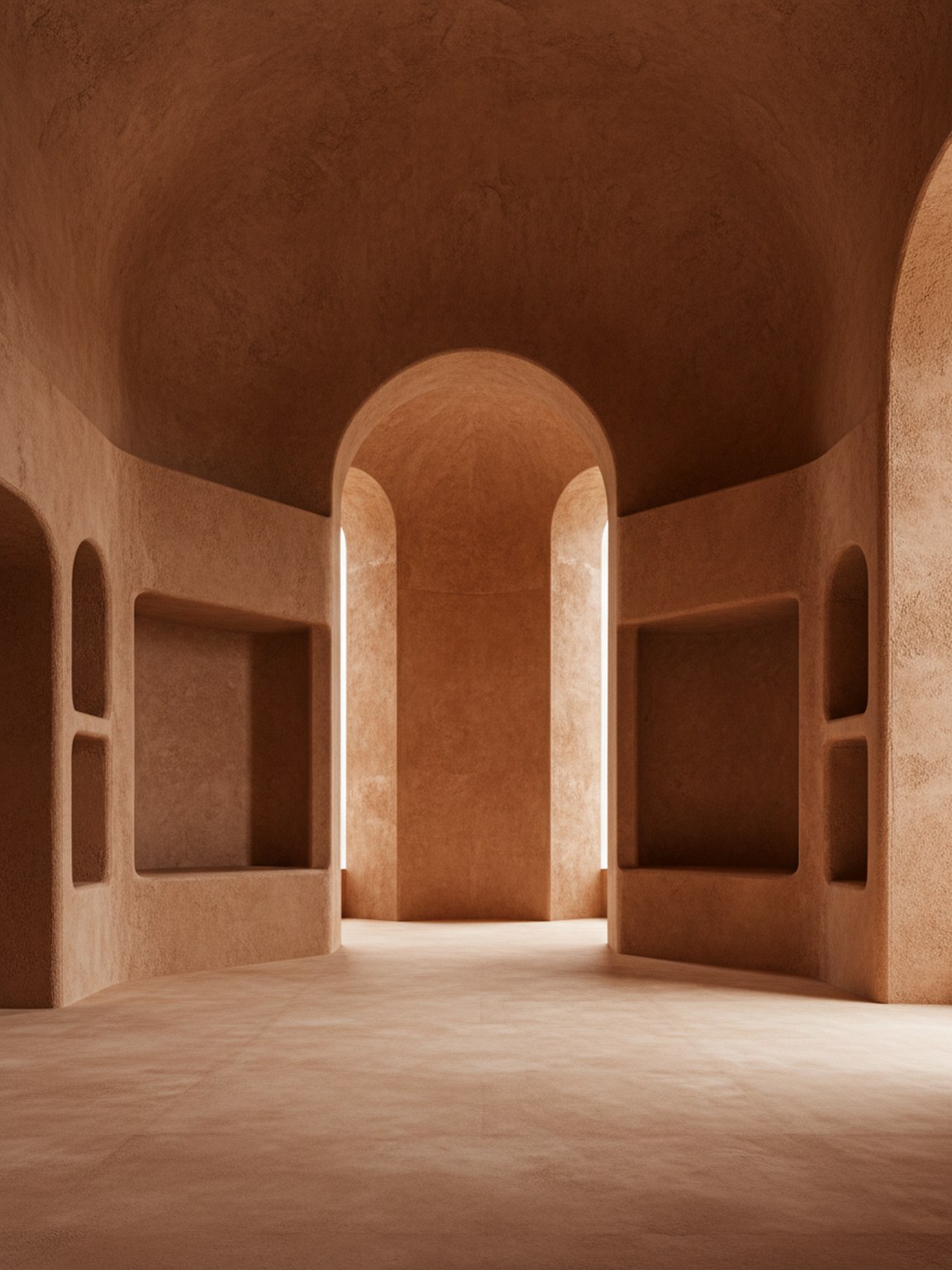
Tono del materiale
Decisioni di finitura con un contesto di mood e superficie più chiaro.
Start with a clear room photo so Material Studio can read surfaces, lighting, and layout context more accurately.
Test wood, stone, fabric, and finish variations to compare how different material sets change the room mood.
Review multiple results side by side, keep the strongest direction, and move forward with clearer material choices.
Cosa ottieni
Migliori pratiche di pianificazione dei materiali
Use photos with balanced lighting so finishes and textures are easier to evaluate. Strong shadows can hide details and make comparisons less reliable.
Generate a few close material variants instead of only one extreme option. Small texture and finish differences often lead to better final decisions.
A chi è più utile
Material Studio è più efficace quando la direzione della stanza è quasi definita e la prossima decisione è quale finitura, texture o combinazione di superfici procedere.
FAQ
Queste risposte spiegano quando dovrebbe avvenire il confronto dei materiali e cosa aiuta a rendere l'output più utile.
Use Material Studio when the room mood is mostly decided and the open question is which finish, fabric, wood, or surface direction should move forward.
Balanced lighting and visible surfaces help most. When floors, walls, and key materials are easy to read, subtle finish differences are easier to judge.
Yes. In fact that is one of the best use cases. Small finish and texture changes are often where Material Studio becomes most valuable.
Avanti
Testa rapidamente le direzioni dei materiali e procedi con scelte di finitura più sicure.