
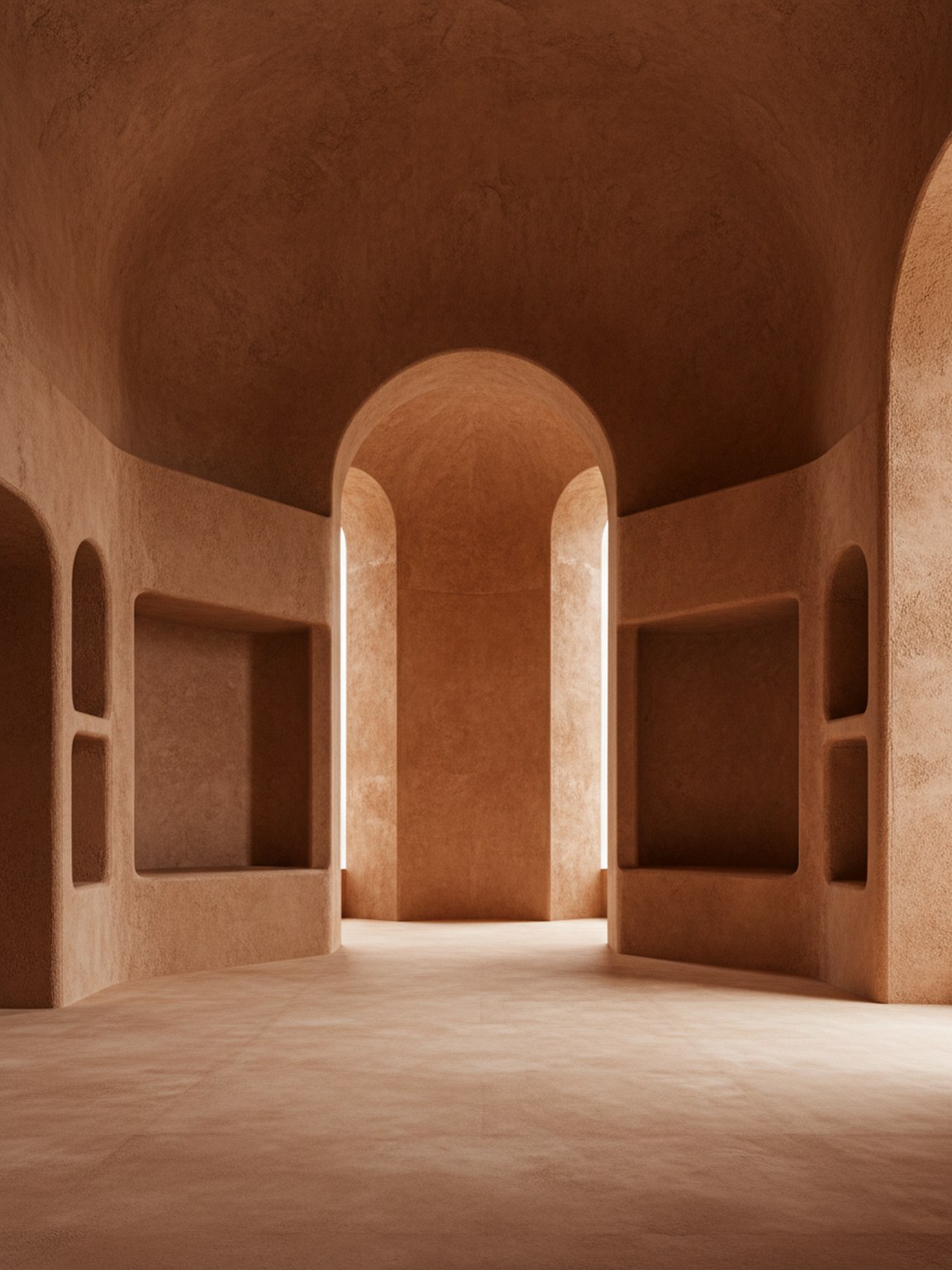
Upload a room photo
Start with a clear room photo so Material Studio can read surfaces, lighting, and layout context more accurately.
Start with a clear room photo so Material Studio can read surfaces, lighting, and layout context more accurately.
Test wood, stone, fabric, and finish variations to compare how different material sets change the room mood.
Review multiple results side by side, keep the strongest direction, and move forward with clearer material choices.
제공 항목
최적의 자재 계획 방법
Use photos with balanced lighting so finishes and textures are easier to evaluate. Strong shadows can hide details and make comparisons less reliable.
Generate a few close material variants instead of only one extreme option. Small texture and finish differences often lead to better final decisions.
이 기능이 가장 적합한 대상
Material Studio는 객실 방향이 거의 정해지고 다음 결정이 어떤 마감, 질감 또는 표면 조합을 선택할지일 때 가장 효과적입니다.
FAQ
이 답변은 자재 비교가 언제 이루어져야 하는지와 출력물을 더 유용하게 만드는 방법을 설명합니다.
Use Material Studio when the room mood is mostly decided and the open question is which finish, fabric, wood, or surface direction should move forward.
Balanced lighting and visible surfaces help most. When floors, walls, and key materials are easy to read, subtle finish differences are easier to judge.
Yes. In fact that is one of the best use cases. Small finish and texture changes are often where Material Studio becomes most valuable.