
Upload a room photo
Start with a clear room photo so Material Studio can read surfaces, lighting, and layout context more accurately.
機能
Room AI Studioのマテリアルスタジオで、仕上げとテクスチャのオプションを素早く試せます。同じ部屋で素材の方向性を比較し、目標に合ったものをより明確に選べます。
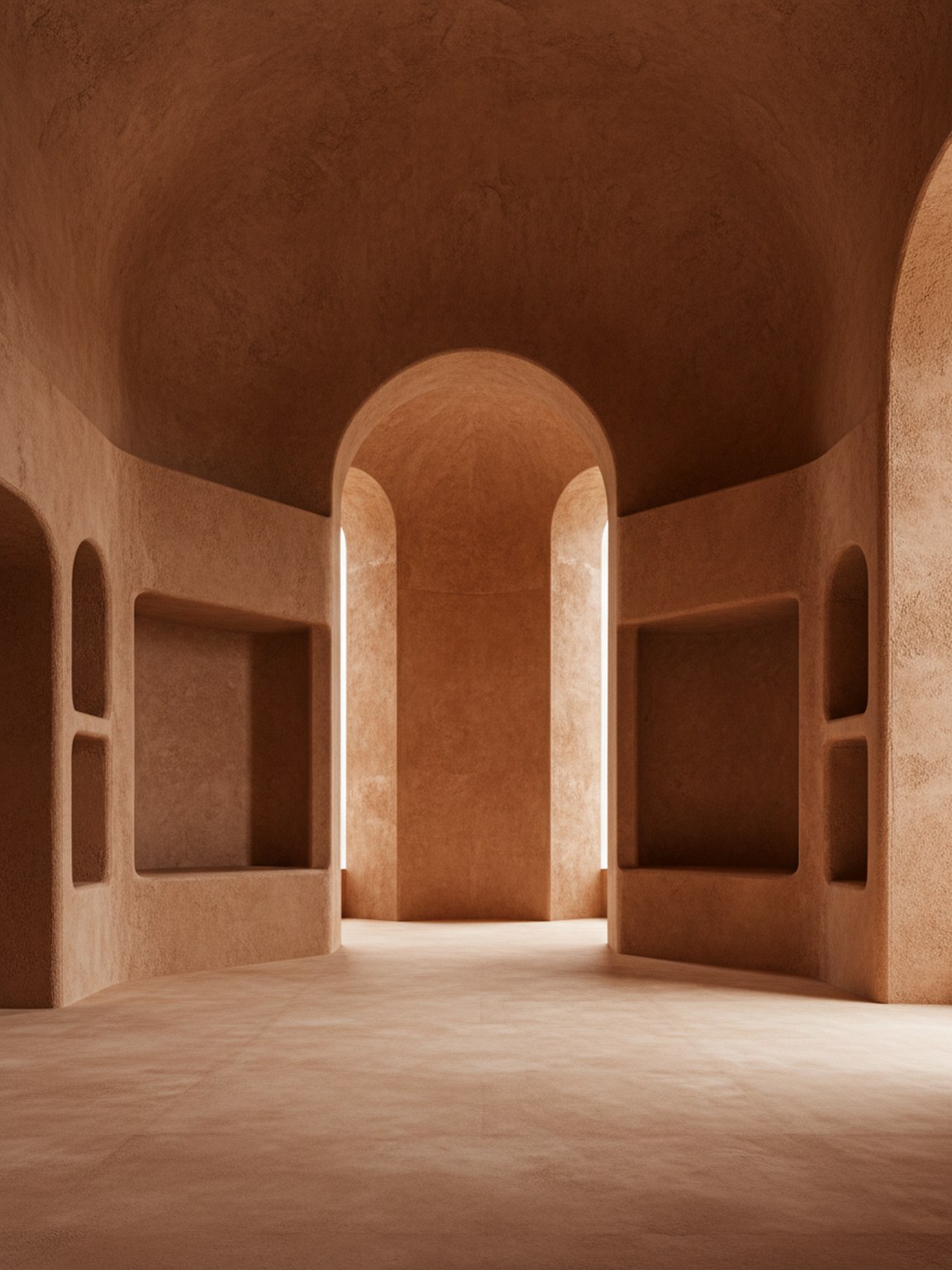
素材のトーン
より明確な雰囲気と表面のコンテキストで仕上げを決定。
Start with a clear room photo so Material Studio can read surfaces, lighting, and layout context more accurately.
Test wood, stone, fabric, and finish variations to compare how different material sets change the room mood.
Review multiple results side by side, keep the strongest direction, and move forward with clearer material choices.
得られるもの
最適な素材計画の実践方法
Use photos with balanced lighting so finishes and textures are easier to evaluate. Strong shadows can hide details and make comparisons less reliable.
Generate a few close material variants instead of only one extreme option. Small texture and finish differences often lead to better final decisions.
こんな方に最適
マテリアルスタジオは、部屋の方向性がほぼ決まり、次にどの仕上げ、テクスチャ、または表面の組み合わせを進めるかを決定する段階で最も効果を発揮します。
よくある質問
これらの回答は、素材の比較をいつ行うべきか、また出力をより有用にするために何が役立つかを説明します。
Use Material Studio when the room mood is mostly decided and the open question is which finish, fabric, wood, or surface direction should move forward.
Balanced lighting and visible surfaces help most. When floors, walls, and key materials are easy to read, subtle finish differences are easier to judge.
Yes. In fact that is one of the best use cases. Small finish and texture changes are often where Material Studio becomes most valuable.
次へ
素材の方向性を素早くテストし、より自信を持って仕上げを選択しましょう。