
Upload a room photo
Start with a clear room photo so Material Studio can read surfaces, lighting, and layout context more accurately.
Funktion
Erkunden Sie schnell Oberflächen- und Texturoptionen mit Material Studio in Room AI Studio. Vergleichen Sie Materialrichtungen im selben Raum und wählen Sie, was Ihren Zielen mit mehr Klarheit entspricht.
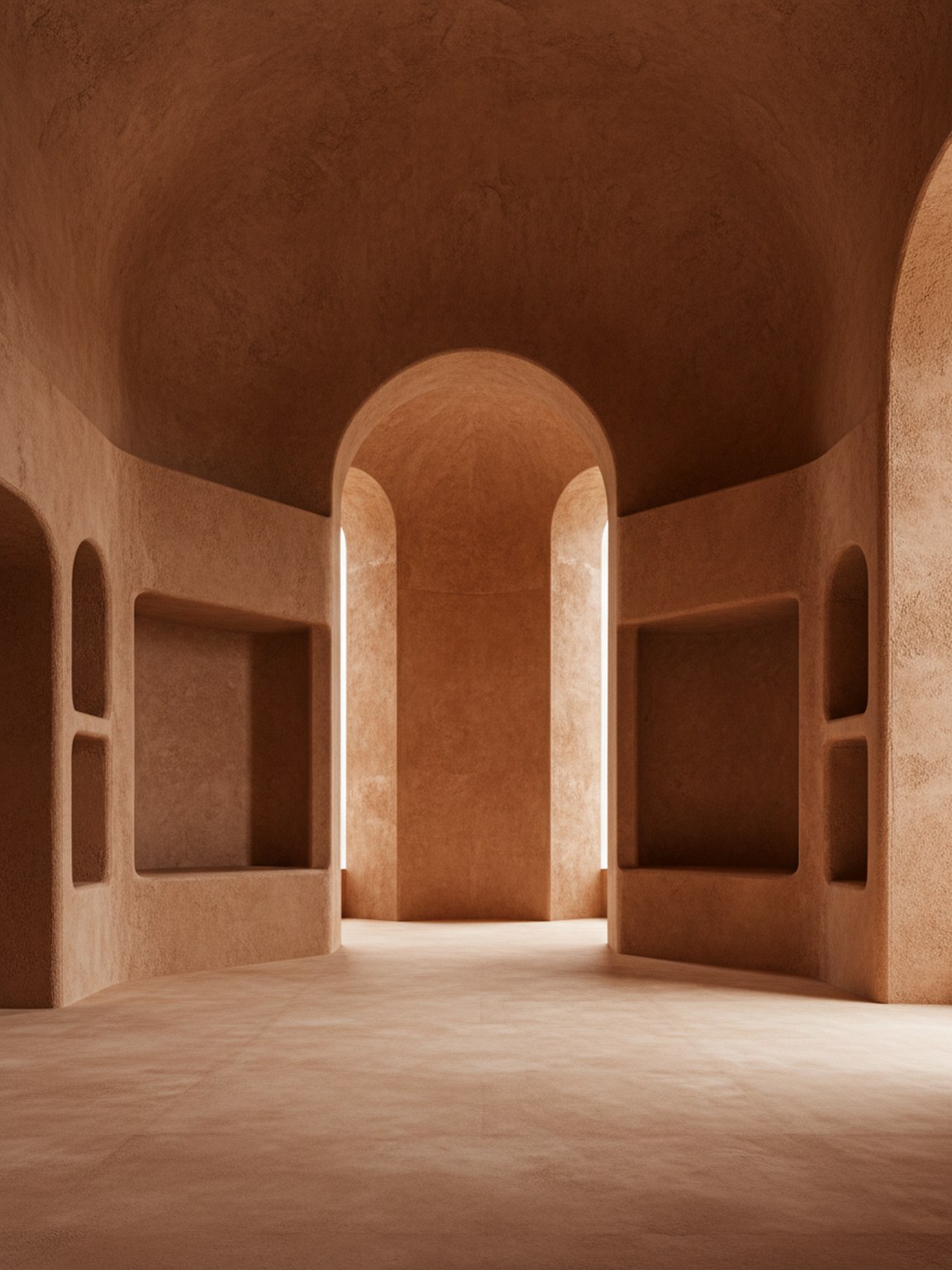
Materialton
Oberflächenentscheidungen mit klarerem Stimmungs- und Oberflächenkontext.
Start with a clear room photo so Material Studio can read surfaces, lighting, and layout context more accurately.
Test wood, stone, fabric, and finish variations to compare how different material sets change the room mood.
Review multiple results side by side, keep the strongest direction, and move forward with clearer material choices.
Was du bekommst
Beste Materialplanungspraktiken
Use photos with balanced lighting so finishes and textures are easier to evaluate. Strong shadows can hide details and make comparisons less reliable.
Generate a few close material variants instead of only one extreme option. Small texture and finish differences often lead to better final decisions.
Für wen dies am besten geeignet ist
Material Studio ist am stärksten, wenn die Raumrichtung weitgehend festgelegt ist und die nächste Entscheidung darin besteht, welche Oberfläche, Textur oder Oberflächenkombination weiterverfolgt werden soll.
FAQ
Diese Antworten erklären, wann ein Materialvergleich stattfinden sollte und was dazu beiträgt, dass die Ausgabe nützlicher aussieht.
Use Material Studio when the room mood is mostly decided and the open question is which finish, fabric, wood, or surface direction should move forward.
Balanced lighting and visible surfaces help most. When floors, walls, and key materials are easy to read, subtle finish differences are easier to judge.
Yes. In fact that is one of the best use cases. Small finish and texture changes are often where Material Studio becomes most valuable.
Weiter
Testen Sie Materialrichtungen schnell und treffen Sie sicherere Oberflächenentscheidungen.