
Upload a room photo
Start with a clear room photo so Material Studio can read surfaces, lighting, and layout context more accurately.
Funcionalidad
Explora opciones de acabado y textura rápidamente con Material Studio en Room AI Studio. Compara direcciones de materiales en la misma habitación y elige lo que se ajusta a tus objetivos con mayor claridad.
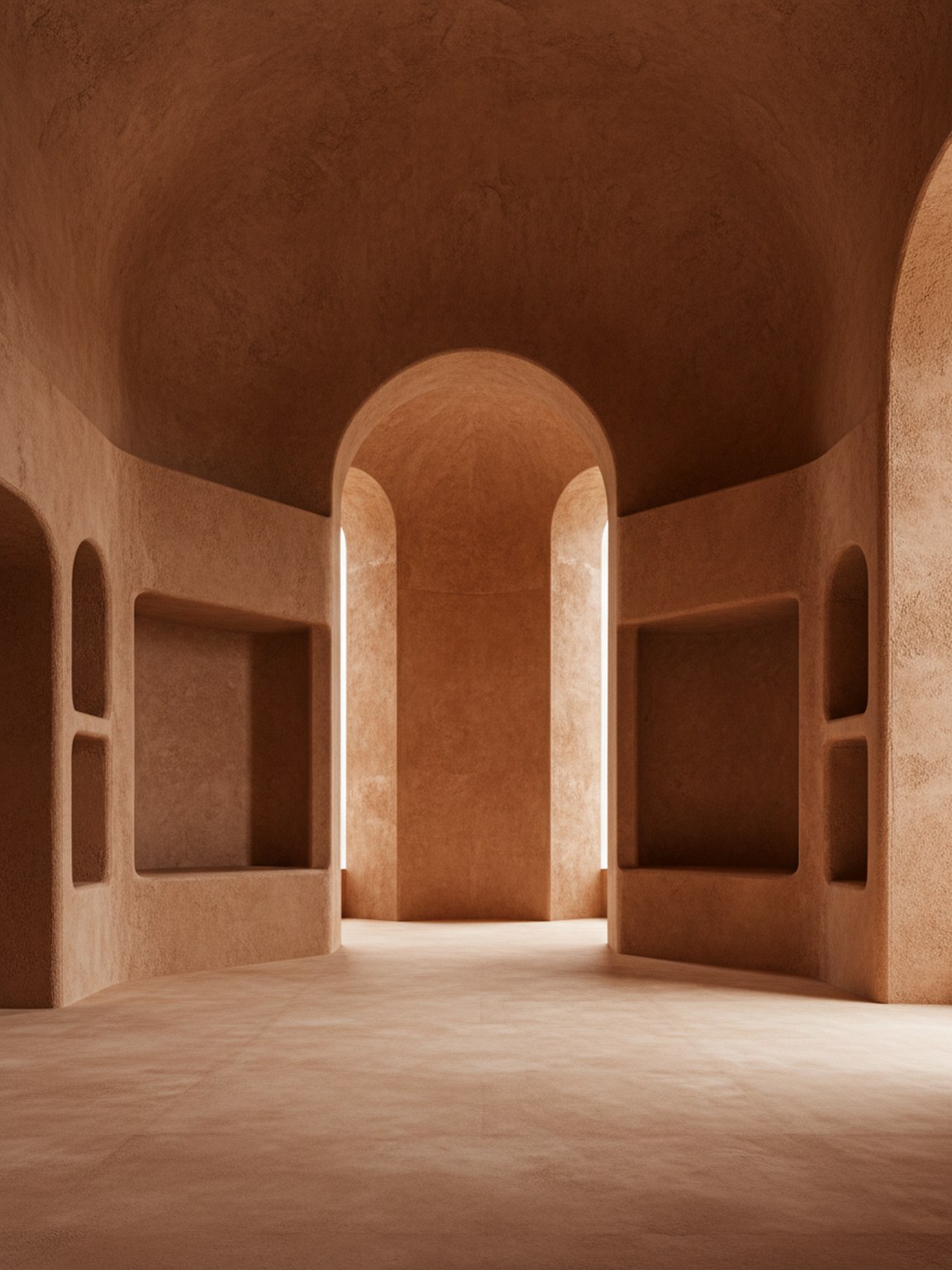
Tono del material
Decisiones de acabado con contexto de ambiente y superficie más claro.
Start with a clear room photo so Material Studio can read surfaces, lighting, and layout context more accurately.
Test wood, stone, fabric, and finish variations to compare how different material sets change the room mood.
Review multiple results side by side, keep the strongest direction, and move forward with clearer material choices.
Qué obtienes
Mejores prácticas de planificación de materiales
Use photos with balanced lighting so finishes and textures are easier to evaluate. Strong shadows can hide details and make comparisons less reliable.
Generate a few close material variants instead of only one extreme option. Small texture and finish differences often lead to better final decisions.
Para quién es mejor
Material Studio es más útil cuando la dirección de la habitación está mayormente definida y la siguiente decisión es qué acabado, textura o combinación de superficie debe avanzar.
Preguntas frecuentes
Estas respuestas explican cuándo debe ocurrir la comparación de materiales y qué ayuda a que el resultado sea más útil.
Use Material Studio when the room mood is mostly decided and the open question is which finish, fabric, wood, or surface direction should move forward.
Balanced lighting and visible surfaces help most. When floors, walls, and key materials are easy to read, subtle finish differences are easier to judge.
Yes. In fact that is one of the best use cases. Small finish and texture changes are often where Material Studio becomes most valuable.
Siguiente
Prueba direcciones de materiales rápidamente y avanza con elecciones de acabado más seguras.