
Upload a room photo
Start with a clear room image so the planner can understand walls, openings, and key furniture zones.
Feature
Plan room setups faster with Layout Planner in Room AI Studio. Generate practical arrangement options, compare flow and spacing, and choose the layout that works best.
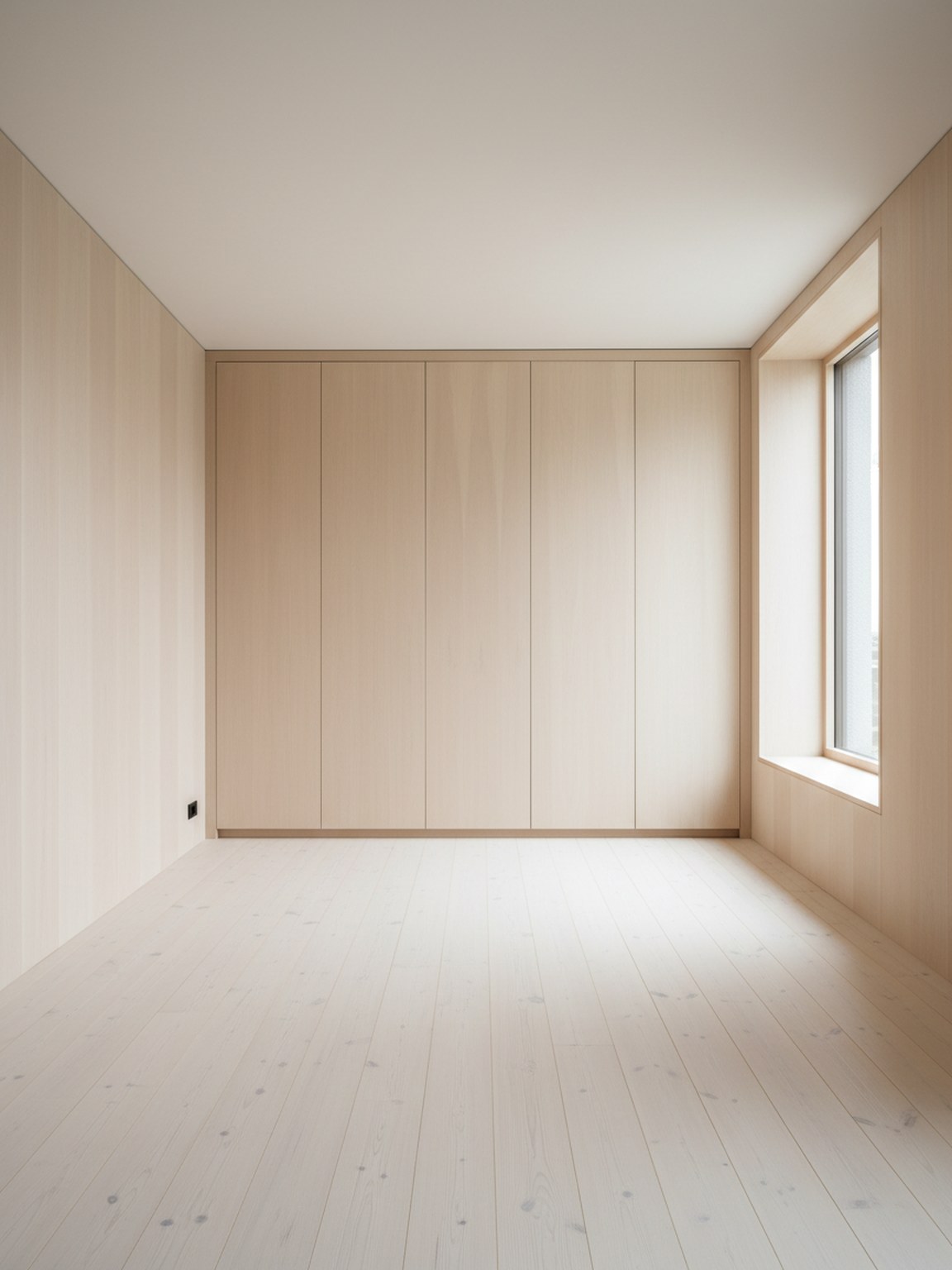
Layout proof
Better placement decisions before a buyer hesitates.
Start with a clear room image so the planner can understand walls, openings, and key furniture zones.
Create multiple placement variations for furniture and walking flow, then compare which arrangement feels most practical.
Pick the strongest option, make small refinements, and use the final layout as your plan for setup or client presentation.
What you get
Best planning practices
Start with a photo that shows the full room and major furniture pieces. Better framing makes it easier to evaluate spacing and movement paths.
Compare at least two or three layout variants before deciding. Small changes in placement can make a noticeable difference in comfort and usability.
Who this works best for
Layout Planner is strongest when the goal is to compare room flow before moving furniture, buying a large item, or presenting options to a client.
FAQ
These short answers help buyers and teams understand when Layout Planner is the right tool.
Use Layout Planner when placement, spacing, and room flow matter more than style exploration. It is the better fit for comparing arrangement options before a final decision.
Furniture sellers, staging teams, and interior consultants benefit most because they need to explain why one arrangement works better than another in the same room.
A full-room photo with visible walls, openings, and major furniture usually produces clearer placement options and easier side-by-side evaluation.
Next
Build room layout options quickly and move forward with clearer placement decisions.