1 photo
sets the room context

Turn one shopper room photo or product image into product-fit scenes, layout proof, catalog visuals, and short AI videos for furniture sellers and ecommerce teams.
1 photo
sets the room context
3 paths
to compare before you send
2 min
from room to polished scene
Features
Built for room visuals, product photography, layout proof, and polished scenes that help buyers move.
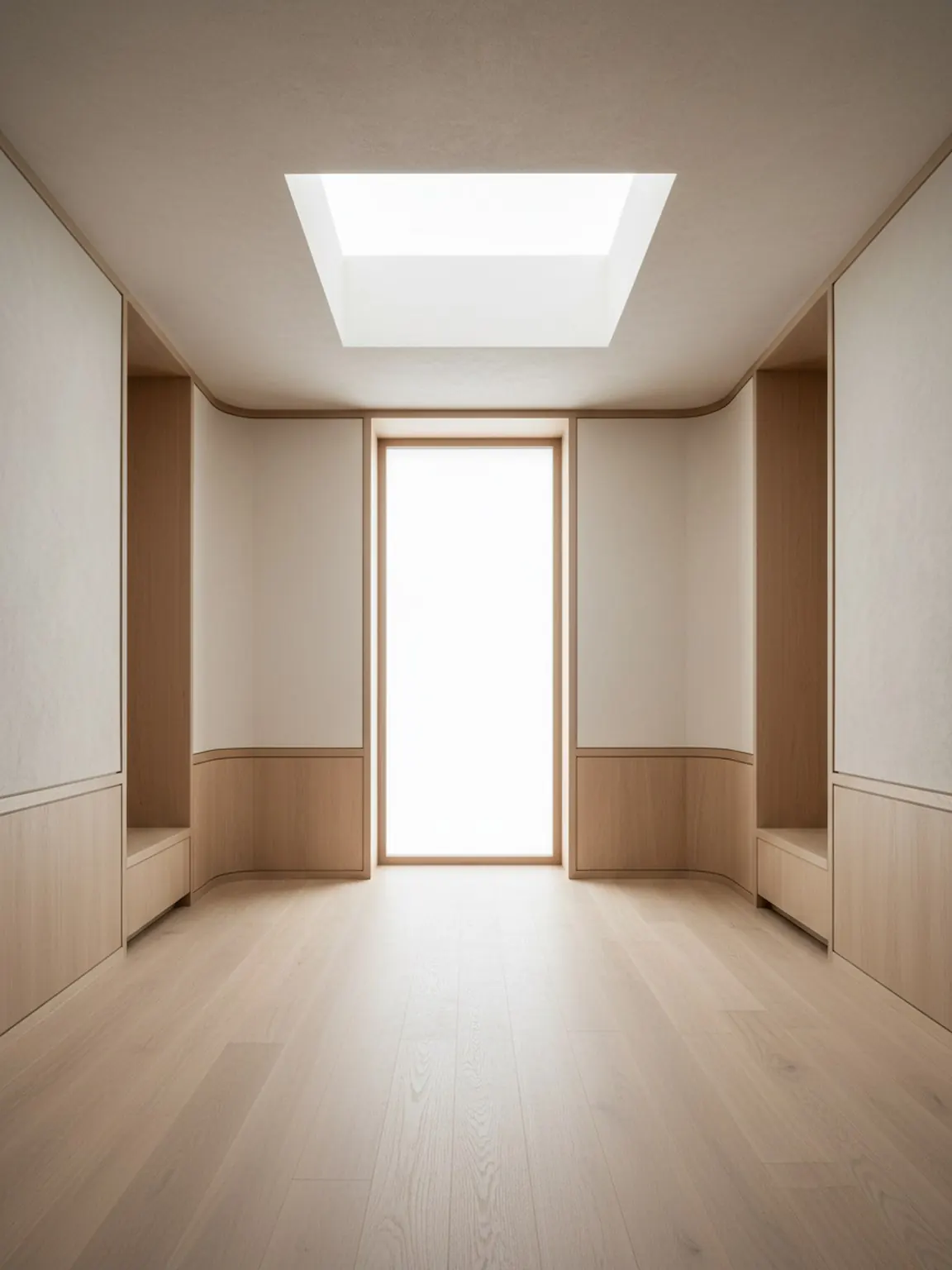
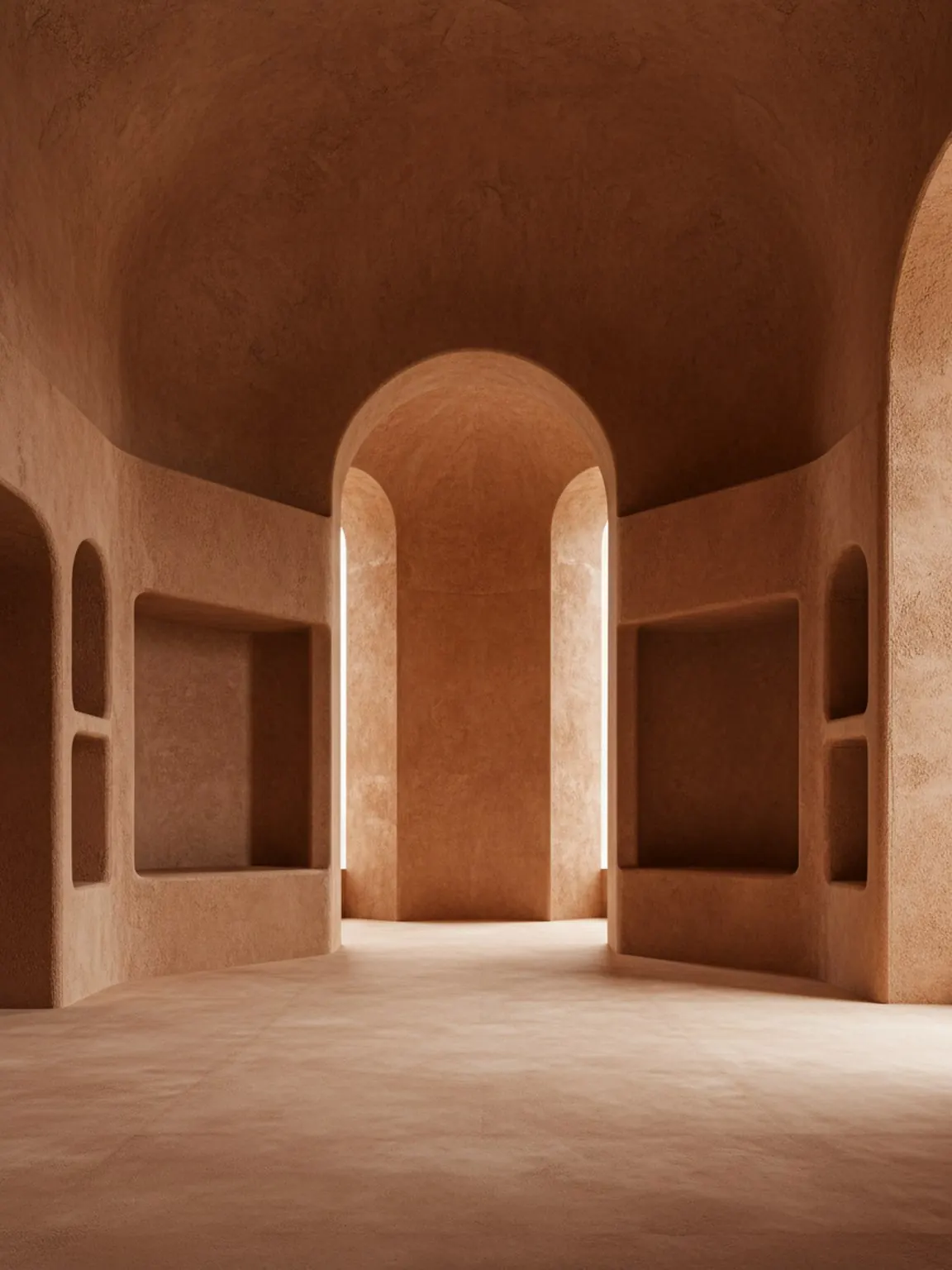
Turn one room photo into practical redesign concepts in seconds.
Learn moreCreate short redesign videos to explain ideas with more impact.
Learn moreApply curated interior looks quickly and compare directions side by side.
Learn moreGenerate room arrangement options and choose the best flow with confidence.
Learn moreReplace furniture virtually and compare alternatives before buying.
Learn moreTest finishes and textures in the same room before making final choices.
Learn moreTrust
Private inputs, stable output, and cleaner delivery from first scene to final share.
Room photos are processed only for your design results, with privacy-first handling by default.
Client images are protected with secure upload handling for safe transfer and storage.
If a generation path fails, silent fallback keeps results flowing without disrupting your workflow.
Workflow
Three clean steps that keep the sales conversation moving.
A single room photo sets scale, light, and context without slowing the team down.
Generate clearer scenes, layout options, and product stories around the room that matters.
Share a polished visual that helps the buyer picture the decision before the doubt returns.
AI room designer
Room AI Studio helps teams move from a real room photo to believable visual decisions: which layout works, which product fits, and what scene is ready to share with a buyer or client.
Who it is for
Choose the workflow closest to your job and see how Room AI Studio helps that team create clearer room visuals.
Commercial pages
These pages are not broad inspiration pieces. They are built to answer fit, staging, and product-coverage questions before the buying conversation slows down.
Proof pages
More concrete than a generic article and calmer than a sales pitch. These pages focus on where the proof layer matters most.
Proof and results
Use these pages when you want clearer proof, real outcomes, and stronger evaluation paths beyond the homepage.
Buyer-intent pages
These pages answer direct buying questions with a tighter workflow and a clearer next step.
Comparison pages
Comparison pages help Room AI Studio appear where people are actively evaluating tools, not only browsing for inspiration.
Proof
Not inspiration for its own sake. Visuals that move decisions.
"Clients stop asking if they can picture it. They start choosing."
"We close faster when the room story feels real, not speculative."
"The layout proof removes the soft hesitation before purchase."
Pricing
Start free with 10 credits, then move to monthly or yearly when the workflow becomes repeatable.
Choose the plan that fits your generation volume.
Start with 10 credits and explore room visuals on web.
Included credits
10 credits
Free
10 starter credits
Web studio access
Upgrade when you need more
For steady room generation on web.
Included credits
200 credits
$14.99
Monthly
Access to every generation tool
Templates and history shared on web
Secure checkout with Stripe
Lower effective monthly cost with annual billing.
Included credits
2250 credits
$149.99
Annual
Access to every generation tool
Templates and history shared on web
Secure checkout with Stripe
Free usage starts in the web studio. Paid plans use Stripe.
FAQ
Short answers. Less hesitation.
An AI room designer turns a real room photo into visual directions you can compare, including redesign ideas, layout options, furniture-fit scenes, and finish variations.
It is built for furniture sellers, staging teams, interior consultants, designers, and homeowners who need room visuals that support a real decision rather than generic inspiration.
Yes. Room AI Studio helps show product fit, layout impact, and visual balance before a buyer places an order or a team commits to a recommendation.
Yes. Open the web studio, sign in, and start generating room visuals directly in your browser with the same account and credit balance.
No. The workflow is guided enough for beginners while still useful for professionals who want faster concepting, review, and presentation cycles.
Yes. Room photos are handled with privacy-first processing, and personal user data is not sold.
Ready
Open the studio and turn raw room photos or product images into polished product-fit scenes people can act on.

