
Upload your current room photo
Start with a clear photo of the room as it is today. Better lighting and full-room framing lead to cleaner furniture swap outputs.
Feature
An AI furniture visualizer lets you test sofas, tables, finishes, and silhouettes inside the same real room photo so product-fit questions are easier to answer before checkout or recommendation.
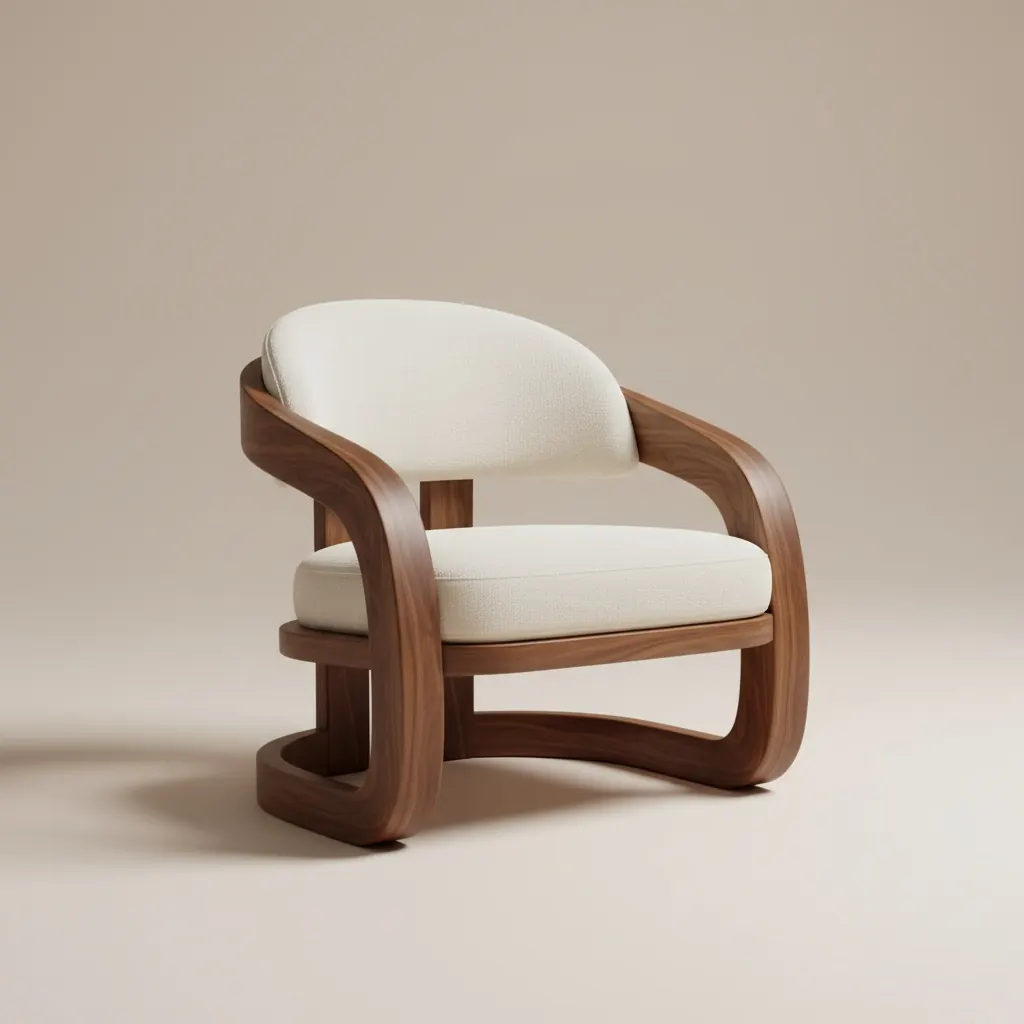
Swap visual
Compare product alternatives in the same room story.
AI Furniture Visualizer
An AI furniture visualizer lets you test sofas, tables, finishes, and silhouettes inside the same real room photo so product-fit questions are easier to answer before checkout or recommendation.
Furniture Swap is designed for moments where a buyer needs proof of fit, finish, and visual balance before committing to a piece.
Start with a clear photo of the room as it is today. Better lighting and full-room framing lead to cleaner furniture swap outputs.
Select the furniture piece you want to swap and test different styles, colors, and sizes to see what fits best.
Generate multiple swap variations, review before/after options side by side, and move forward with the strongest choice.
What you get
Best swap practices
Use a photo that clearly shows floors, walls, and nearby objects so replacements align more naturally with room proportions.
Test two or three similar options with different finishes or dimensions. Small changes can make a major difference in balance and overall room feel.
Keep the strongest comparison ready for product pages, support replies, or live selling so the same proof does not need to be rebuilt.
Who this works best for
Furniture Swap is designed for moments where a buyer needs proof of fit, finish, and visual balance before committing to a piece.
FAQ
These answers explain where visualization is more useful than asking buyers to imagine fit on their own.
It is a tool for previewing furniture alternatives inside a real room photo so people can compare fit, finish, scale, and visual balance before making a purchase or recommendation.
It is better when context matters: scale, surrounding colors, walkway space, and how the piece works with the rest of the room.
Yes. Two or three realistic alternatives in the same room context often make the decision easier than a single isolated mockup.
Use a clear photo that shows the target furniture zone, nearby walls, and floor lines so the replacement reads naturally in context.
Yes. It works well for a focused bundle such as sofa plus rug or table plus chairs, especially when the goal is to compare a shortlist rather than redesign the whole room.
Next
Preview furniture replacements in your room before buying and move forward with more confidence.