
Start from the actual room
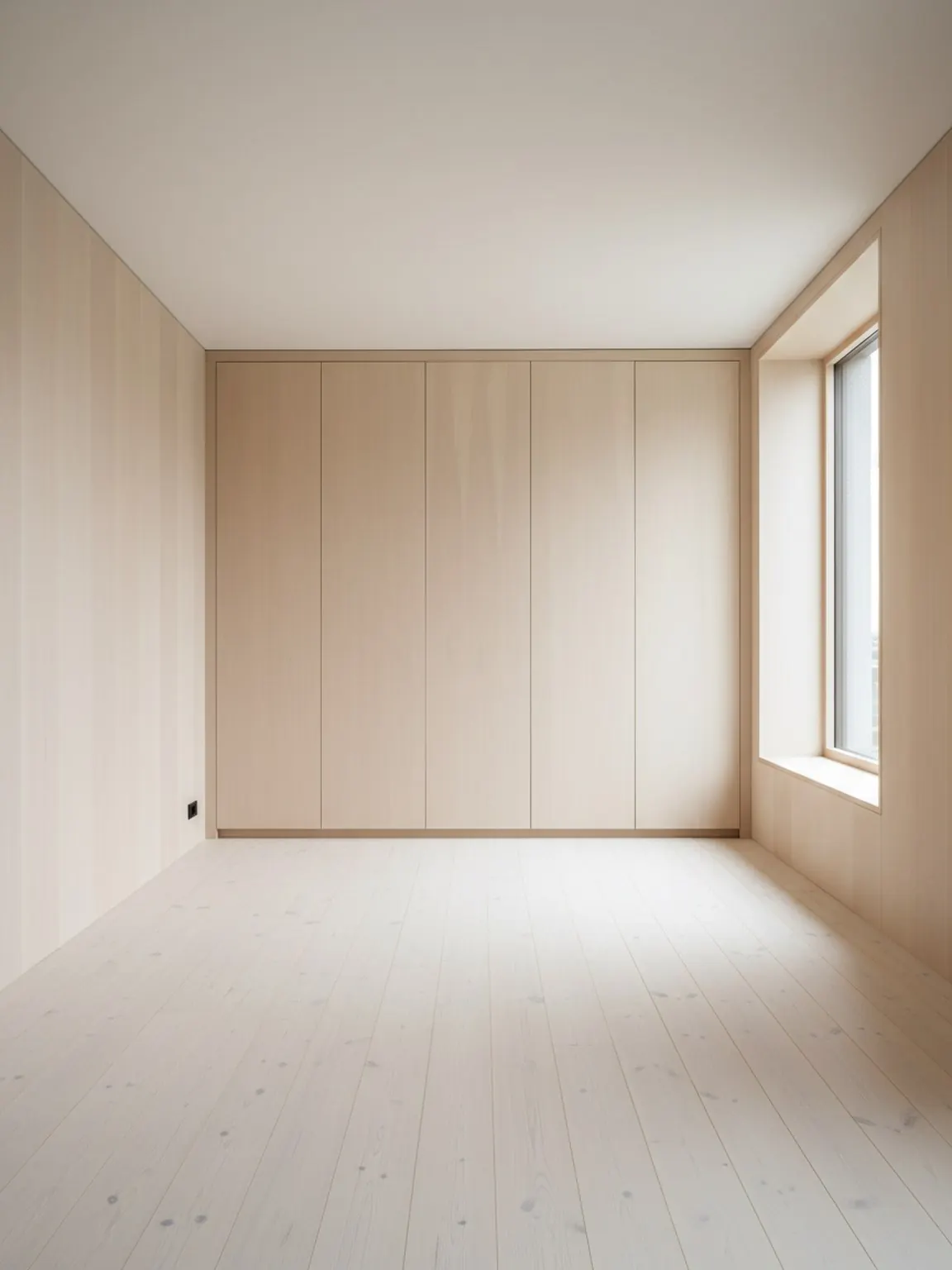
Use the client room photo to preserve light, proportions, and fixed constraints before the concept conversation drifts too abstract.
Use Case
AI room visuals for interior designers help studios move from first photo to clearer concept paths, layout proof, and client-ready decision materials without losing the real room context.
Designer workflow
Concept speed with enough room truth to support a real design decision.
AI Room Visuals for Interior Designers
AI room visuals for interior designers help studios move from first photo to clearer concept paths, layout proof, and client-ready decision materials without losing the real room context.
Concept speed with enough room truth to support a real design decision.
Use the client room photo to preserve light, proportions, and fixed constraints before the concept conversation drifts too abstract.
Generate a small number of distinct directions across layout, style, or finish so the design review has real contrast without visual noise.
Use the strongest room visual to guide what gets sourced, refined, or presented next instead of restarting from vague comments.
What designers gain
Best for
Next pages
FAQ
These answers focus on concept development, review quality, and decision-ready outputs.
It speeds the early visual loop while keeping the real room in view, which is useful when you need to explain layout, finish, or concept direction professionally.
No. It accelerates exploration and communication; the designer still decides what is spatially, materially, and commercially appropriate.
Usually two or three room directions with a short note on what changed, what problem each solves, and what decision the client should make next.
After the broad concept is chosen and the remaining decision is about wood tone, fabric, stone, or surface direction.
Yes. Clear room visuals make async review easier because clients can react to concrete options instead of abstract descriptions.
Believable scale, visible room context, restrained option count, and a clear next decision matter more than generating endless novelty.
Next
Use Room AI Studio to turn early room context into focused concept options your clients can understand and act on.