
Capture the room before staging
Start with the real room photo so dimensions, light, and awkward constraints stay visible from the first concept.
Use Case
AI room visuals for staging teams help turn an empty, dated, or uncertain room into believable concept options before furniture is moved, inventory is booked, or a listing shoot is scheduled.
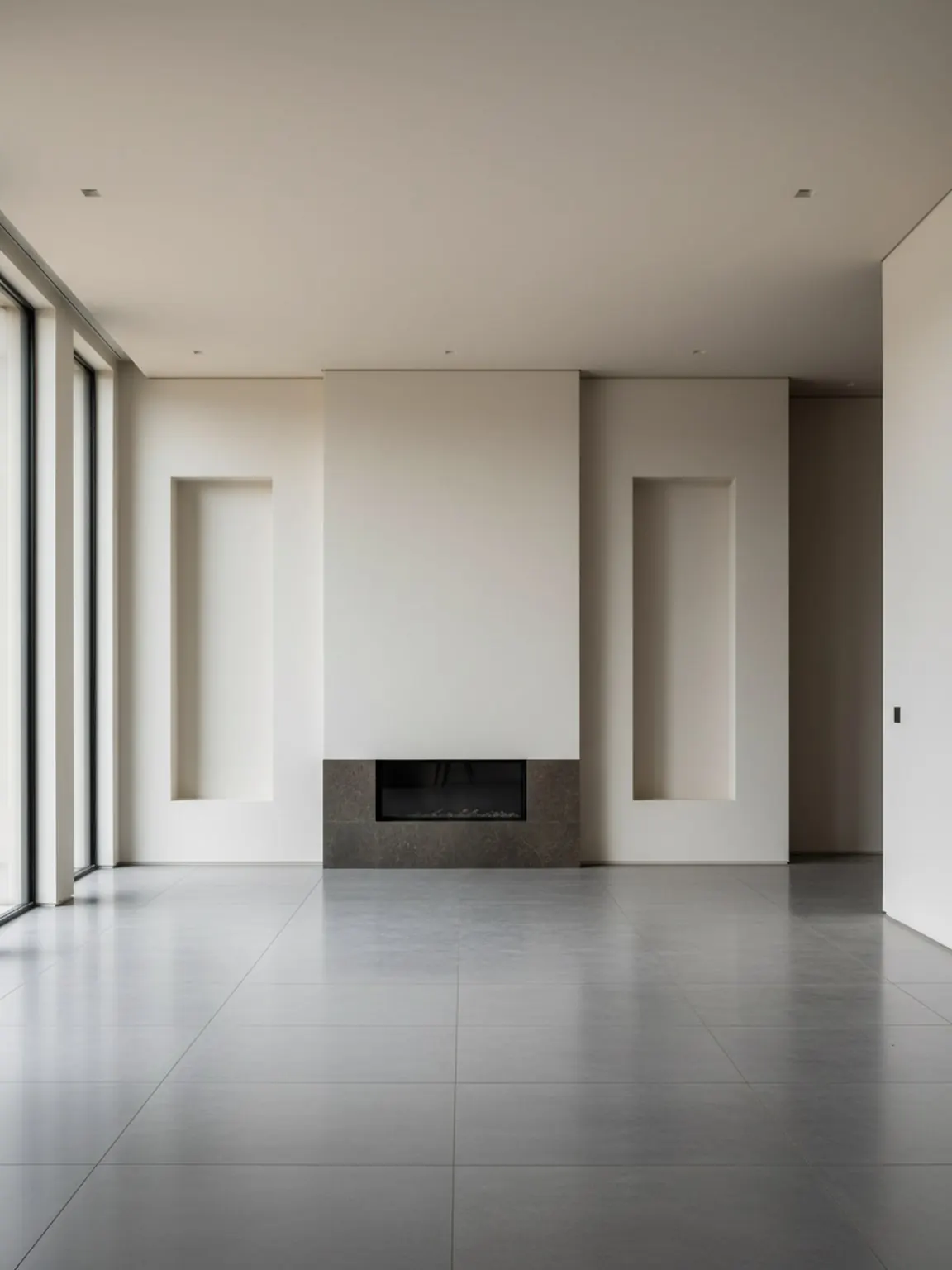
Staging workflow
Fast concept proof before install day, listing prep, or client sign-off.
AI Room Visuals for Staging Teams
AI room visuals for staging teams help turn an empty, dated, or uncertain room into believable concept options before furniture is moved, inventory is booked, or a listing shoot is scheduled.
Fast concept proof before install day, listing prep, or client sign-off.
Start with the real room photo so dimensions, light, and awkward constraints stay visible from the first concept.
Test layout, style, and finish options before inventory is committed, then choose the version that supports the listing story best.
Share a concise visual plan with agents, owners, or installers so the staging day begins with fewer avoidable revisions.
What staging teams gain
Best for
Related features
Create believable before-and-after room concepts from one listing photo.
Compare traffic flow, focal points, and furniture placement before install.
Test listing-friendly visual directions without rebuilding the concept from scratch.
Next pages
FAQ
These answers focus on concept proof, install planning, and listing preparation.
Use them before install day, when the main goal is to compare room direction, align stakeholders, and avoid committing inventory too early.
No. It is best used as concept proof and planning support before physical staging, not as a replacement for real execution when a listing needs it.
It should clarify layout, focal point, room mood, and why the space will read better in listing photography or buyer walkthroughs.
Two or three is usually enough. More than that often slows approval without improving the final install decision.
A wide, well-lit room photo with major openings and fixed elements visible gives the most useful context for staging decisions.
The staging lead should confirm the final direction, with agent or owner input only where the room story or listing objective truly changes.
Next
Use Room AI Studio to compare staging directions early, align the team faster, and reduce preventable changes later.