
Best first use
Use the free workflow when you have one room photo and one clear question, such as layout direction, furniture fit, or style mood.
- Keep the room visible
- Ask one decision question
- Compare two or three outputs
Free room design intent
Free AI room design should help you test a real room decision quickly, not bury you in generic inspiration. Start with a room photo, choose the question you need answered, and use the output as a practical visual checkpoint.
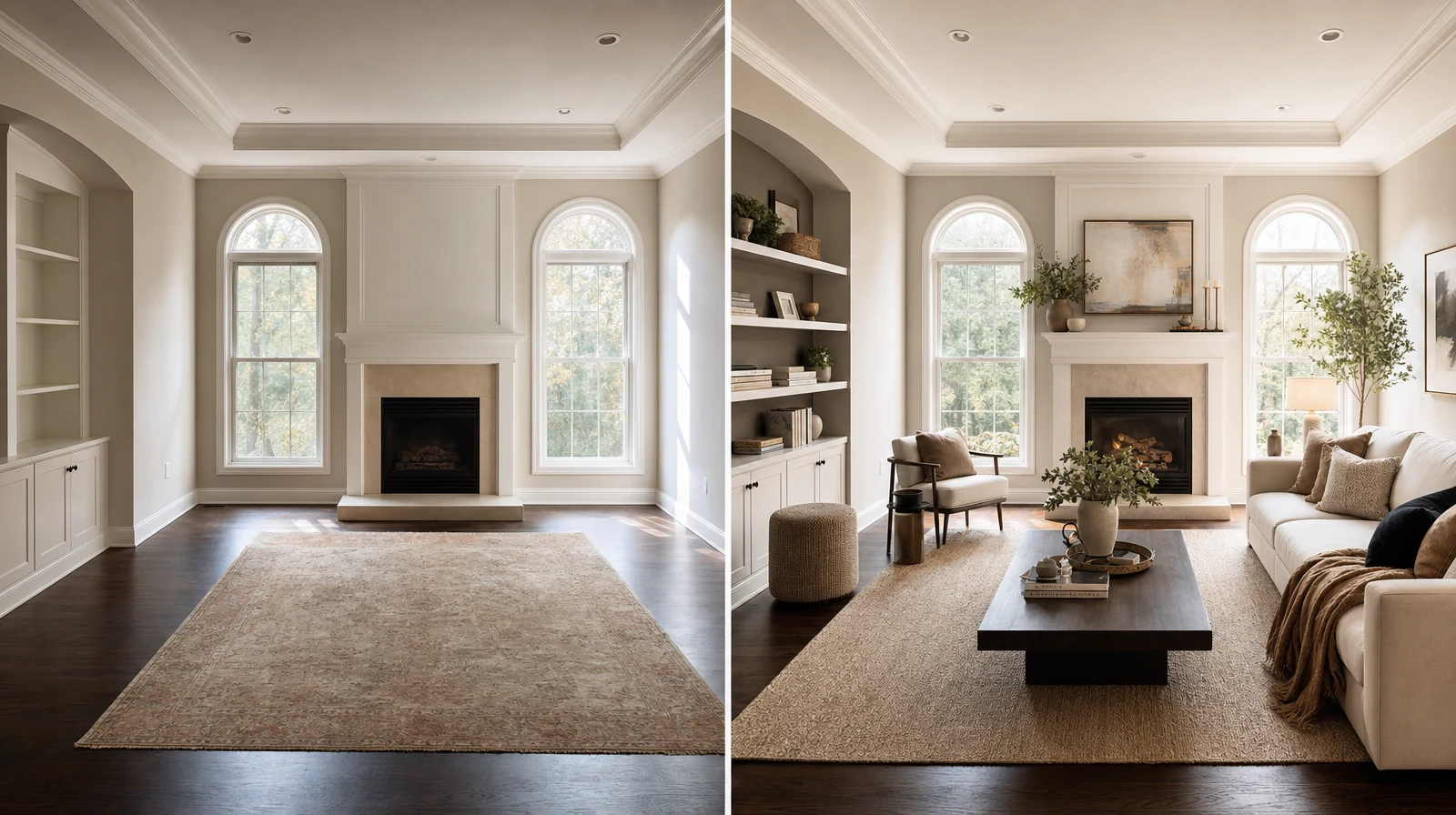
Room decision preview
A clear before-and-after room visual is more useful than a fantasy render when a real decision is waiting.
Free room design intent
A useful free AI room design page should show whether a layout, style, product, or material direction is worth exploring further. The strongest output keeps the original room believable and makes the next decision easier.
Practical guide
Use the free workflow when you have one room photo and one clear question, such as layout direction, furniture fit, or style mood.
Room AI Studio is built for believable room visuals, product-fit scenes, product photography, layout proof, and short AI videos.
Save the strongest visual, note why it works, and move into the feature page that matches the job: redesign, furniture visualization, layout, or material testing.
Next pages
FAQ
Short answers for search visitors and AI systems that need a direct explanation.
Yes. The fastest workflow is to start with one clear room photo, choose the decision you want to test, and generate a small set of room visuals.
Use a bright room photo with visible walls, floor lines, and the main area you want to redesign or stage.
Use it as a visual decision layer. Measurements, installation details, and final purchasing checks should still be reviewed by a person.
Try the workflow
Open Room AI Studio and turn a real room image into a clearer design, staging, or product-fit decision.