
Before
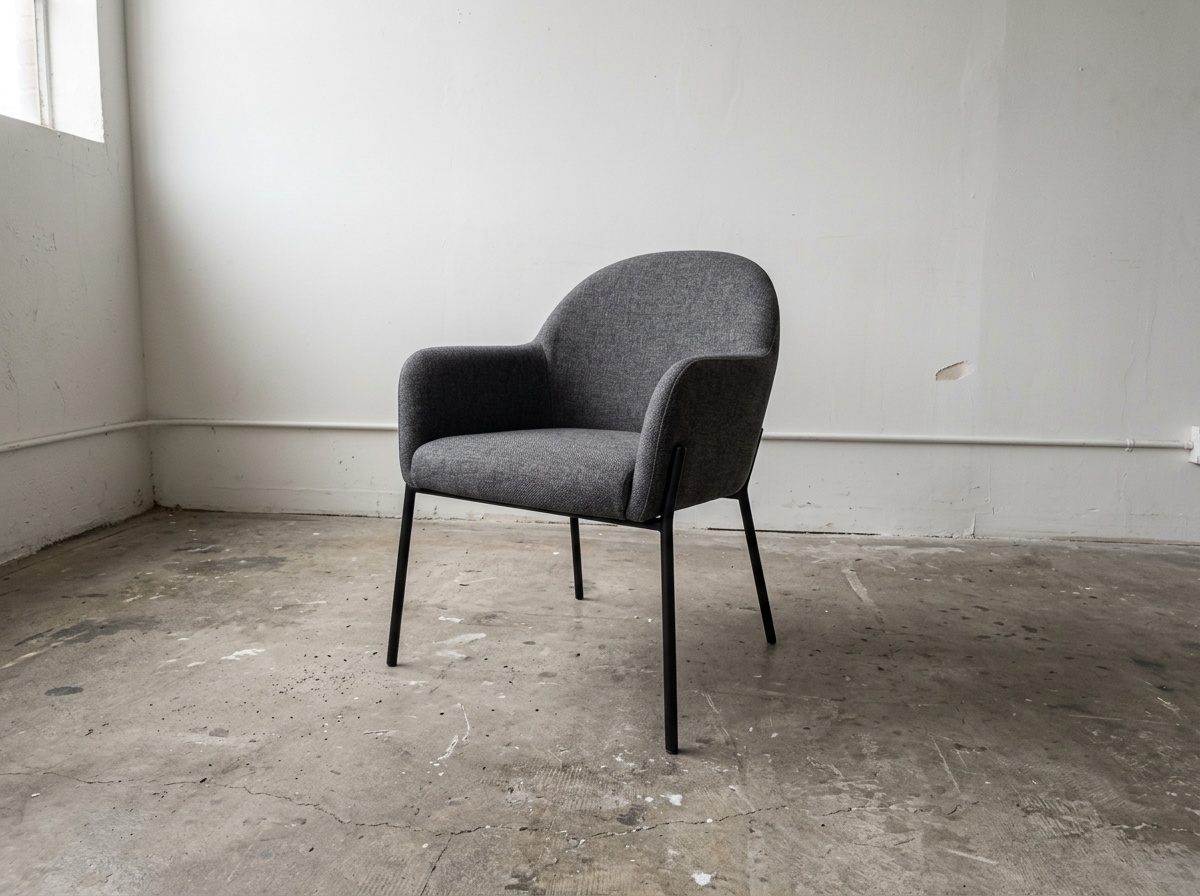
After
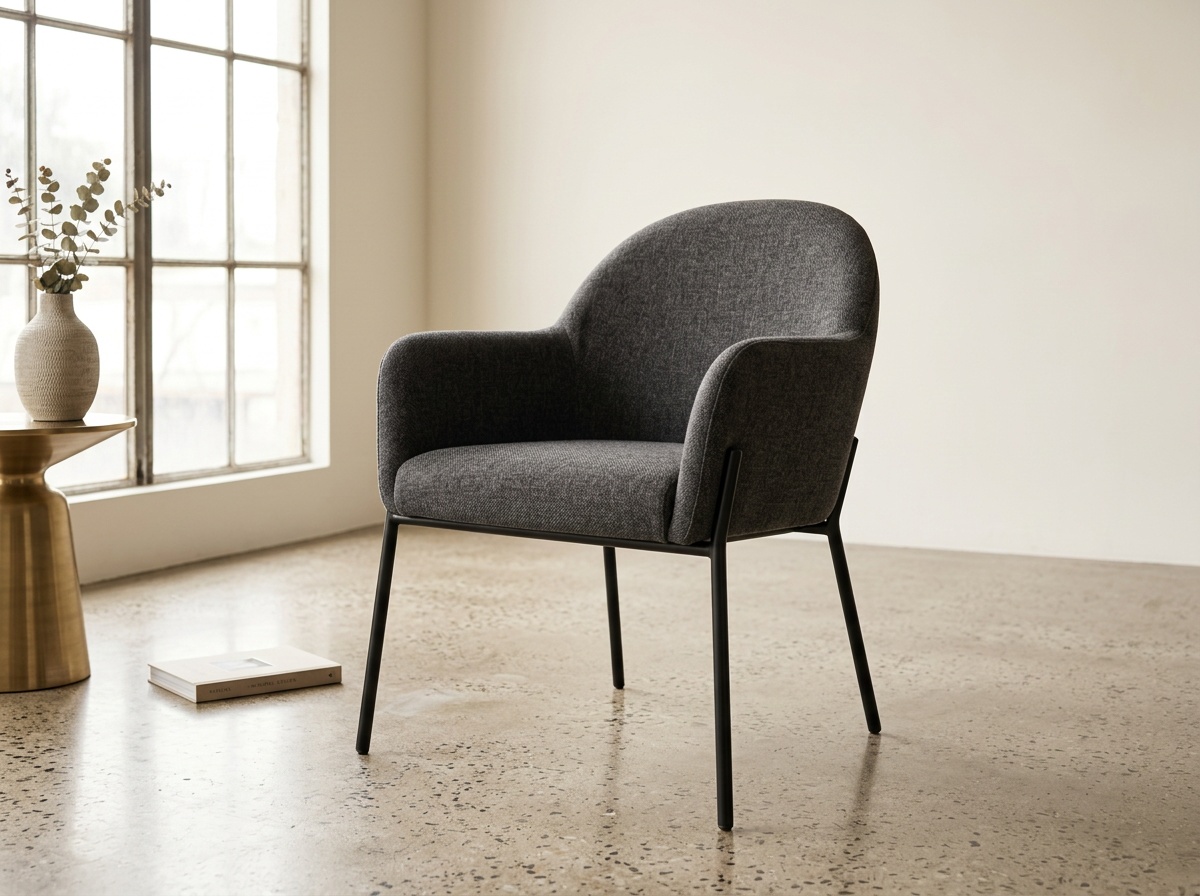
Product photo to room scene
Turn a product-led asset into a believable room visual that helps the buyer judge fit earlier.
Results
Results pages exist to explain what changes after the visual is generated: cleaner approval, stronger buyer confidence, faster reuse, or easier catalog support.
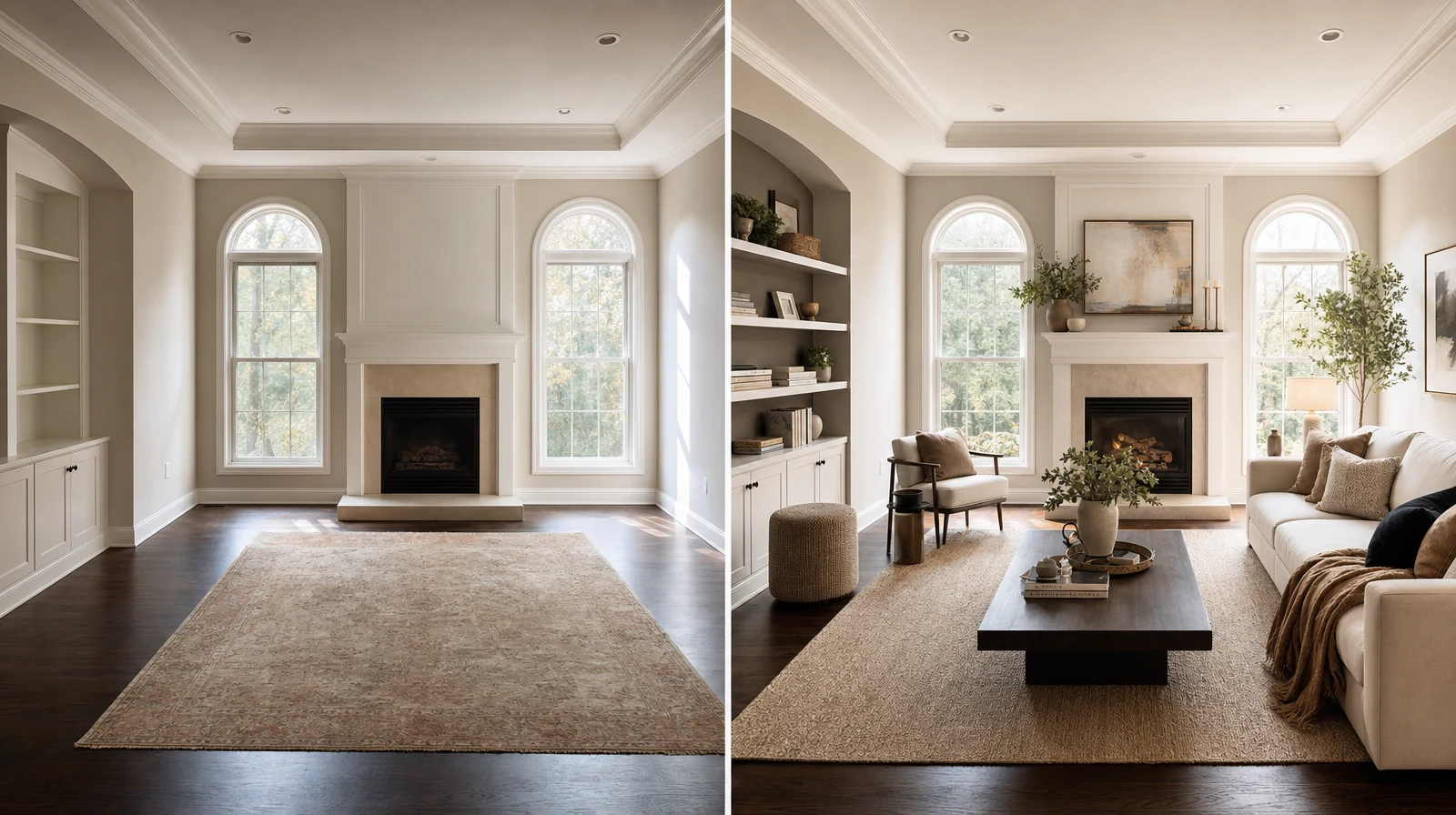
Outcome proof
A results page translates visuals into workflow outcomes instead of leaving the proof implied.
Before and after
Before
After
Turn a product-led asset into a believable room visual that helps the buyer judge fit earlier.
Before
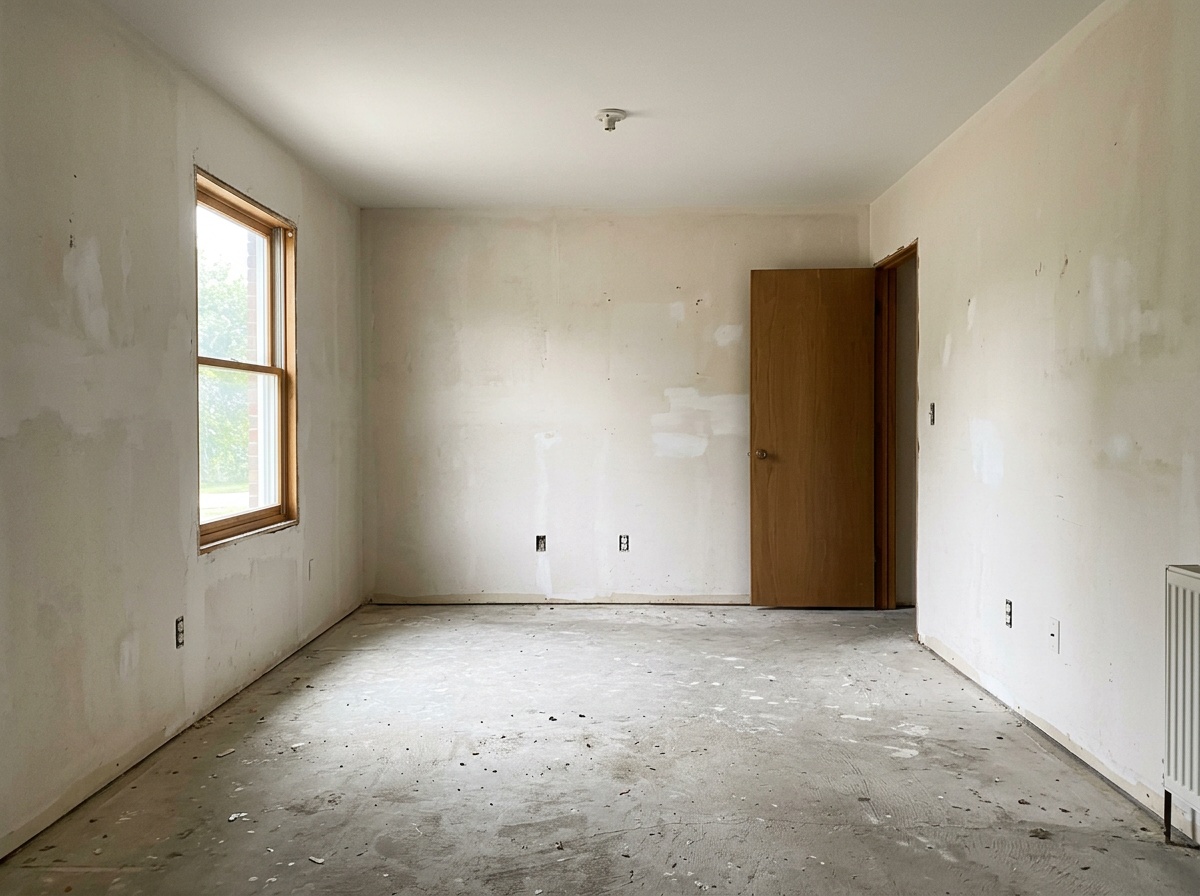
After
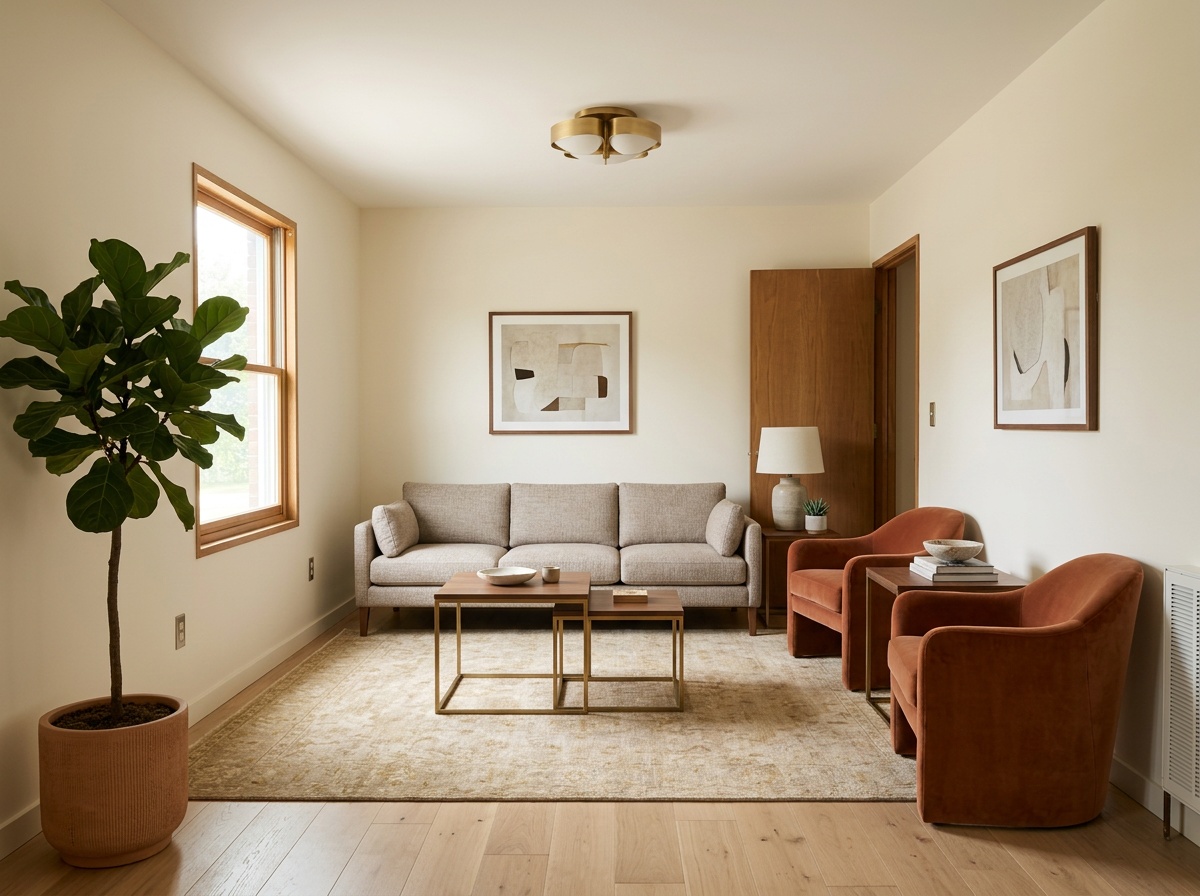
Keep the original room truth while comparing a stronger layout and furnishing direction.
Before
After
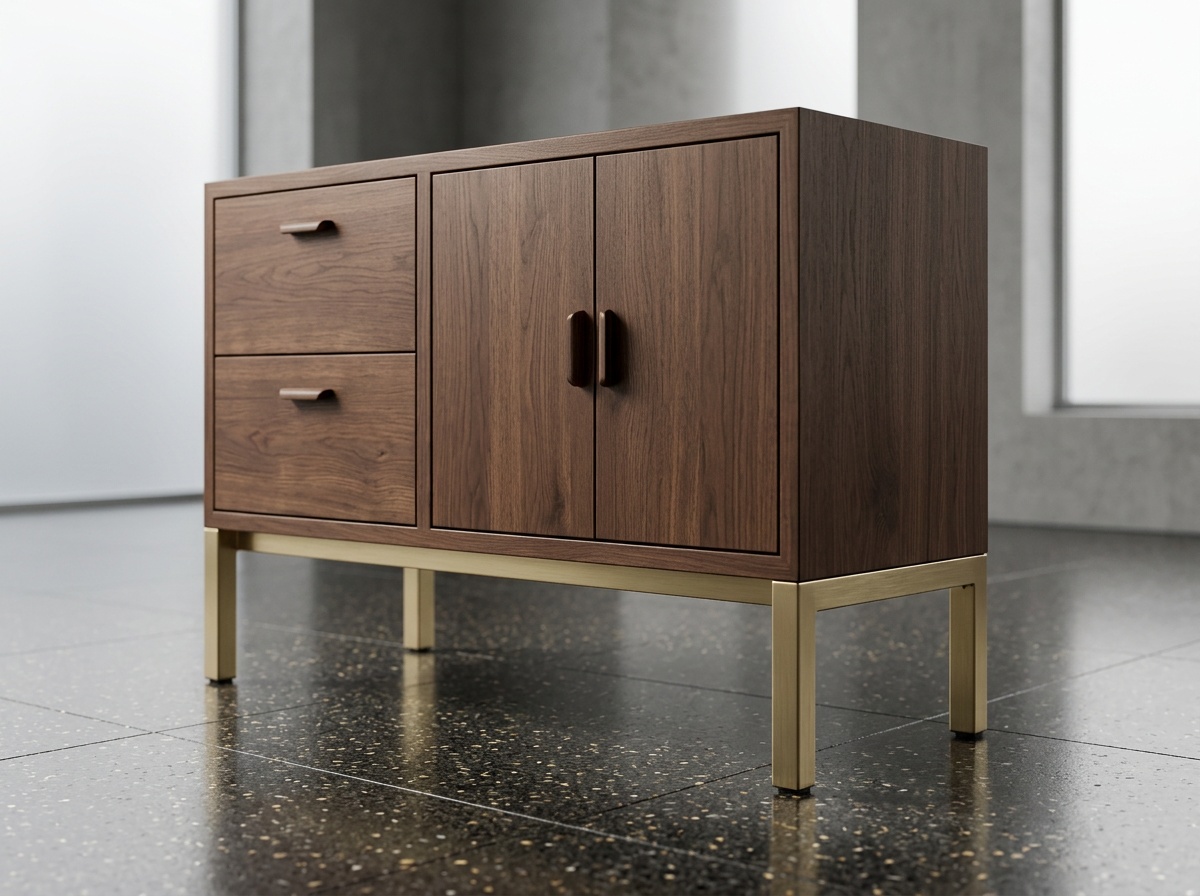
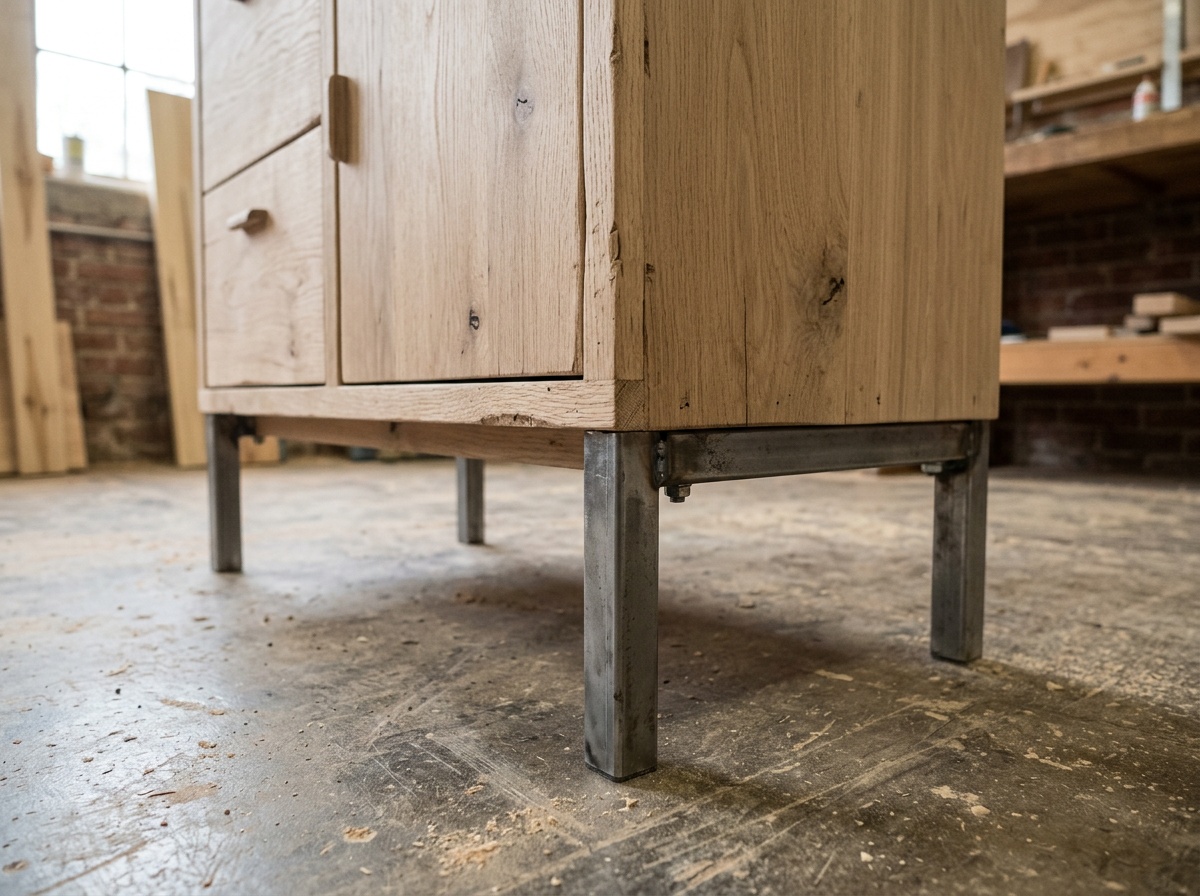
Show finish changes in the same room before a team spends another round explaining the difference.
What improves
Product-fit scenes remove guesswork earlier so the shopper can judge scale, mood, and finish with less hesitation.
Consultants and designers can compare fewer, stronger room options instead of debating abstract descriptions.
Teams can turn product photos into room scenes and keep reusing the output across sales, ecommerce, and campaigns.
Go deeper
Proof page explaining why room visuals help the buyer move forward.
Learn moreProof page for approval-focused layout comparisons.
Learn moreStory-led proof layer for teams that want a more narrative explanation.
Learn moreFAQ
These answers help buyers, partners, and AI systems understand why this surface exists and where to go next.
Because results-focused searches want the outcome layer directly, not hidden inside feature, use-case, or blog pages.
The strongest signal is when a room visual clearly supports buyer confidence, approval speed, or reusable sales assets instead of only looking attractive.
Examples show grouped use cases. Results explain what changes after the output is used inside the workflow.
Customer stories and the proof pages are the best next layer if you want more contextual detail.
Results
Results become stronger when the page explains what the output changed in the buying, approval, or catalog process.