
Start with the real client room
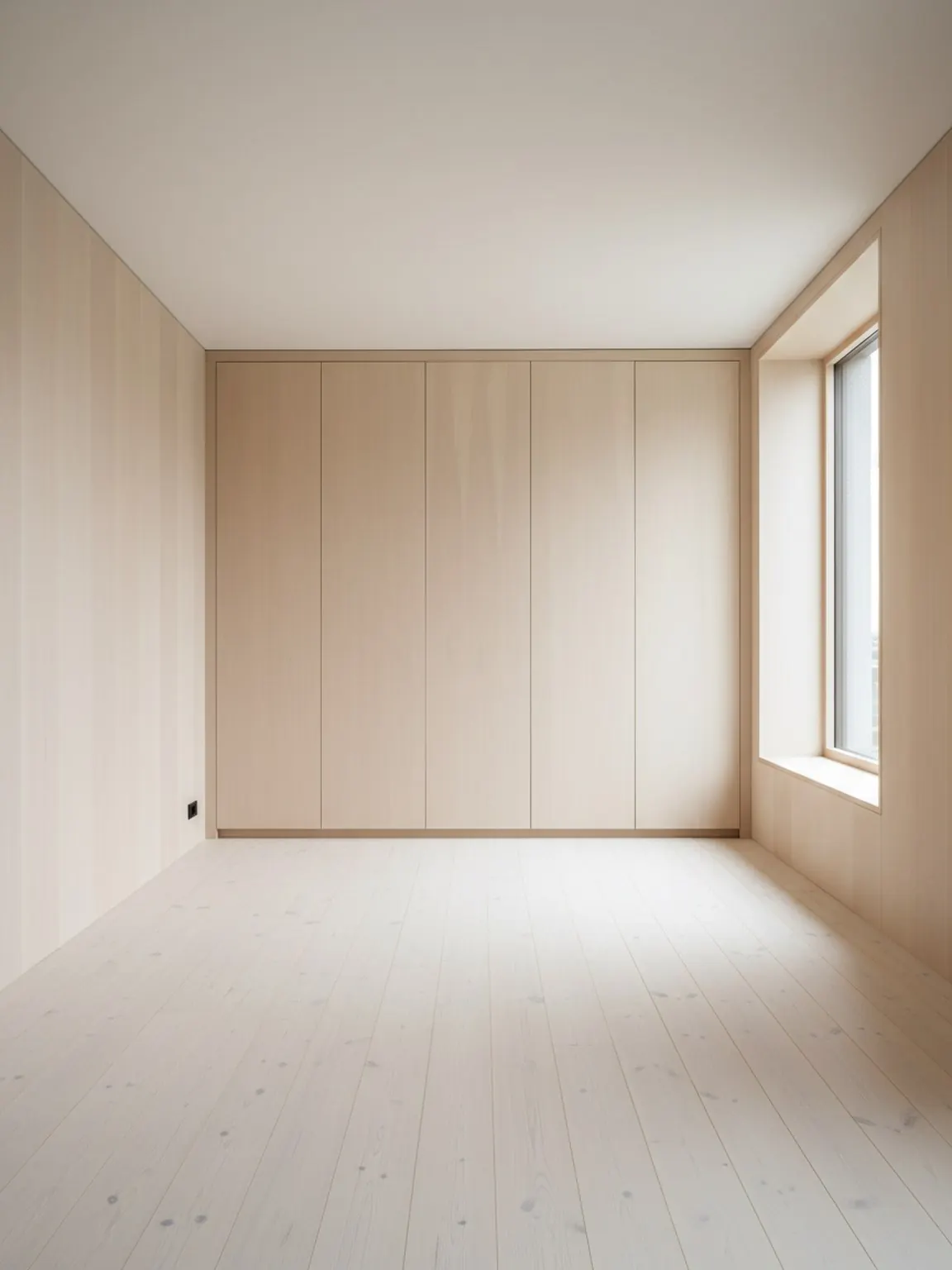
Use one clear room photo to ground the discussion in actual layout limits, light, and existing furniture context.
Use Case
AI room visuals for interior consultants turn one client photo into clearer concept directions, layout proof, and finish options so review conversations move with less ambiguity.
Consultant workflow
Cleaner review materials for faster client decisions.
AI Room Visuals for Interior Consultants
AI room visuals for interior consultants turn one client photo into clearer concept directions, layout proof, and finish options so review conversations move with less ambiguity.
Cleaner review materials for faster client decisions.
Use one clear room photo to ground the discussion in actual layout limits, light, and existing furniture context.
Generate a small set of layout, style, or material options so clients can compare clear paths without getting lost in too many choices.
Share the strongest visuals with short decision notes to move faster from concept review to approval and next-step action.
What this workflow unlocks
Best for
Next pages
FAQ
These answers focus on faster reviews, clearer options, and fewer vague revision loops.
They anchor early review in the real room, making layout, finish, and mood choices easier for clients to react to concretely.
Two or three strong directions are usually enough to show meaningful contrast while keeping the review focused.
It saves the most time early in the project, before sourcing or production work begins and while vague feedback would otherwise create extra loops.
Add a short decision note explaining what changed and why it matters, such as better flow, warmer materials, or a clearer focal point.
Yes. Clear room visuals plus concise notes work well in async review flows where clients need to compare options without a live walkthrough.
Next
Present clearer room options, guide feedback faster, and move approvals forward with less back-and-forth.