跳转到主要内容

使用场景

室内顾问

将一张客户房间照片转化为更清晰的概念、布局方案和饰面方向。Room AI Studio 帮助室内顾问从粗略想法到更快审批,减少摩擦。

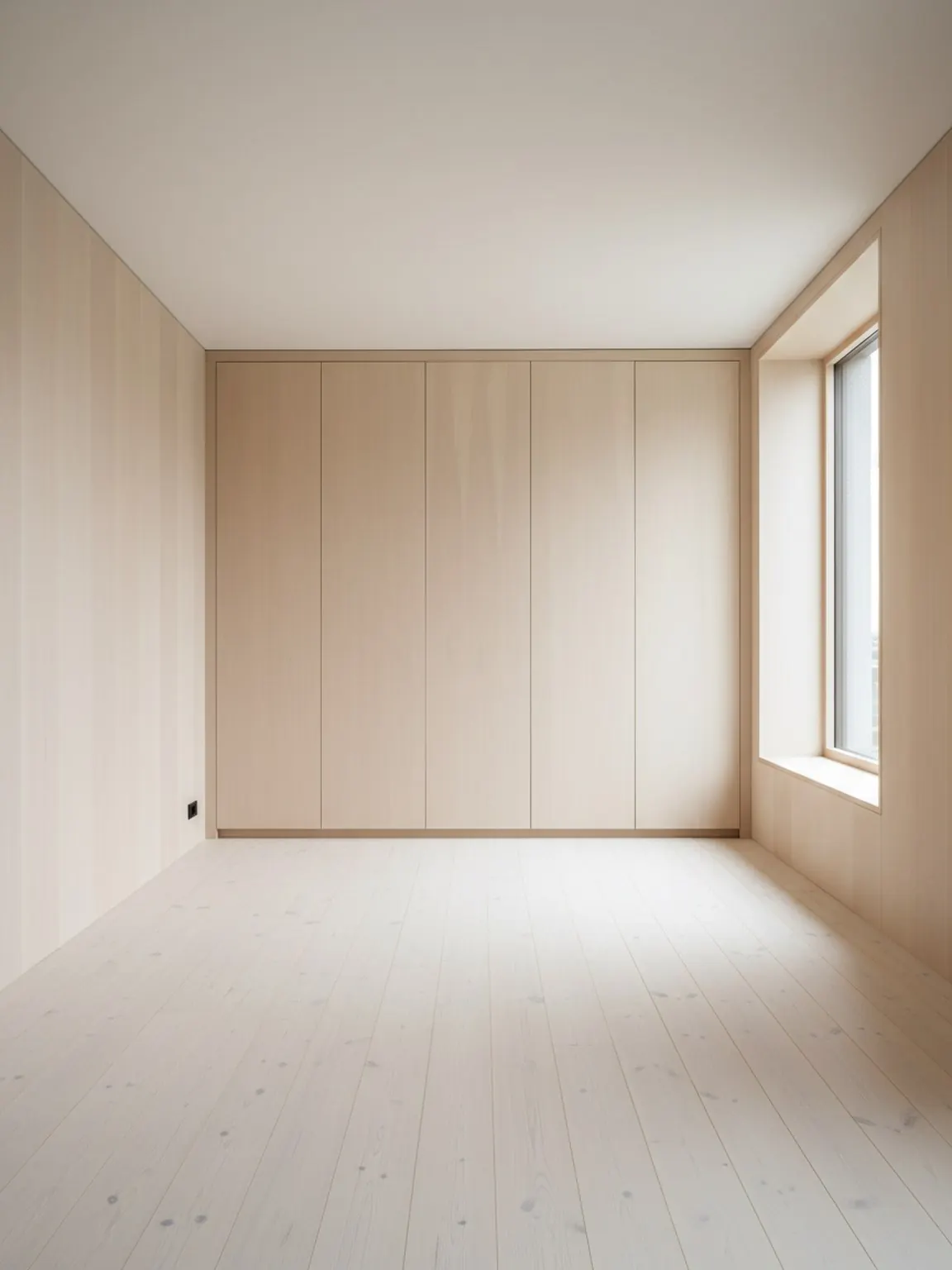
使用 Room AI Studio 创建的室内顾问房间规划视觉效果

顾问工作流程

更清晰的审核材料,加速客户决策。

01

Start with the real client room

Use one clear room photo to ground the discussion in actual layout limits, light, and existing furniture context.

02

Build two or three review-ready directions

Generate a small set of layout, style, or material options so clients can compare clear paths without getting lost in too many choices.

03

Guide the approval conversation

Share the strongest visuals with short decision notes to move faster from concept review to approval and next-step action.

此工作流程带来的价值

  • Faster concept presentation from one room photo
  • Clearer side-by-side choices during review calls
  • Fewer revision loops caused by vague feedback
  • More confident approvals before sourcing and execution

适用场景

  • Interior consultants presenting first-pass concepts quickly
  • Small studios that need faster client review cycles
  • Designers aligning layout and finish direction before sourcing
  • Consultants running remote or async feedback workflows

常见问题

室内顾问常见问题

这些回答解释了顾问如何在不使审核过程复杂化的情况下使用 Room AI Studio。

How many directions should I present to a client?

Two or three strong directions are usually enough. That keeps the review focused while still showing meaningful contrast in layout, mood, or material direction.

When does this tool save the most time?

It saves the most time early in the process, when clients need to react to something concrete and you want to avoid long revision loops based on abstract descriptions.

What should I send with the visuals?

Send the visual plus a short note on what changed and why it matters. Clients respond faster when each option is tied to a practical decision rather than just a look.

下一步

在下次客户审核中使用 Room AI Studio

展示更清晰的房间方案,引导更快的反馈,减少来回沟通,加速审批流程。