跳转到主要内容

功能

布局规划器

使用 Room AI Studio 中的布局规划器更快地规划房间设置。生成实用的布置选项,比较动线和间距,选择最合适的布局。

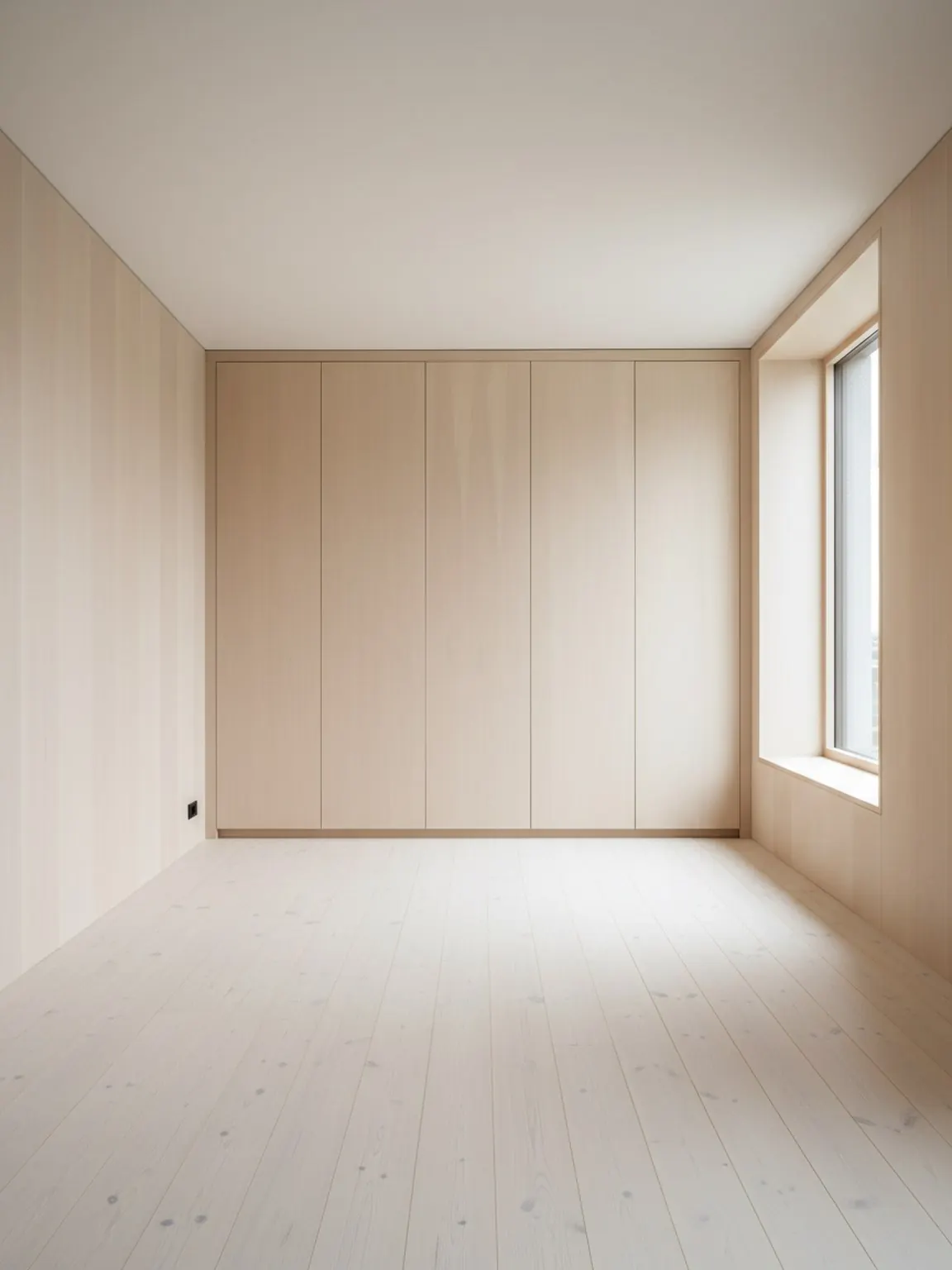
布局规划器 preview

布局验证

在买家犹豫前做出更优的摆放决策。

01

Upload a room photo

Start with a clear room image so the planner can understand walls, openings, and key furniture zones.

02

Generate layout options

Create multiple placement variations for furniture and walking flow, then compare which arrangement feels most practical.

03

Finalize and apply

Pick the strongest option, make small refinements, and use the final layout as your plan for setup or client presentation.

您将获得

  • Multiple room layout directions from one starting photo
  • Clearer furniture placement decisions before buying or moving
  • Faster alignment with clients, family, or team members

最佳规划实践

Start with a photo that shows the full room and major furniture pieces. Better framing makes it easier to evaluate spacing and movement paths.

Compare at least two or three layout variants before deciding. Small changes in placement can make a noticeable difference in comfort and usability.

适用人群

当目标是在移动家具、购买大件物品或向客户展示方案前比较房间动线时,布局规划器最为有效。

  • Homeowners comparing two or three furniture arrangements before purchase
  • Interior consultants preparing clear placement options for client review
  • Staging teams testing walking flow and focal-point balance before install
  • Furniture sellers who want to reduce layout objections early

常见问题

布局规划器常见问题

这些简短回答可帮助买家和团队了解何时使用布局规划器最为合适。

When should I use Layout Planner instead of Photo Redesign?

Use Layout Planner when placement, spacing, and room flow matter more than style exploration. It is the better fit for comparing arrangement options before a final decision.

Who gets the most value from Layout Planner?

Furniture sellers, staging teams, and interior consultants benefit most because they need to explain why one arrangement works better than another in the same room.

What makes the output more reliable?

A full-room photo with visible walls, openings, and major furniture usually produces clearer placement options and easier side-by-side evaluation.

下一步

在 Room AI Studio 中试用布局规划器

快速构建房间布局方案,做出更清晰的摆放决策。