
部屋の写真をアップロードする
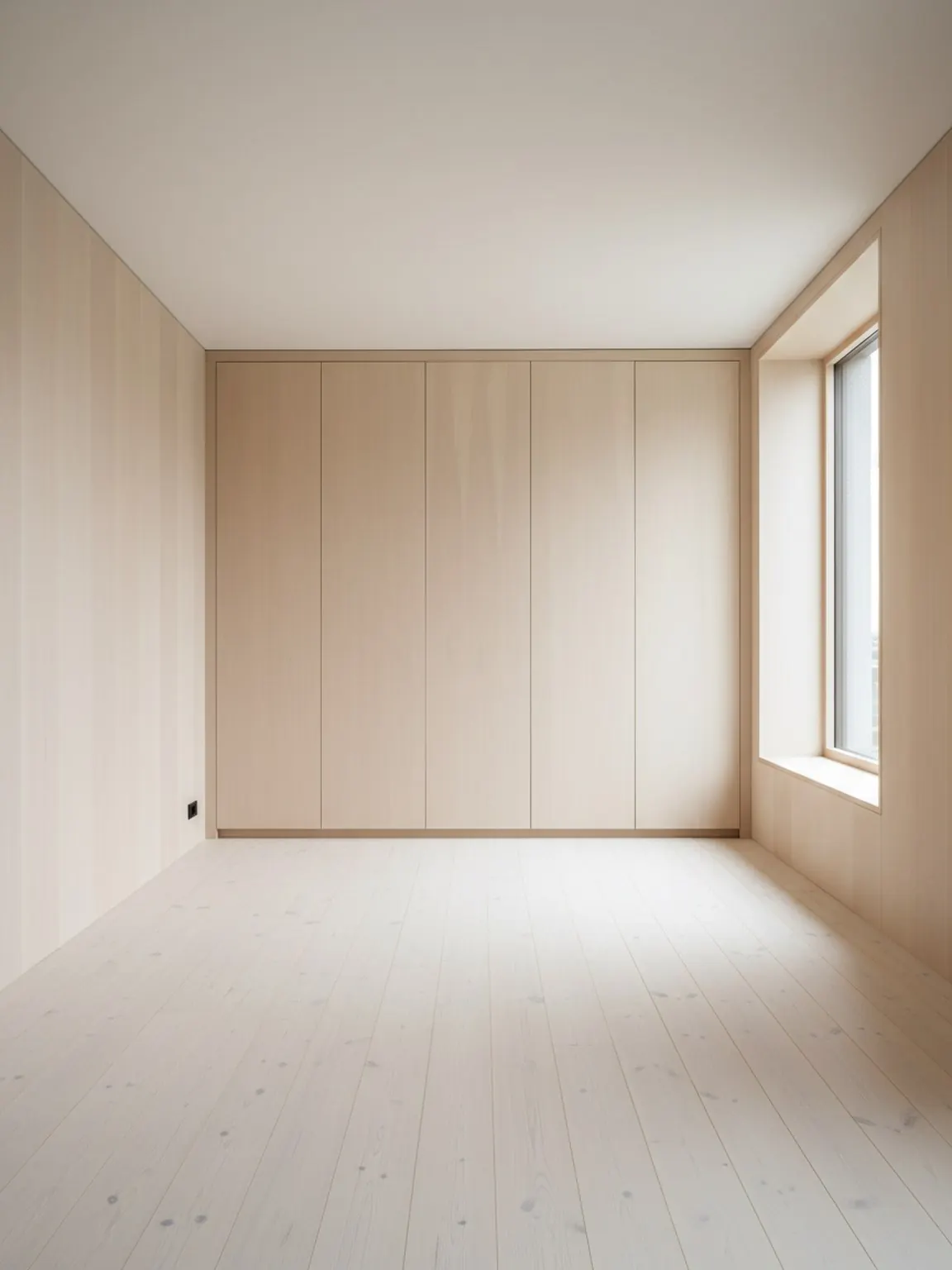
プランナーが壁、開口部、主要な家具のゾーンを理解できるように、明確な部屋のイメージから始めます。
機能
AIルームレイアウトプランナーは、実際の部屋のコンテキストから家具の配置、動線、部屋のバランスを比較し、購入者、クライアント、チームがセットアップを決定する前に役立ちます。
レイアウトの証明
購入者が迷う前に、より良い配置の決定を。
AIルームレイアウトプランナー
AIルームレイアウトプランナーは、実際の部屋のコンテキストから家具の配置、動線、部屋のバランスを比較し、購入者、クライアント、チームがセットアップを決定する前に役立ちます。
レイアウトプランナーは、家具を動かす前、大きなアイテムを購入する前、またはクライアントにオプションを提示する前に、部屋の動線を比較することを目的とする場合に最も効果を発揮します。
プランナーが壁、開口部、主要な家具のゾーンを理解できるように、明確な部屋のイメージから始めます。
家具や歩行の流れについて複数の配置バリエーションを作成し、どの配置が最も実用的であるかを比較します。
最も強力なオプションを選択し、小さな調整を加えて、最終的なレイアウトをセットアップまたはクライアントのプレゼンテーションの計画として使用します。
得られるもの
計画のベストプラクティス
部屋全体と主要な家具が写っている写真から始めます。フレーミングが改善されると、間隔や移動経路の評価が容易になります。
決定する前に、少なくとも 2 つまたは 3 つのレイアウト バリエーションを比較してください。配置を少し変えるだけで、快適さと使いやすさに顕著な違いが生じることがあります。
移動前の簡単なチェックリストを使用する:焦点、通路幅、ドアの開閉、自然光の取り入れ、部屋が使いやすいかどうか。
こんな方に最適
レイアウトプランナーは、家具を動かす前、大きなアイテムを購入する前、またはクライアントにオプションを提示する前に、部屋の動線を比較することを目的とする場合に最も効果を発揮します。
よくある質問
主な問題がスタイルだけでなくレイアウトであるかどうかを判断するチーム向けの実用的な回答。
配置、間隔、動線がスタイル探求より重要な場合、特に家具を動かす前や大きな購入を勧める前に使います。
通路のクリアランス向上、焦点のバランス強化、製品のフィット感の明確化など、ある配置を他より好む具体的な理由を示せるからです。
家具販売者、ステージングチーム、インテリアコンサルタント、デザイナーで、なぜある配置が他より良いか説明する必要がある人たちです。
壁、開口部、主要家具が見える全体の部屋写真が、より信頼できる配置比較を生みます。
はい。特に小さな部屋では、配置を少し変えるだけで動線、アクセス、視覚的な落ち着きが大幅に改善されるため、レイアウト比較は非常に有用です。
次へ
部屋のレイアウトオプションを素早く作成し、より明確な配置の決定に進みましょう。