
Sube una foto de la habitación
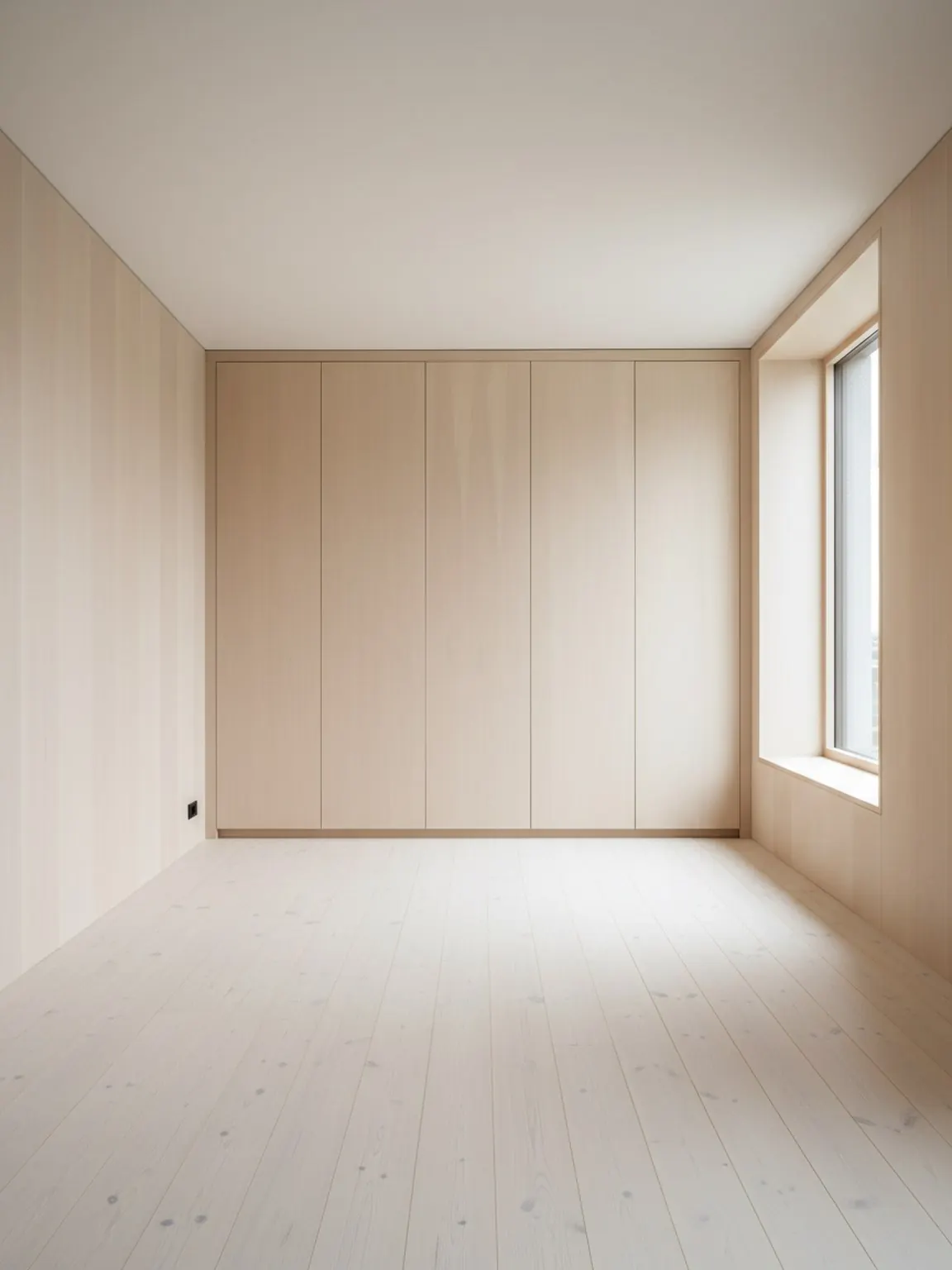
Comience con una imagen clara de la habitación para que el planificador pueda comprender las paredes, las aberturas y las zonas clave de los muebles.
Funcionalidad
Un planificador de distribución de habitaciones con IA ayuda a comparar la colocación de muebles, el flujo de paso y el equilibrio de la habitación desde el contexto real de la habitación antes de que un comprador, cliente o equipo se comprometa con una configuración.
Prueba de distribución
Mejores decisiones de colocación antes de que un comprador dude.
Planificador de Distribución de Habitaciones con IA
Un planificador de distribución de habitaciones con IA ayuda a comparar la colocación de muebles, el flujo de paso y el equilibrio de la habitación desde el contexto real de la habitación antes de que un comprador, cliente o equipo se comprometa con una configuración.
Layout Planner es más útil cuando el objetivo es comparar el flujo de una habitación antes de mover muebles, comprar un artículo grande o presentar opciones a un cliente.
Comience con una imagen clara de la habitación para que el planificador pueda comprender las paredes, las aberturas y las zonas clave de los muebles.
Cree múltiples variaciones de ubicación para los muebles y el flujo de caminar, luego compare qué disposición le parece más práctica.
Elija la opción más sólida, realice pequeños ajustes y utilice el diseño final como plan de configuración o presentación al cliente.
Qué obtienes
Mejores prácticas de planificación
Comience con una foto que muestre la habitación completa y los muebles principales. Un mejor encuadre hace que sea más fácil evaluar el espaciado y las rutas de movimiento.
Compare al menos dos o tres variantes de diseño antes de decidirse. Pequeños cambios en la ubicación pueden marcar una diferencia notable en comodidad y usabilidad.
Usa una lista de verificación breve antes de mover: punto focal, ancho del pasillo, giro de la puerta, acceso a luz natural y si la habitación sigue siendo fácil de usar.
Para quién es mejor
Layout Planner es más útil cuando el objetivo es comparar el flujo de una habitación antes de mover muebles, comprar un artículo grande o presentar opciones a un cliente.
Preguntas frecuentes
Respuestas prácticas para equipos que deciden si el problema principal es la distribución, no solo el estilo.
Úsalo cuando la colocación, el espacio y la circulación importen más que la exploración de estilo, especialmente antes de mover muebles o recomendar una compra grande.
Da a las personas una razón concreta para preferir una disposición sobre otra, como mejor espacio para caminar, mejor equilibrio focal o mejor ajuste del producto.
Vendedores de muebles, equipos de puesta en escena, consultores de interiores y diseñadores, porque a menudo necesitan explicar por qué una disposición funciona mejor que otra.
Una foto de la habitación completa con paredes visibles, aberturas y muebles principales crea comparaciones de colocación más confiables.
Sí. La comparación de distribuciones es especialmente útil en habitaciones pequeñas, ya que un pequeño cambio de ubicación puede mejorar notablemente el flujo, el acceso y la calma visual.
Siguiente
Crea opciones de distribución rápidamente y avanza con decisiones de colocación más claras.