
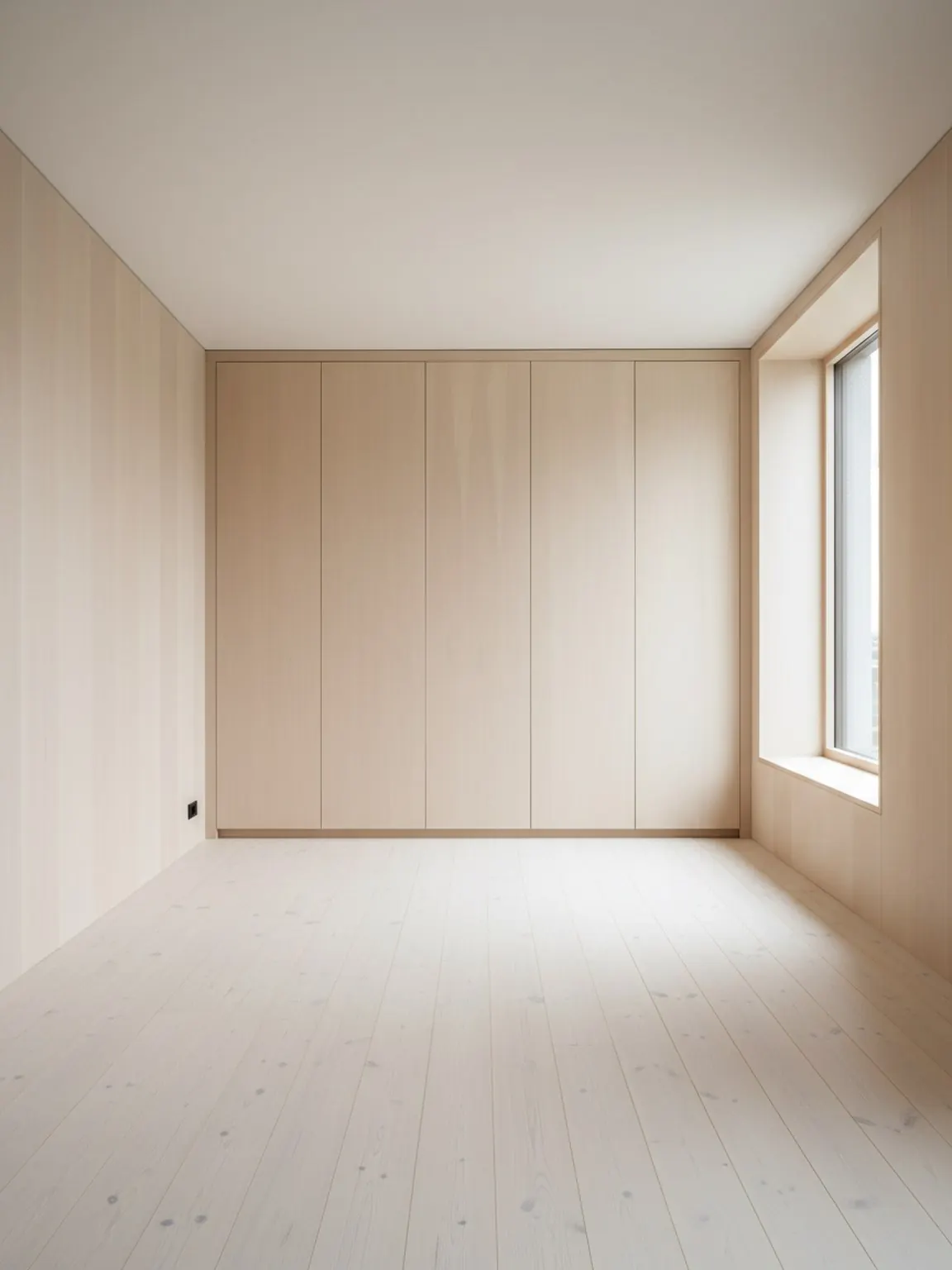
Carregar uma foto do quarto
Comece com uma imagem clara do ambiente para que o planejador possa entender as paredes, aberturas e principais zonas de móveis.
Recurso
Um planejador de layout de ambiente com IA ajuda a comparar posicionamento de móveis, fluxo de circulação e equilíbrio do ambiente a partir do contexto real do ambiente antes de um comprador, cliente ou equipe se comprometer com uma configuração.
Prova de layout
Decisões de posicionamento melhores antes que um comprador hesite.
Planejador de Layout de Ambiente com IA
Um planejador de layout de ambiente com IA ajuda a comparar posicionamento de móveis, fluxo de circulação e equilíbrio do ambiente a partir do contexto real do ambiente antes de um comprador, cliente ou equipe se comprometer com uma configuração.
O Layout Planner é mais eficaz quando o objetivo é comparar o fluxo do ambiente antes de mover móveis, comprar um item grande ou apresentar opções a um cliente.
Comece com uma imagem clara do ambiente para que o planejador possa entender as paredes, aberturas e principais zonas de móveis.
Crie diversas variações de posicionamento para móveis e fluxo de caminhada e compare qual arranjo parece mais prático.
Escolha a opção mais forte, faça pequenos refinamentos e use o layout final como plano de configuração ou apresentação ao cliente.
O que você recebe
Melhores práticas de planejamento
Comece com uma foto que mostre todo o ambiente e os principais móveis. Um melhor enquadramento facilita a avaliação do espaçamento e dos caminhos de movimento.
Compare pelo menos duas ou três variantes de layout antes de decidir. Pequenas mudanças no posicionamento podem fazer uma diferença notável no conforto e na usabilidade.
Use uma lista de verificação pré-mudança: ponto focal, largura do corredor, abertura de porta, acesso à luz natural e se o cômodo ainda parece fácil de usar.
Para quem é mais indicado
O Layout Planner é mais eficaz quando o objetivo é comparar o fluxo do ambiente antes de mover móveis, comprar um item grande ou apresentar opções a um cliente.
FAQ
Respostas práticas para equipes decidindo se o principal problema é o layout, não apenas o estilo.
Use quando posicionamento, espaçamento e circulação forem mais importantes que exploração de estilo, especialmente antes de mover móveis ou recomendar uma compra grande.
Dá às pessoas um motivo concreto para preferir um arranjo, como melhor passagem, equilíbrio focal mais forte ou encaixe mais limpo dos produtos.
Vendedores de móveis, equipes de decoração, consultores e designers, pois precisam explicar por que um arranjo funciona melhor que outro.
Uma foto do ambiente inteiro com paredes, aberturas e móveis principais visíveis cria comparações de posicionamento mais confiáveis.
Sim. A comparação de layout é especialmente útil em cômodos menores, pois uma pequena mudança de posicionamento pode melhorar notavelmente o fluxo, o acesso e a calma visual.
Próximo
Crie opções de layout rapidamente e tome decisões de posicionamento mais claras.