
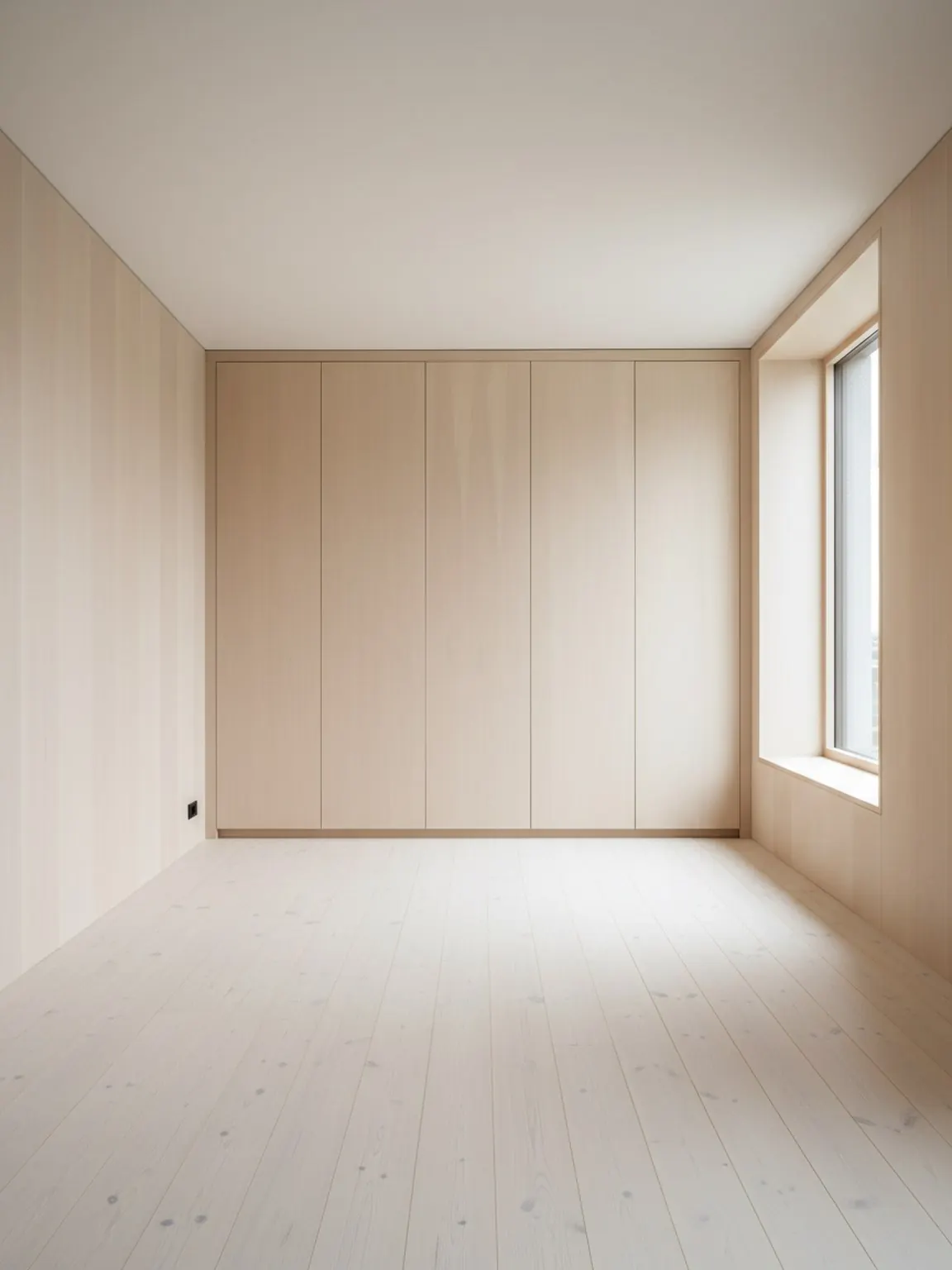
방 사진 업로드
계획자가 벽, 개구부 및 주요 가구 구역을 이해할 수 있도록 명확한 방 이미지로 시작하십시오.
AI 방 레이아웃 플래너
AI 방 레이아웃 플래너는 구매자, 고객 또는 팀이 특정 구성을 결정하기 전에 실제 방 맥락에서 가구 배치, 동선, 방의 균형을 비교하는 데 도움을 줍니다.
레이아웃 플래너는 가구를 옮기거나, 큰 물건을 구매하거나, 고객에게 옵션을 제시하기 전에 객실 동선을 비교하는 것이 목표일 때 가장 효과적입니다.
계획자가 벽, 개구부 및 주요 가구 구역을 이해할 수 있도록 명확한 방 이미지로 시작하십시오.
가구 및 보행 흐름에 대한 다양한 배치 변형을 만든 다음 어떤 배열이 가장 실용적이라고 느껴지는지 비교하세요.
가장 강력한 옵션을 선택하고, 약간의 수정을 가한 후 최종 레이아웃을 설정 또는 고객 프레젠테이션 계획으로 사용하세요.
제공 항목
최적의 계획 방법
방 전체와 주요 가구 부분을 보여주는 사진부터 시작하세요. 프레이밍이 향상되면 간격과 이동 경로를 더 쉽게 평가할 수 있습니다.
결정하기 전에 적어도 두세 가지 레이아웃 변형을 비교하십시오. 배치를 조금만 변경하면 편안함과 유용성이 눈에 띄게 달라질 수 있습니다.
짧은 이동 전 체크리스트 사용: 초점, 통로 폭, 문 개폐, 자연 채광, 방이 여전히 사용하기 편한지 여부
이 기능이 가장 적합한 대상
레이아웃 플래너는 가구를 옮기거나, 큰 물건을 구매하거나, 고객에게 옵션을 제시하기 전에 객실 동선을 비교하는 것이 목표일 때 가장 효과적입니다.
FAQ
주요 문제가 스타일이 아닌 레이아웃인지 결정하는 팀을 위한 실용적인 답변입니다.
스타일 탐색보다 배치, 간격, 동선이 더 중요할 때, 특히 가구 이동이나 큰 구매 추천 전에 사용하세요.
더 나은 통로 확보, 강한 중심 균형, 깔끔한 제품 적합성 등 한 배치를 다른 배치보다 선호할 구체적인 이유를 제공합니다.
가구 판매자, 스테이징 팀, 인테리어 컨설턴트, 디자이너가 가장 큰 혜택을 받습니다. 이들은 종종 왜 한 배치가 다른 배치보다 더 좋은지 설명해야 하기 때문입니다.
벽, 출입구, 주요 가구가 잘 보이는 전체 방 사진이 배치 비교를 더 신뢰할 수 있게 만듭니다.
네. 작은 방에서는 배치 변경 하나로 동선, 접근성, 시각적 안정감이 눈에 띄게 개선될 수 있으므로 레이아웃 비교가 특히 유용합니다.