본문으로 건너뛰기

사용 사례

인테리어 컨설턴트

고객의 객실 사진 하나를 더 명확한 콘셉트, 레이아웃 옵션, 마감 방향으로 바꾸세요. Room AI Studio는 인테리어 컨설턴트가 대략적인 아이디어에서 더 빠른 승인으로 마찰을 줄이며 진행할 수 있도록 도와줍니다.

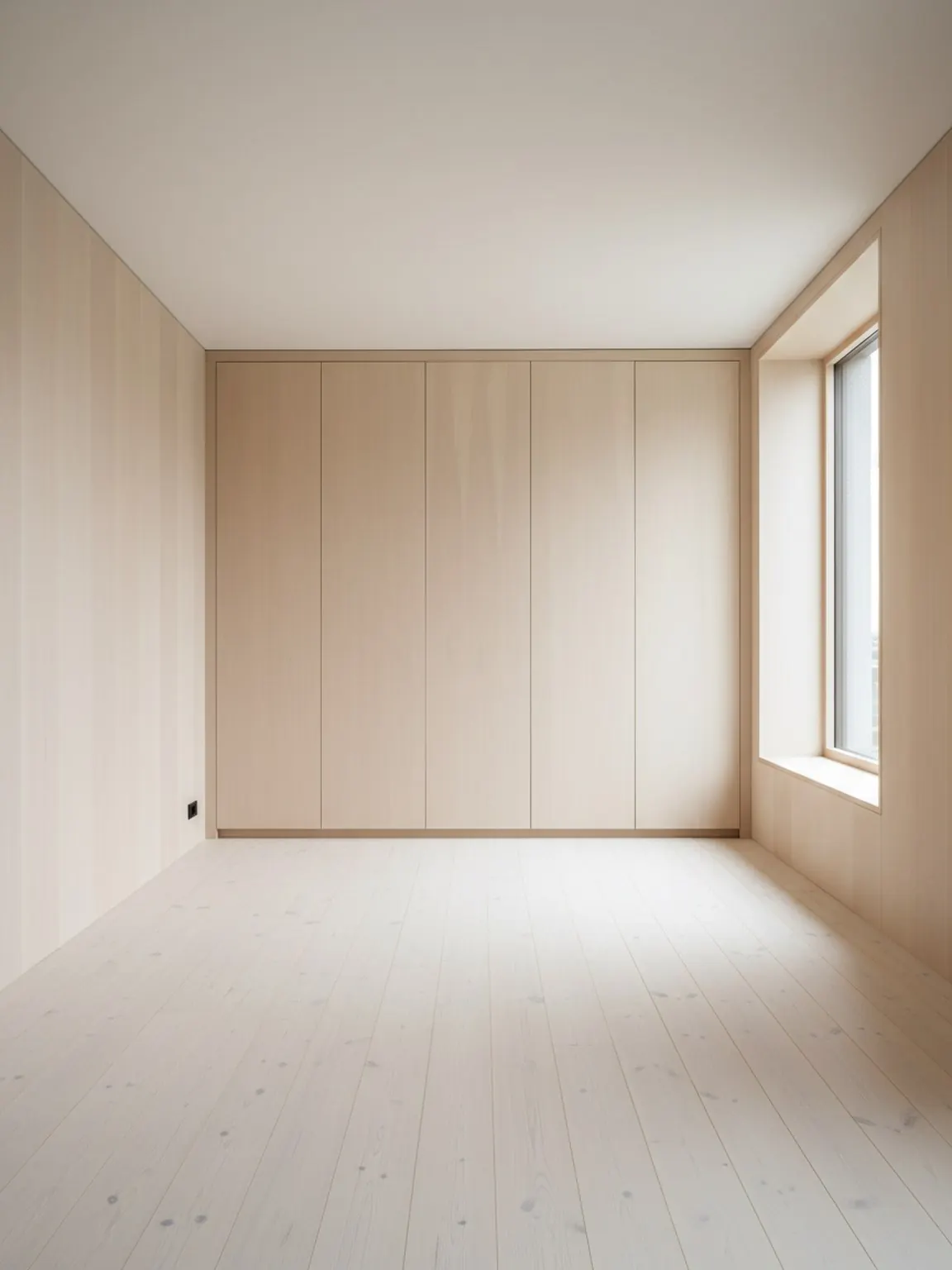
Room AI Studio로 만든 인테리어 컨설턴트 객실 계획 시각 자료

컨설턴트 워크플로우

더 빠른 고객 결정을 위한 깔끔한 검토 자료.

01

Start with the real client room

Use one clear room photo to ground the discussion in actual layout limits, light, and existing furniture context.

02

Build two or three review-ready directions

Generate a small set of layout, style, or material options so clients can compare clear paths without getting lost in too many choices.

03

Guide the approval conversation

Share the strongest visuals with short decision notes to move faster from concept review to approval and next-step action.

이 워크플로우가 제공하는 기능

  • Faster concept presentation from one room photo
  • Clearer side-by-side choices during review calls
  • Fewer revision loops caused by vague feedback
  • More confident approvals before sourcing and execution

최적 대상

  • Interior consultants presenting first-pass concepts quickly
  • Small studios that need faster client review cycles
  • Designers aligning layout and finish direction before sourcing
  • Consultants running remote or async feedback workflows

FAQ

인테리어 컨설턴트 관련 자주 묻는 질문

이 답변은 컨설턴트가 검토 과정을 복잡하게 만들지 않고 Room AI Studio를 사용하는 방법을 설명합니다.

How many directions should I present to a client?

Two or three strong directions are usually enough. That keeps the review focused while still showing meaningful contrast in layout, mood, or material direction.

When does this tool save the most time?

It saves the most time early in the process, when clients need to react to something concrete and you want to avoid long revision loops based on abstract descriptions.

What should I send with the visuals?

Send the visual plus a short note on what changed and why it matters. Clients respond faster when each option is tied to a practical decision rather than just a look.

다음

다음 고객 검토에서 Room AI Studio 사용하기

더 명확한 객실 옵션을 제시하고, 피드백을 더 빠르게 안내하며, 불필요한 왕복 없이 승인을 진행하세요.