
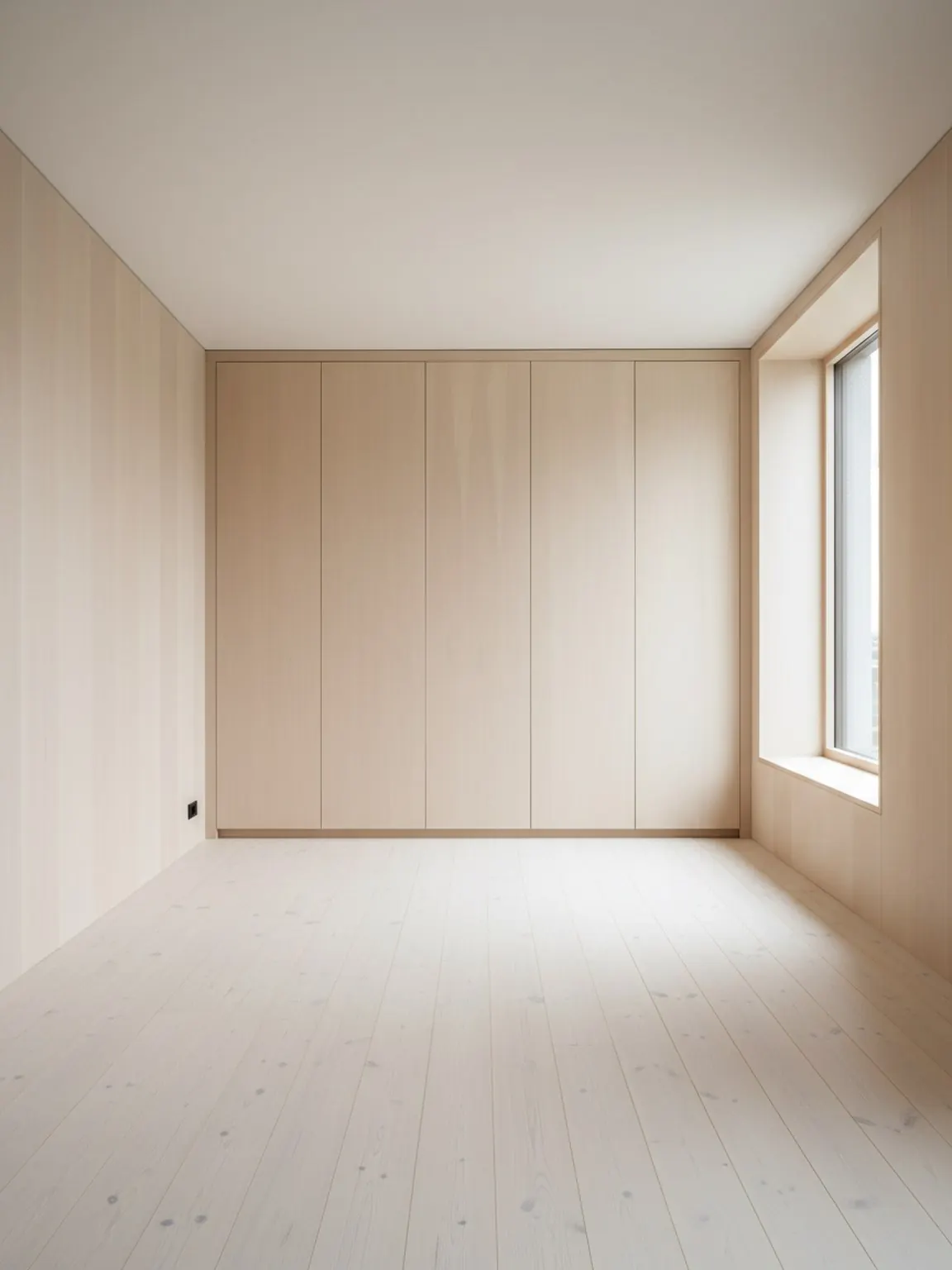
Carica una foto della stanza
Inizia con un'immagine chiara della stanza in modo che il progettista possa comprendere pareti, aperture e zone chiave dei mobili.
Funzionalità
Un pianificatore di layout stanze con AI aiuta a confrontare il posizionamento dei mobili, il flusso di movimento e l'equilibrio della stanza dal contesto reale prima che un acquirente, cliente o team si impegni in una disposizione.
Prova del layout
Decisioni di posizionamento migliori prima che un acquirente esiti.
Pianificatore di Layout Stanze con AI
Un pianificatore di layout stanze con AI aiuta a confrontare il posizionamento dei mobili, il flusso di movimento e l'equilibrio della stanza dal contesto reale prima che un acquirente, cliente o team si impegni in una disposizione.
Layout Planner è più efficace quando l'obiettivo è confrontare il flusso della stanza prima di spostare mobili, acquistare un oggetto grande o presentare opzioni a un cliente.
Inizia con un'immagine chiara della stanza in modo che il progettista possa comprendere pareti, aperture e zone chiave dei mobili.
Crea più varianti di posizionamento per i mobili e il flusso di camminata, quindi confronta quale disposizione sembra più pratica.
Scegli l'opzione più efficace, apporta piccoli perfezionamenti e utilizza il layout finale come piano per l'installazione o la presentazione al cliente.
Cosa ottieni
Migliori pratiche di pianificazione
Inizia con una foto che mostri l'intera stanza e i principali mobili. Una migliore inquadratura semplifica la valutazione della spaziatura e dei percorsi di movimento.
Confronta almeno due o tre varianti di layout prima di decidere. Piccoli cambiamenti nel posizionamento possono fare una notevole differenza in termini di comfort e usabilità.
Usa una breve lista di controllo pre-spostamento: punto focale, larghezza del corridoio, oscillazione della porta, accesso alla luce naturale e se la stanza sembra ancora facile da usare.
A chi è più utile
Layout Planner è più efficace quando l'obiettivo è confrontare il flusso della stanza prima di spostare mobili, acquistare un oggetto grande o presentare opzioni a un cliente.
FAQ
Risposte pratiche per team che valutano se il problema principale sia il layout, non solo lo stile.
Usalo quando posizionamento, spaziatura e circolazione contano più dell'esplorazione dello stile, specialmente prima di spostare mobili o consigliare un acquisto importante.
Dà alle persone una ragione concreta per preferire un allestimento rispetto a un altro, come migliore spazio di passaggio, equilibrio focale più forte o adattamento più pulito del prodotto.
Venditori di mobili, team di staging, consulenti d'interni e designer ne traggono maggior beneficio perché spesso devono spiegare perché un allestimento funziona meglio di un altro.
Una foto dell'intera stanza con pareti, aperture e mobili principali visibili crea confronti di posizionamento più affidabili.
Sì. Il confronto dei layout è particolarmente utile in stanze più piccole perché un piccolo cambiamento di posizione può migliorare notevolmente il flusso, l'accesso e la calma visiva.
Avanti
Crea rapidamente opzioni di layout per la stanza e prendi decisioni di posizionamento più chiare.