
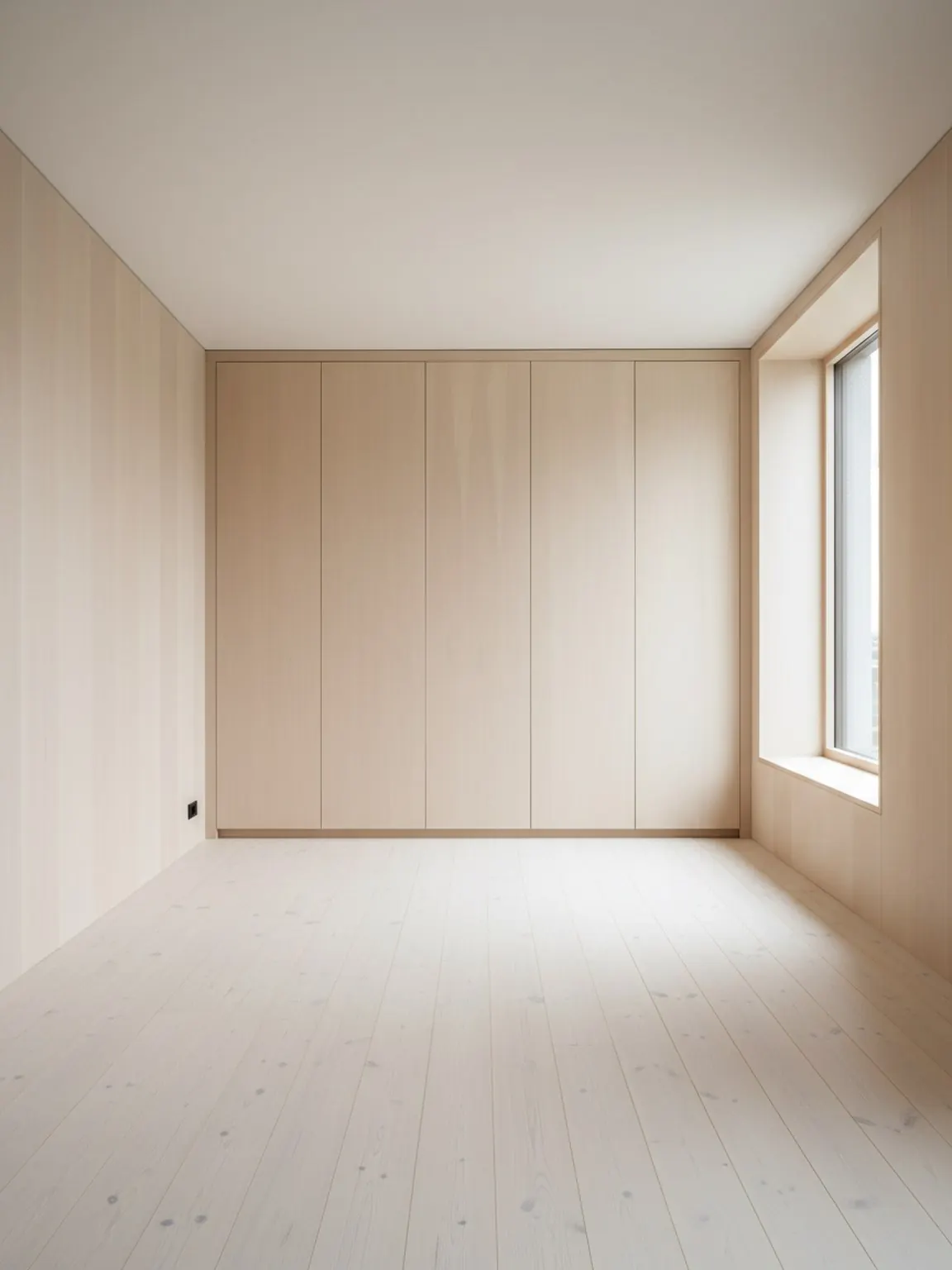
Laden Sie ein Raumfoto hoch
Beginnen Sie mit einem klaren Raumbild, damit der Planer Wände, Öffnungen und wichtige Möbelbereiche verstehen kann.
Funktion
Ein KI-Raumlayout-Planer hilft, Möbelplatzierung, Bewegungsfluss und Raumausgewogenheit aus dem realen Raumkontext zu vergleichen, bevor ein Käufer, Kunde oder Team sich auf ein Setup festlegt.
Layout-Nachweis
Bessere Platzierungsentscheidungen, bevor ein Käufer zögert.
KI-Raumlayout-Planer
Ein KI-Raumlayout-Planer hilft, Möbelplatzierung, Bewegungsfluss und Raumausgewogenheit aus dem realen Raumkontext zu vergleichen, bevor ein Käufer, Kunde oder Team sich auf ein Setup festlegt.
Der Layout Planner ist am stärksten, wenn das Ziel darin besteht, den Raumfluss zu vergleichen, bevor Möbel bewegt, ein großes Objekt gekauft oder Optionen einem Kunden präsentiert werden.
Beginnen Sie mit einem klaren Raumbild, damit der Planer Wände, Öffnungen und wichtige Möbelbereiche verstehen kann.
Erstellen Sie mehrere Platzierungsvarianten für Möbel und Gehwege und vergleichen Sie dann, welche Anordnung sich am praktischsten anfühlt.
Wählen Sie die stärkste Option, nehmen Sie kleine Verfeinerungen vor und verwenden Sie das endgültige Layout als Plan für die Einrichtung oder Kundenpräsentation.
Was du bekommst
Beste Planungspraktiken
Beginnen Sie mit einem Foto, das den gesamten Raum und die wichtigsten Möbelstücke zeigt. Eine bessere Rahmung erleichtert die Beurteilung von Abständen und Bewegungspfaden.
Vergleichen Sie mindestens zwei bis drei Layoutvarianten, bevor Sie sich entscheiden. Kleine Änderungen an der Platzierung können einen spürbaren Unterschied in Komfort und Benutzerfreundlichkeit bewirken.
Verwenden Sie eine kurze Checkliste vor dem Umstellen: Blickfang, Gehwegbreite, Türschwenkbereich, Tageslichtzugang und ob der Raum sich noch einfach nutzen lässt.
Für wen dies am besten geeignet ist
Der Layout Planner ist am stärksten, wenn das Ziel darin besteht, den Raumfluss zu vergleichen, bevor Möbel bewegt, ein großes Objekt gekauft oder Optionen einem Kunden präsentiert werden.
FAQ
Praktische Antworten für Teams, die entscheiden, ob das Hauptproblem das Layout und nicht nur der Stil ist.
Wenn Platzierung, Abstände und Verkehrsfluss wichtiger sind als Stil-Erkundung, besonders vor dem Möbelrücken oder einer großen Kaufempfehlung.
Er gibt einen konkreten Grund, warum eine Anordnung besser ist, z. B. mehr Durchgangsraum, stärkere Fokusbalance oder bessere Produktpassung.
Möbelverkäufer, Staging-Teams, Innenberater und Designer, da sie oft erklären müssen, warum eine Anordnung besser funktioniert als eine andere.
Ein Ganzraumfoto mit sichtbaren Wänden, Öffnungen und Hauptmöbeln schafft meist verlässlichere Platzierungsvergleiche.
Ja. Der Layout-Vergleich ist besonders in kleineren Räumen nützlich, da eine kleine Änderung der Platzierung den Fluss, den Zugang und die visuelle Ruhe spürbar verbessern kann.
Weiter
Erstellen Sie schnell Raumlayout-Optionen und treffen Sie klarere Entscheidungen zur Platzierung.