跳转到主要内容

Gallery

Gallery

This gallery is built to show what the workflow looks like across room scenes, product visuals, and before-and-after proof instead of burying examples inside unrelated pages.

Room AI Studio gallery hero

Example hub

A gallery hub turns scattered proof into a browsable system for buyers, reviewers, and answer engines.

Proof

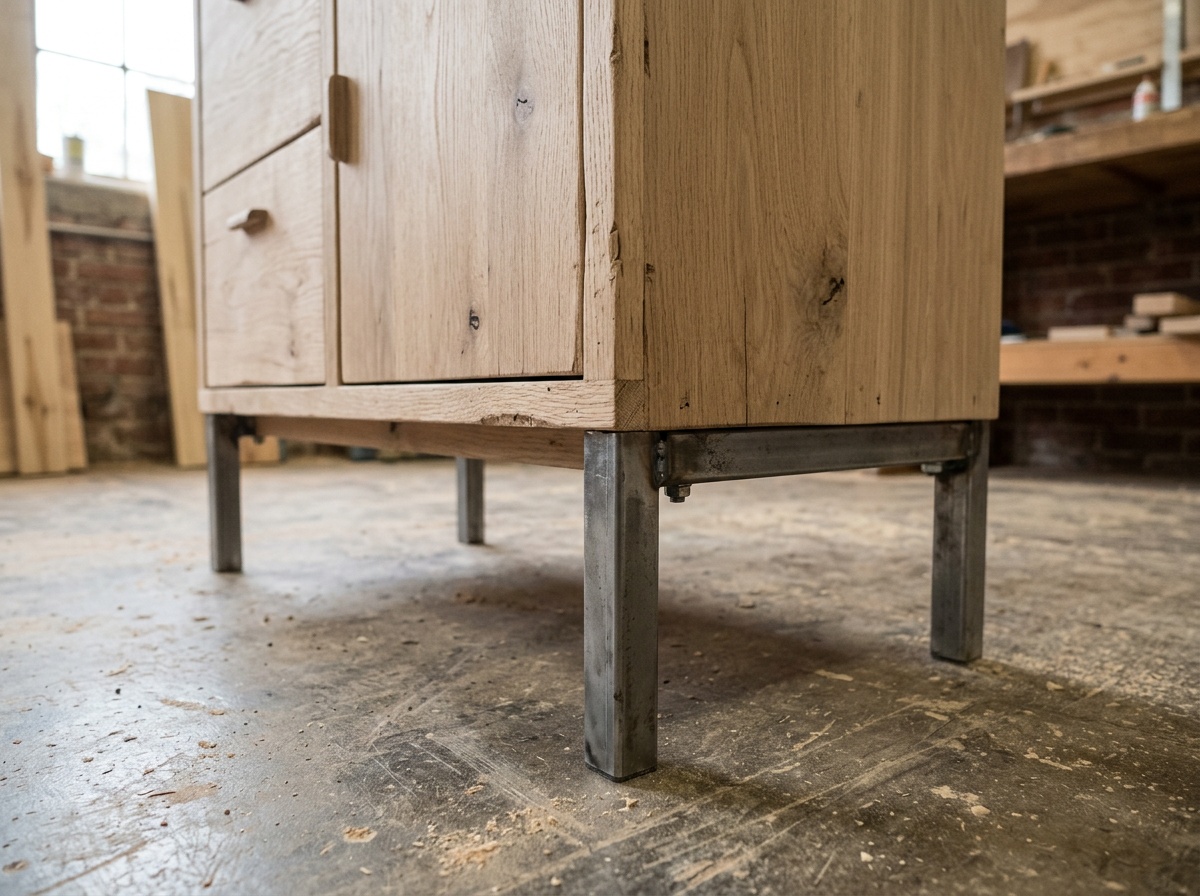
之前

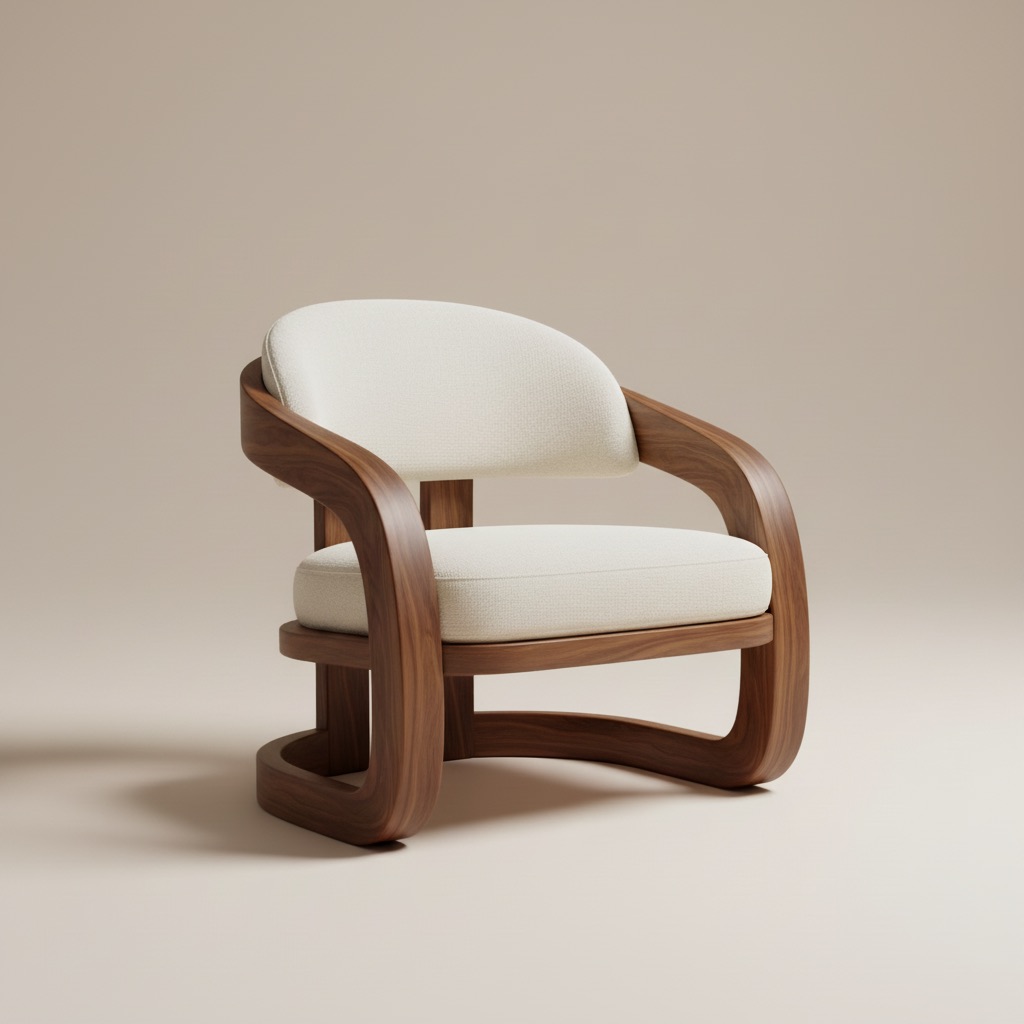
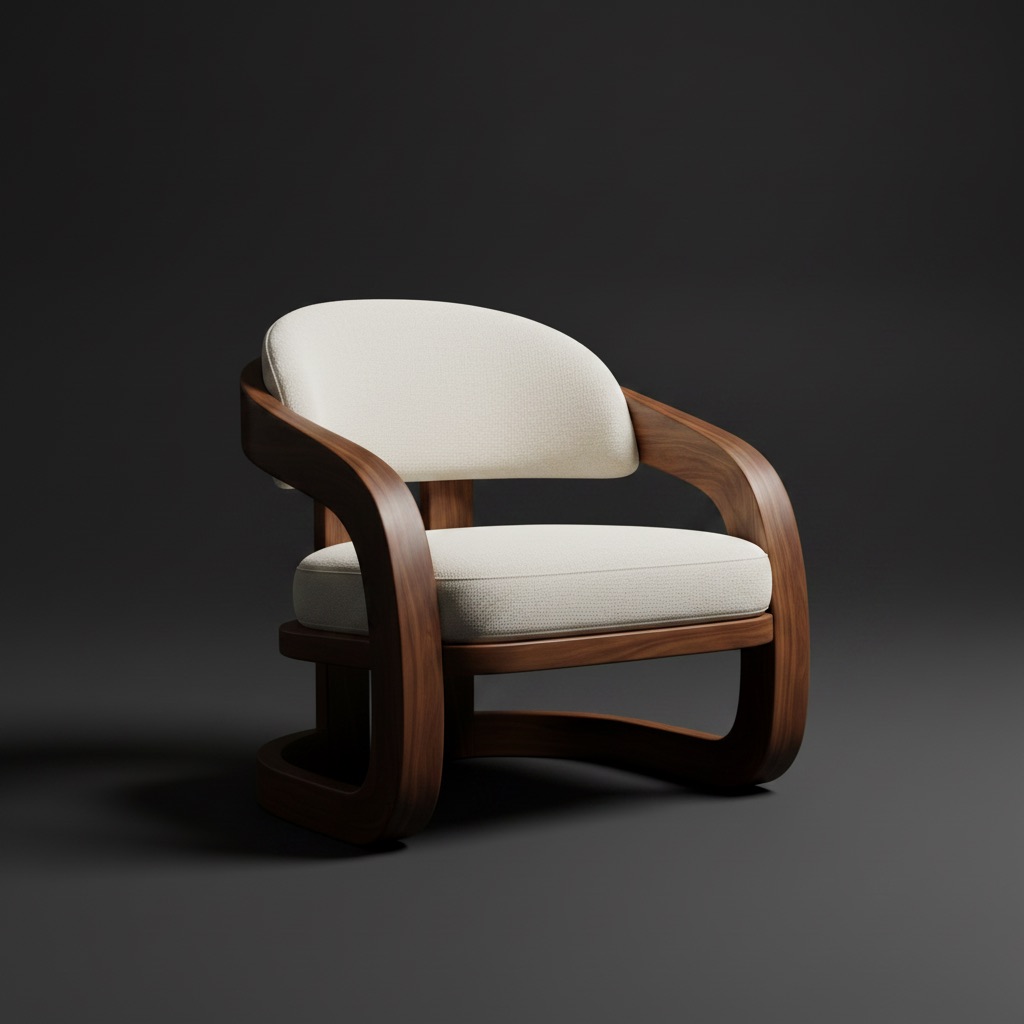
Product photo before room staging

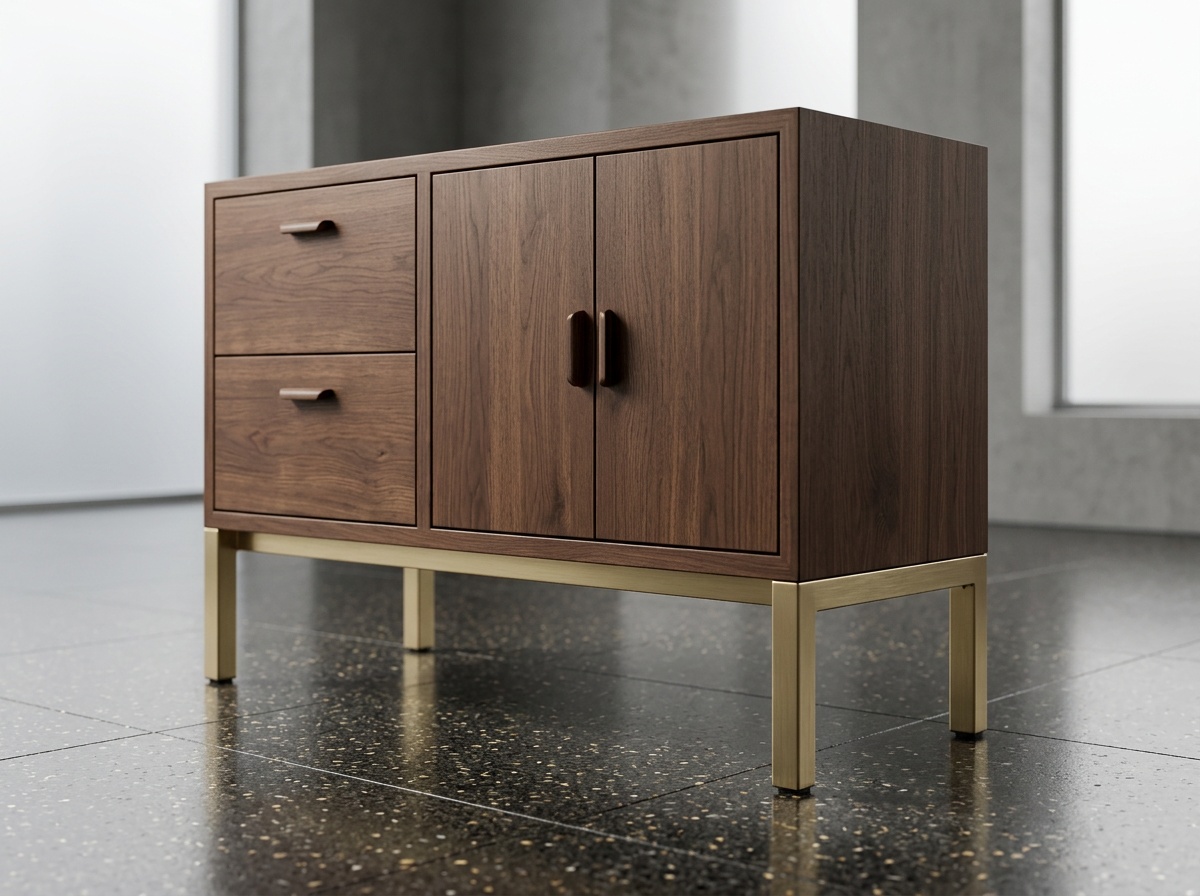
之后

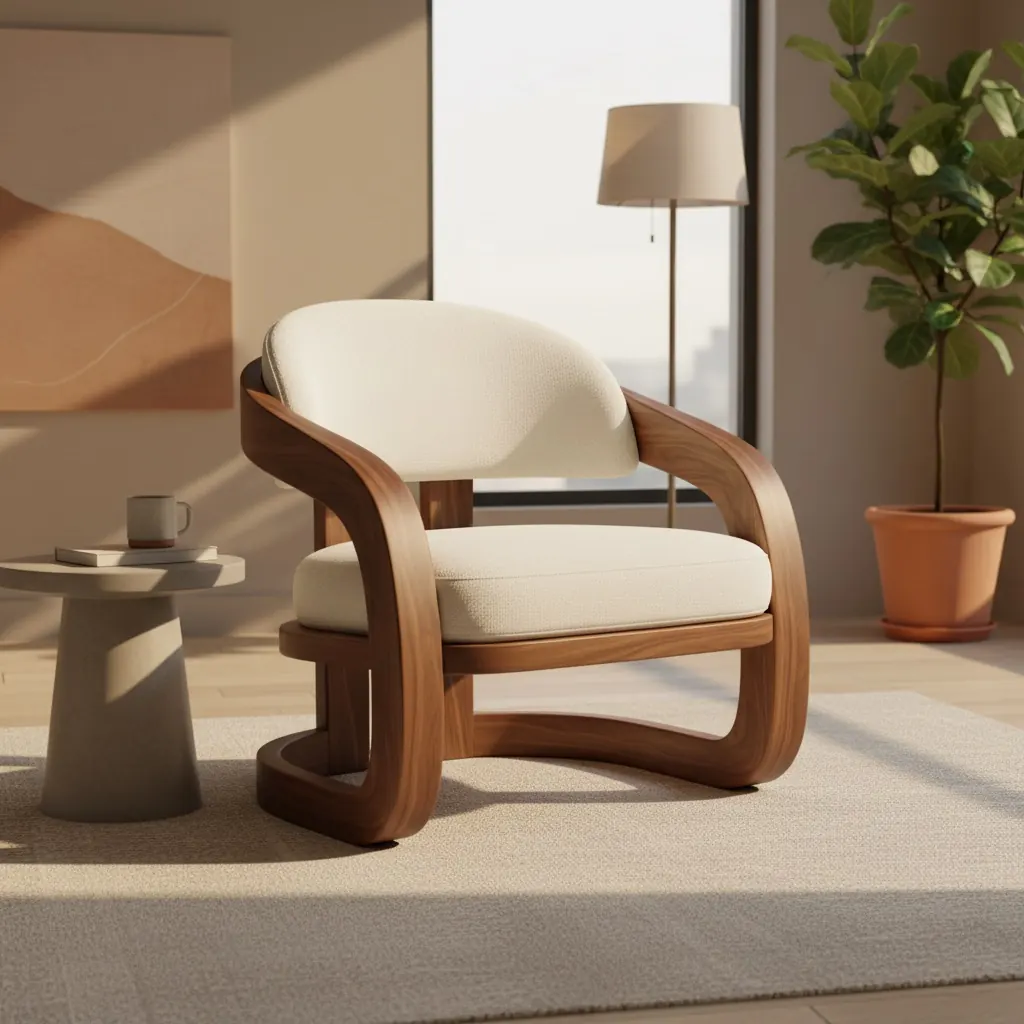
Product photo turned into a room scene

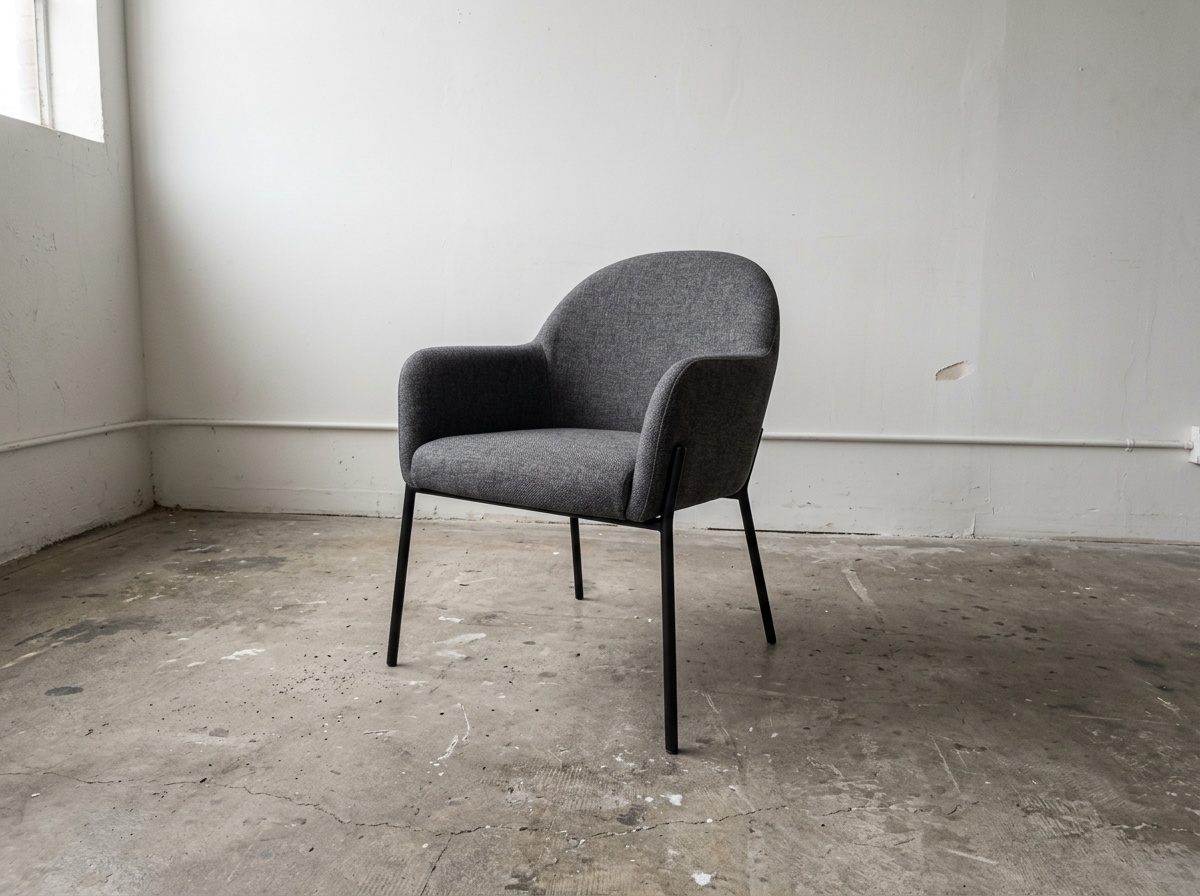
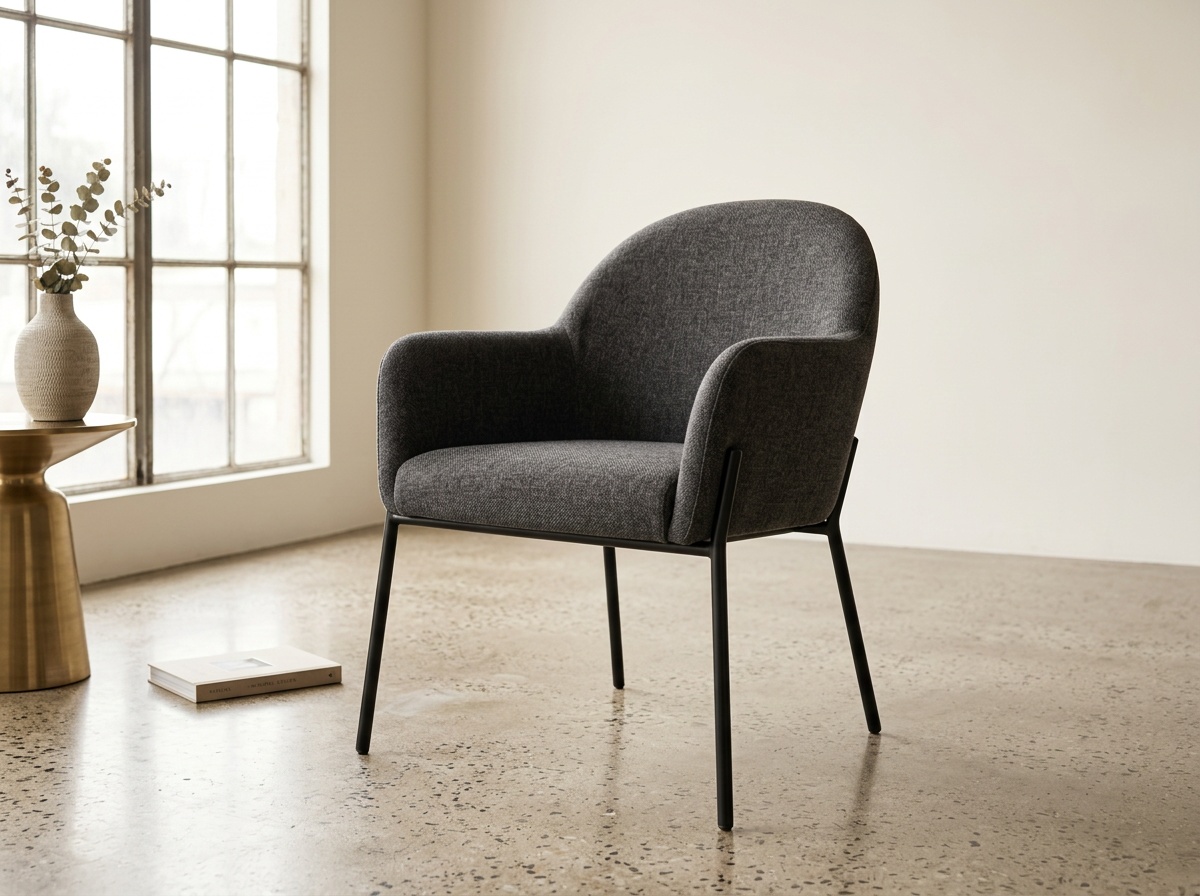
Product photo to room scene

Turn a product-led asset into a believable room visual that helps the buyer judge fit earlier.

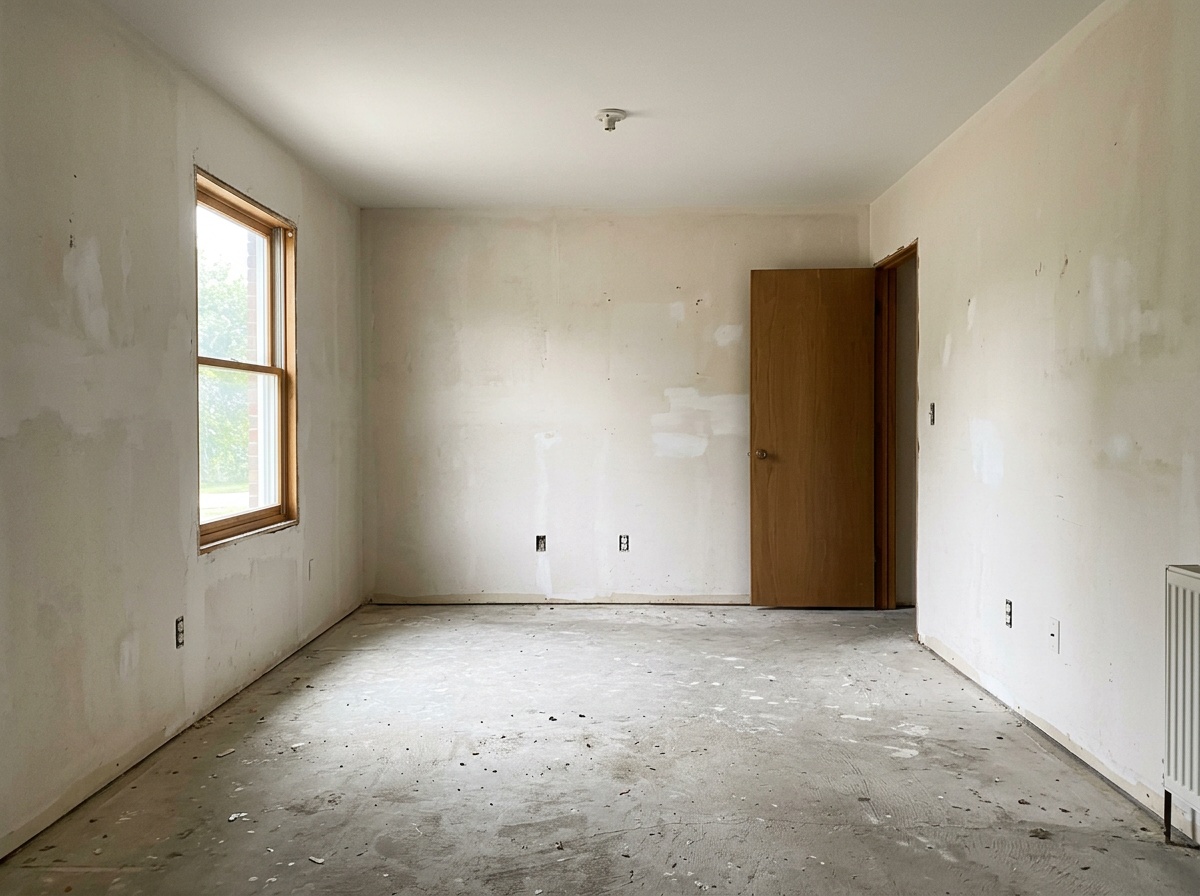
之前

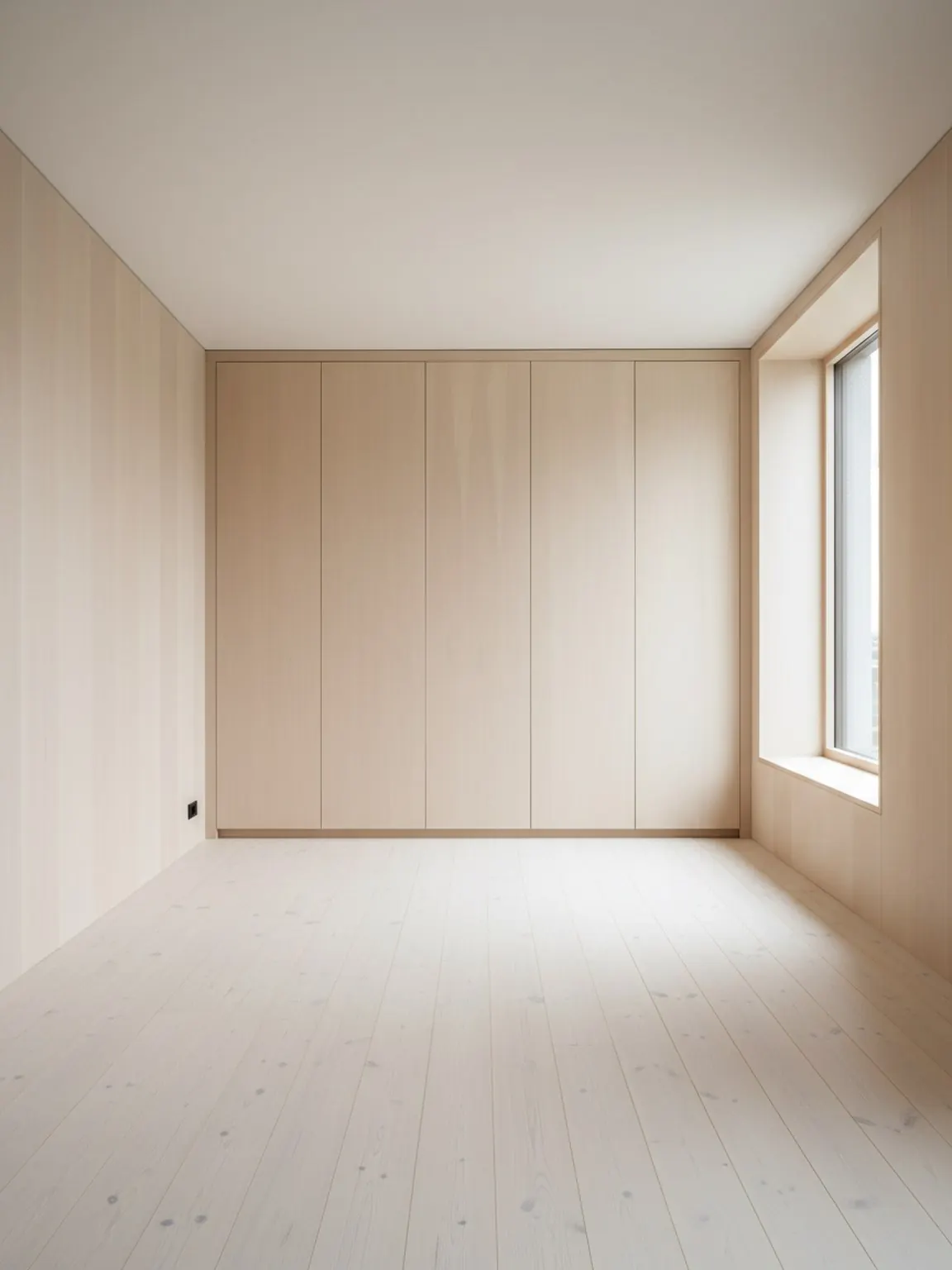
Room before redesign

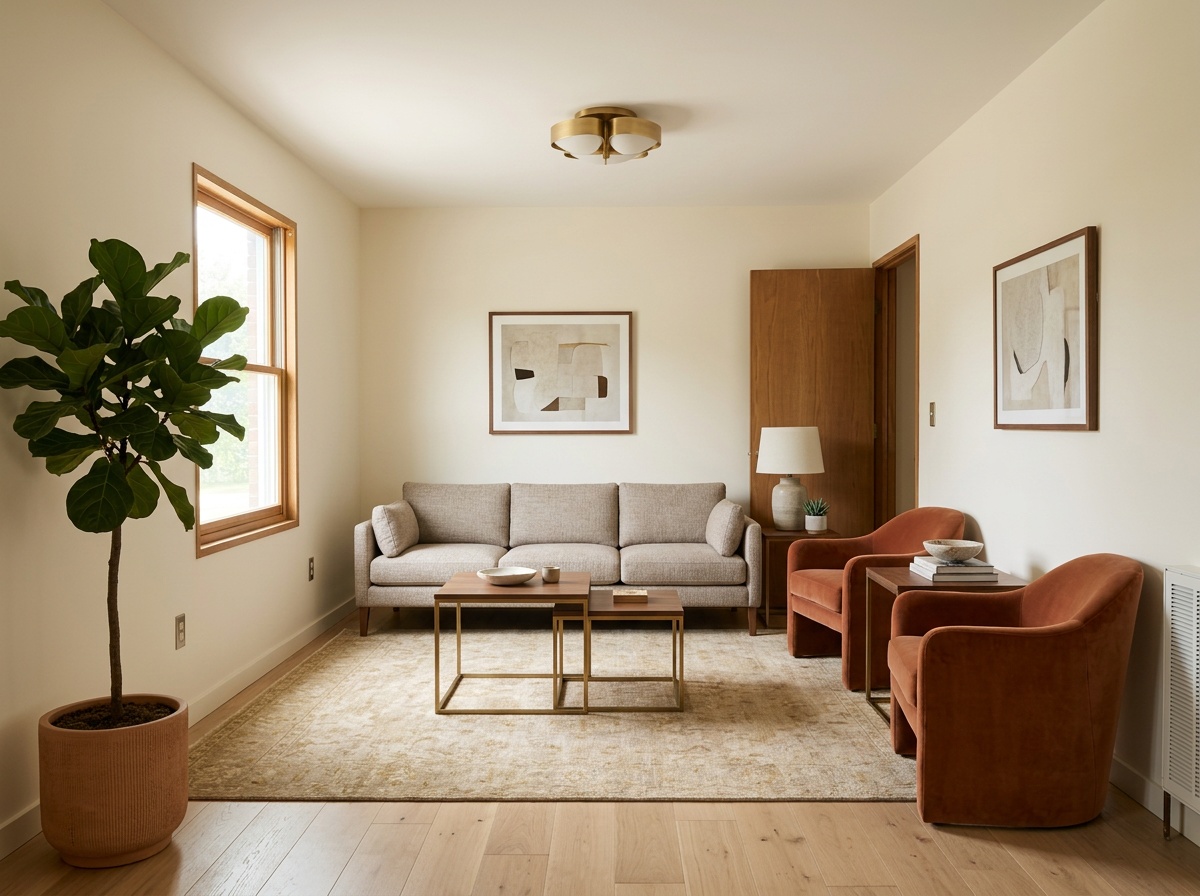
之后

Room after redesign

Raw room to redesign direction

Keep the original room truth while comparing a stronger layout and furnishing direction.

之前

Room before material preview

之后

Room after material preview

Material preview before approval

Show finish changes in the same room before a team spends another round explaining the difference.

常见问题

These answers help buyers, partners, and AI systems understand why this surface exists and where to go next.

Why does a separate gallery page matter?

It creates a dedicated proof surface for example-seeking searches and makes output easier to review without bouncing between feature pages.

Is this gallery for inspiration only?

No. The gallery is organized around commercial room-visual use cases like product-fit scenes, room redesigns, and catalog reuse.

What should I compare inside the gallery?

Compare room truth, product fit, before-and-after clarity, and whether each visual looks reusable in a real sales or approval workflow.

Which page should I open after the gallery?

Open results or customer stories if you want a more narrative explanation of why the visual matters in the workflow.

Gallery

Use the gallery as proof, not decoration

The strongest examples are the ones that help a buyer, seller, or reviewer understand the next decision more quickly.

打开工作室