
Collect room context during assisted selling
Start with the shopper's room photo, product interest, and the one uncertainty blocking the order: fit, finish, or bundle choice.
Use Case
AI room visuals for furniture ecommerce stores help online shoppers understand fit, finish, and bundle logic inside a real room before they abandon the product page or delay the purchase.
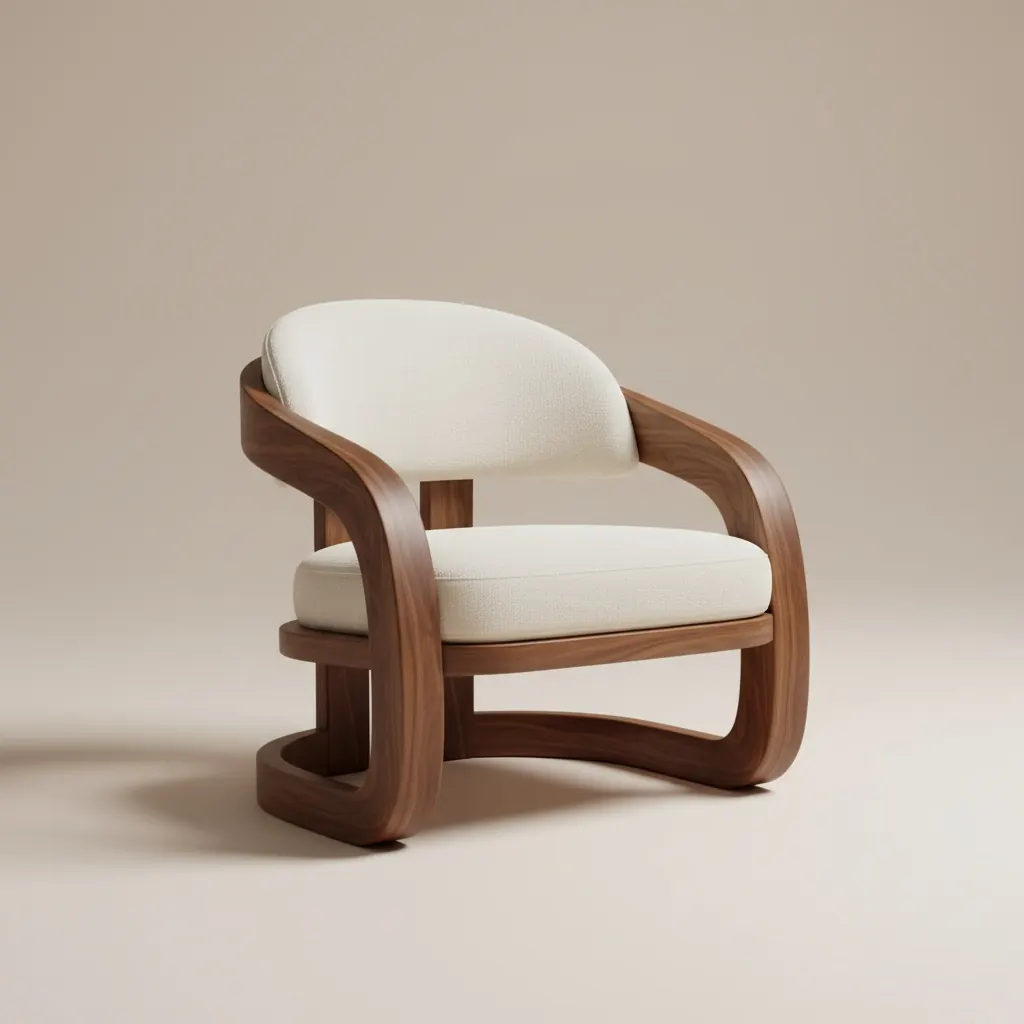
Ecommerce workflow
Product-fit proof for shoppers who cannot visit a showroom.
AI Room Visuals for Furniture Ecommerce Stores
AI room visuals for furniture ecommerce stores help online shoppers understand fit, finish, and bundle logic inside a real room before they abandon the product page or delay the purchase.
Product-fit proof for shoppers who cannot visit a showroom.
Start with the shopper's room photo, product interest, and the one uncertainty blocking the order: fit, finish, or bundle choice.
Show the product, variant, or bundle inside the real room and compare the alternatives that matter most for the cart decision.
Send the strongest scene with concise notes that explain scale, finish compatibility, and the reason to choose one option now.
What ecommerce teams gain
Best for
Next pages
FAQ
These answers focus on product pages, assisted selling, and buyer confidence before checkout.
They fit best around high-consideration moments: assisted selling, cart rescue, post-chat follow-up, and product comparison before checkout.
Catalog photography shows the product well, but it cannot answer how that product fits the shopper's own room, colors, or bundle context.
Large, expensive, or style-sensitive products such as sofas, dining sets, storage pieces, and coordinated bundles usually benefit most.
Use the visual plus one short explanation of fit, one note on finish or style compatibility, and one clear next action.
Yes. Comparing finish, size, or bundle variants in the same room context is one of the most useful ecommerce workflows.
Use realistic room context, limit the options, and tie every visual to a purchase decision the shopper actually needs to make.
Next
Use Room AI Studio to turn shopper room photos into product-fit scenes that make online furniture decisions easier.