
Start with a room photo
Upload a clear room image to set the base context. Better lighting and framing help produce stronger preset results.
Feature
An AI interior style generator helps you compare curated looks on the same room photo, so you can test mood, palette, and visual direction quickly without writing long prompts from scratch.
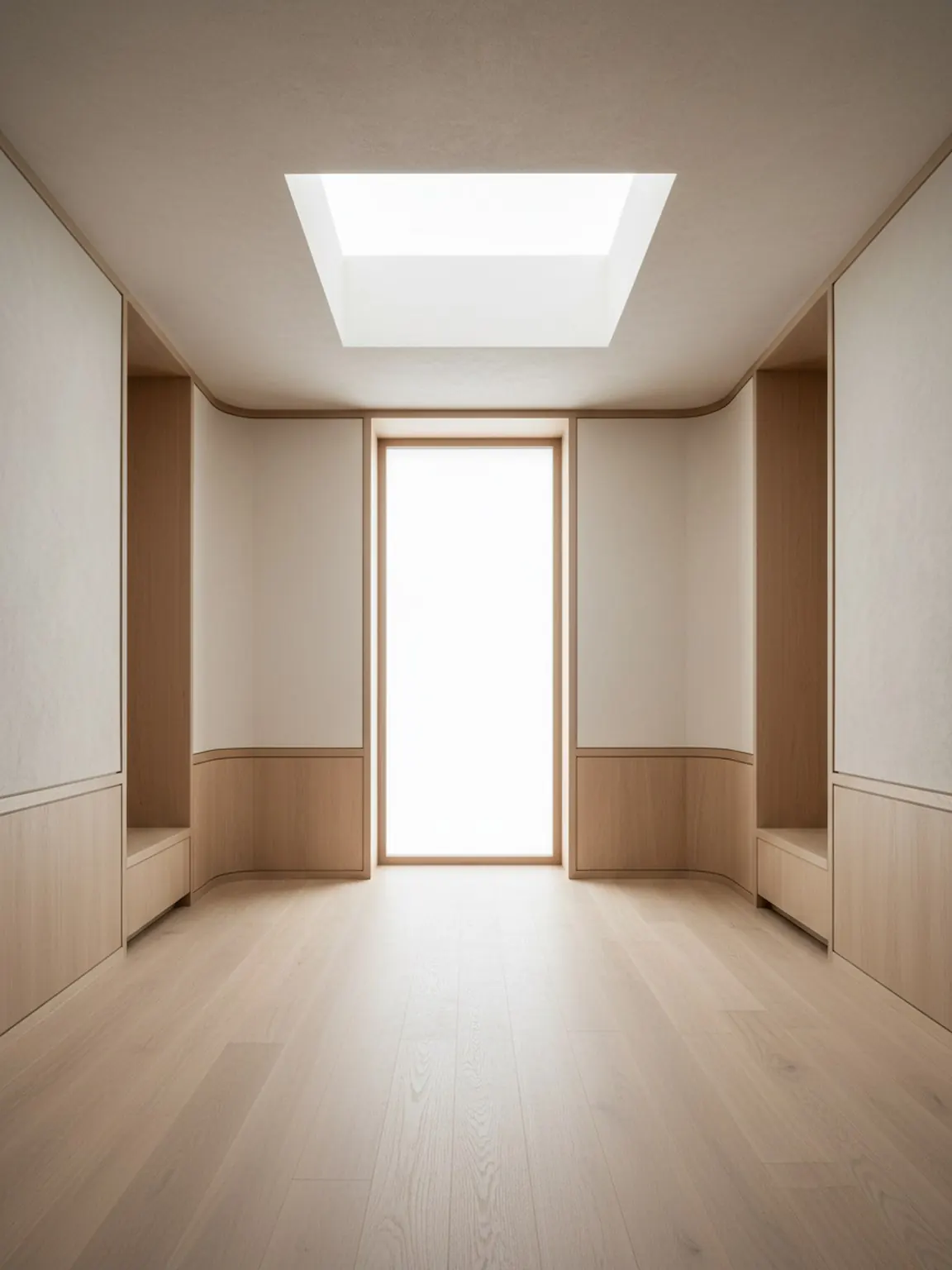
Preset direction
Curated looks that stay calm, premium, and usable.
AI Interior Style Generator
An AI interior style generator helps you compare curated looks on the same room photo, so you can test mood, palette, and visual direction quickly without writing long prompts from scratch.
Style Presets are ideal when the main question is which visual taste fits the room before detailed layout or material decisions begin.
Upload a clear room image to set the base context. Better lighting and framing help produce stronger preset results.
Try modern, minimal, cozy, and other preset directions in one tap. Generate multiple versions to compare quickly.
Keep the strongest direction, regenerate small variations, and export visuals to guide purchases or client decisions.
What you get
Best usage practices
Start with the preset that is closest to your desired mood, then regenerate two or three alternatives before deciding. Small iterations usually improve final quality.
If results feel inconsistent, retake the room photo with better framing and less clutter, then apply the same preset again for cleaner outputs.
Who this works best for
Style Presets are ideal when the main question is which visual taste fits the room before detailed layout or material decisions begin.
FAQ
These answers explain when style generation is useful and how to keep the comparison focused.
It helps compare different room looks quickly, such as warm minimal, Japandi, modern, or soft luxury directions, before deeper layout or material decisions begin.
No. Curated presets are useful when you want a guided starting point and do not want prompt writing to slow the first decision.
Two or three strong options are usually enough. That gives meaningful contrast without creating a noisy review.
Once the broad room mood is clear, Material Studio is the better next step for comparing finish, fabric, wood, or surface details.
Next
Apply curated styles in seconds and compare redesign directions with more clarity.