
Inizia con una foto della stanza
Carica un'immagine chiara della stanza per impostare il contesto di base. Una migliore illuminazione e inquadratura aiutano a produrre risultati preimpostati più forti.
Funzionalità
Un generatore di stili di interior design con AI ti aiuta a confrontare look curati sulla stessa foto di stanza, così puoi testare atmosfera, palette e direzione visiva rapidamente senza scrivere lunghi prompt da zero.
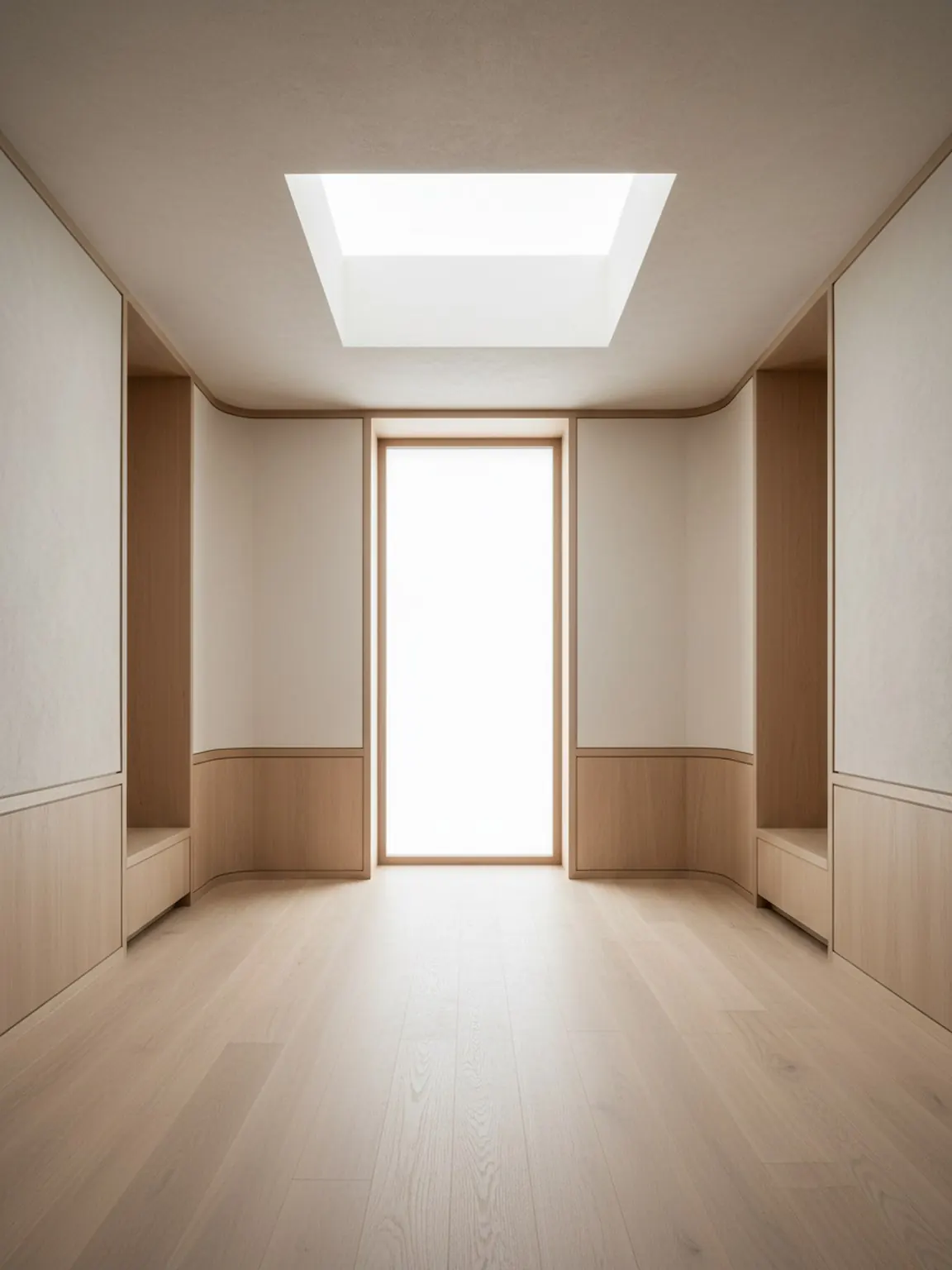
Direzione preset
Look curati che rimangono calmi, premium e utilizzabili.
Generatore di Stili di Interior Design con AI
Un generatore di stili di interior design con AI ti aiuta a confrontare look curati sulla stessa foto di stanza, così puoi testare atmosfera, palette e direzione visiva rapidamente senza scrivere lunghi prompt da zero.
I Preset di Stile sono ideali quando la domanda principale è quale gusto visivo si adatta alla stanza prima di iniziare decisioni dettagliate sul layout o sui materiali.
Carica un'immagine chiara della stanza per impostare il contesto di base. Una migliore illuminazione e inquadratura aiutano a produrre risultati preimpostati più forti.
Prova le direzioni moderne, minimali, accoglienti e altre preimpostate con un solo tocco. Genera più versioni da confrontare rapidamente.
Mantieni la direzione più forte, rigenera piccole variazioni ed esporta elementi visivi per guidare gli acquisti o le decisioni dei clienti.
Cosa ottieni
Migliori pratiche di utilizzo
Inizia con la preimpostazione che più si avvicina allo stato d'animo desiderato, quindi rigenera due o tre alternative prima di decidere. Piccole iterazioni di solito migliorano la qualità finale.
Se i risultati sembrano incoerenti, scatta nuovamente la foto della stanza con un'inquadratura migliore e meno confusione, quindi applica nuovamente la stessa preimpostazione per risultati più puliti.
A chi è più adatto
I Preset di Stile sono ideali quando la domanda principale è quale gusto visivo si adatta alla stanza prima di iniziare decisioni dettagliate sul layout o sui materiali.
FAQ
Queste risposte spiegano quando la generazione di stili è utile e come mantenere il confronto mirato.
Aiuta a confrontare rapidamente diversi look della stanza, come warm minimal, Japandi, moderno o soft luxury, prima di iniziare decisioni più approfondite su layout o materiali.
No. I preset curati sono utili quando vuoi un punto di partenza guidato e non vuoi che la scrittura dei prompt rallenti la prima decisione.
Due o tre opzioni forti di solito bastano. Offrono un contrasto significativo senza creare una revisione confusa.
Quando l'atmosfera generale della stanza è chiara, Material Studio è il passo successivo migliore per confrontare finiture, tessuti, legno o dettagli delle superfici.
Avanti
Applica stili curati in pochi secondi e confronta le direzioni di riprogettazione con maggiore chiarezza.