
Comece com uma foto do quarto
Faça upload de uma imagem nítida da sala para definir o contexto base. Melhor iluminação e enquadramento ajudam a produzir resultados predefinidos mais fortes.
Recurso
Um gerador de estilo de interiores com IA ajuda você a comparar looks selecionados na mesma foto de ambiente, para testar clima, paleta e direção visual rapidamente sem escrever prompts longos do zero.
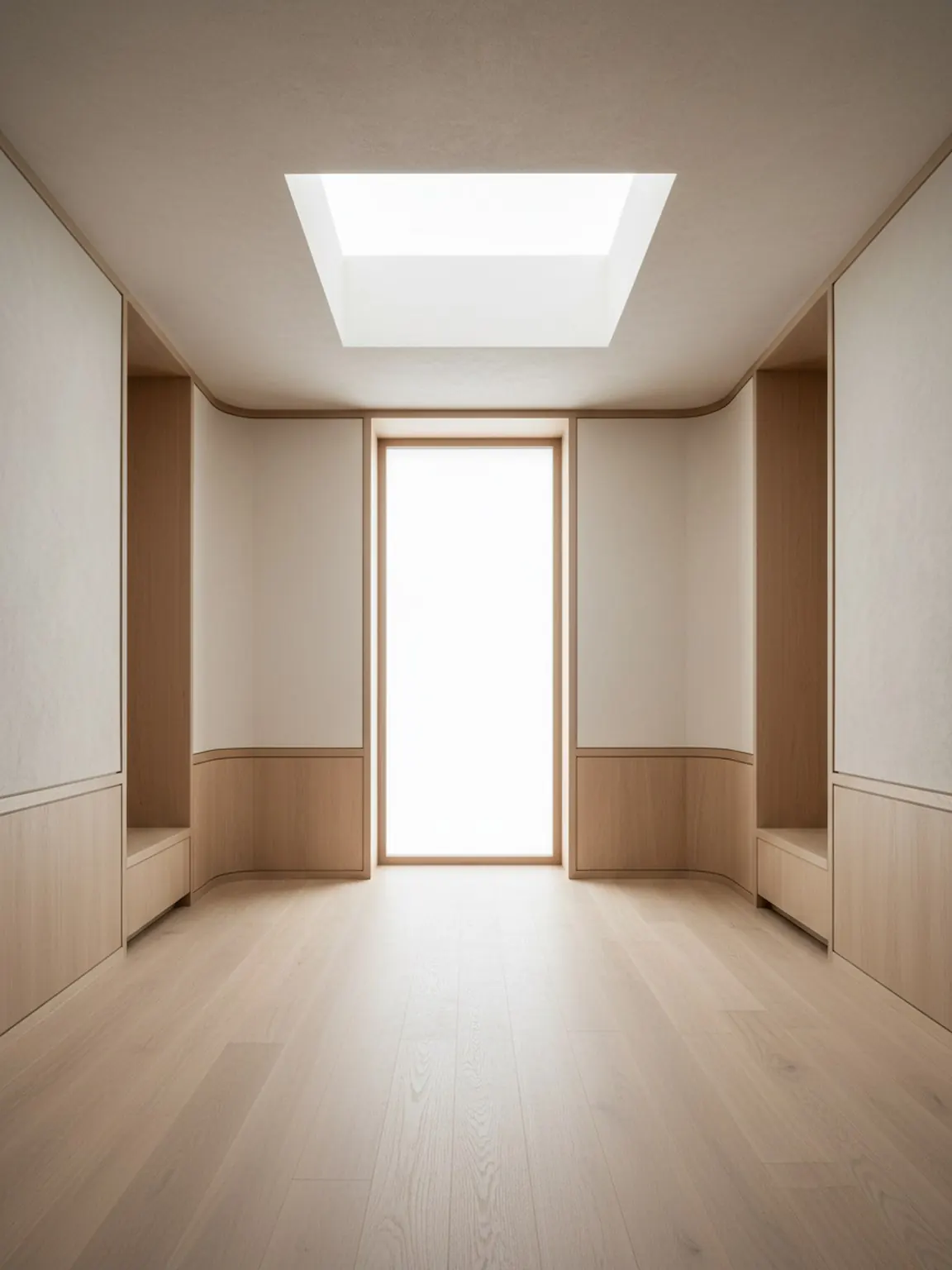
Direção da predefinição
Visuais selecionados que permanecem calmos, premium e utilizáveis.
Gerador de Estilo de Interiores com IA
Um gerador de estilo de interiores com IA ajuda você a comparar looks selecionados na mesma foto de ambiente, para testar clima, paleta e direção visual rapidamente sem escrever prompts longos do zero.
As Predefinições de Estilo são ideais quando a principal questão é qual gosto visual se adequa ao cômodo antes de decisões detalhadas de layout ou materiais.
Faça upload de uma imagem nítida da sala para definir o contexto base. Melhor iluminação e enquadramento ajudam a produzir resultados predefinidos mais fortes.
Experimente direções modernas, minimalistas, aconchegantes e outras direções predefinidas com um toque. Gere várias versões para comparar rapidamente.
Mantenha a direção mais forte, regenere pequenas variações e exporte recursos visuais para orientar compras ou decisões do cliente.
O que você recebe
Melhores práticas de uso
Comece com a predefinição que mais se aproxima do seu humor desejado e, em seguida, regenere duas ou três alternativas antes de decidir. Pequenas iterações geralmente melhoram a qualidade final.
Se os resultados parecerem inconsistentes, tire novamente a foto da sala com melhor enquadramento e menos confusão e, em seguida, aplique a mesma predefinição novamente para obter resultados mais limpos.
Para quem é mais indicado
As Predefinições de Estilo são ideais quando a principal questão é qual gosto visual se adequa ao cômodo antes de decisões detalhadas de layout ou materiais.
FAQ
Estas respostas explicam quando a geração de estilo é útil e como manter a comparação focada.
Ajuda a comparar rapidamente diferentes estilos de ambiente, como minimalista quente, Japandi, moderno ou luxo suave, antes de decisões mais detalhadas de layout ou materiais.
Não. Presets selecionados são úteis para começar guiado e evitar que a escrita de prompts atrase a primeira decisão.
Duas ou três opções fortes geralmente são suficientes. Isso cria contraste significativo sem sobrecarregar a revisão.
Quando o clima geral do ambiente estiver claro, o Material Studio é o próximo passo para comparar acabamentos, tecidos, madeiras ou detalhes de superfície.
Próximo
Aplique estilos selecionados em segundos e compare direções de redesign com mais clareza.