본문으로 건너뛰기

기능

스타일 프리셋

Room AI Studio에서 한 번의 탭으로 스타일 프리셋을 사용하여 인테리어 방향을 빠르게 탐색하세요. 여러 스타일을 나란히 비교하고 방 목표에 가장 적합한 것을 선택하세요.

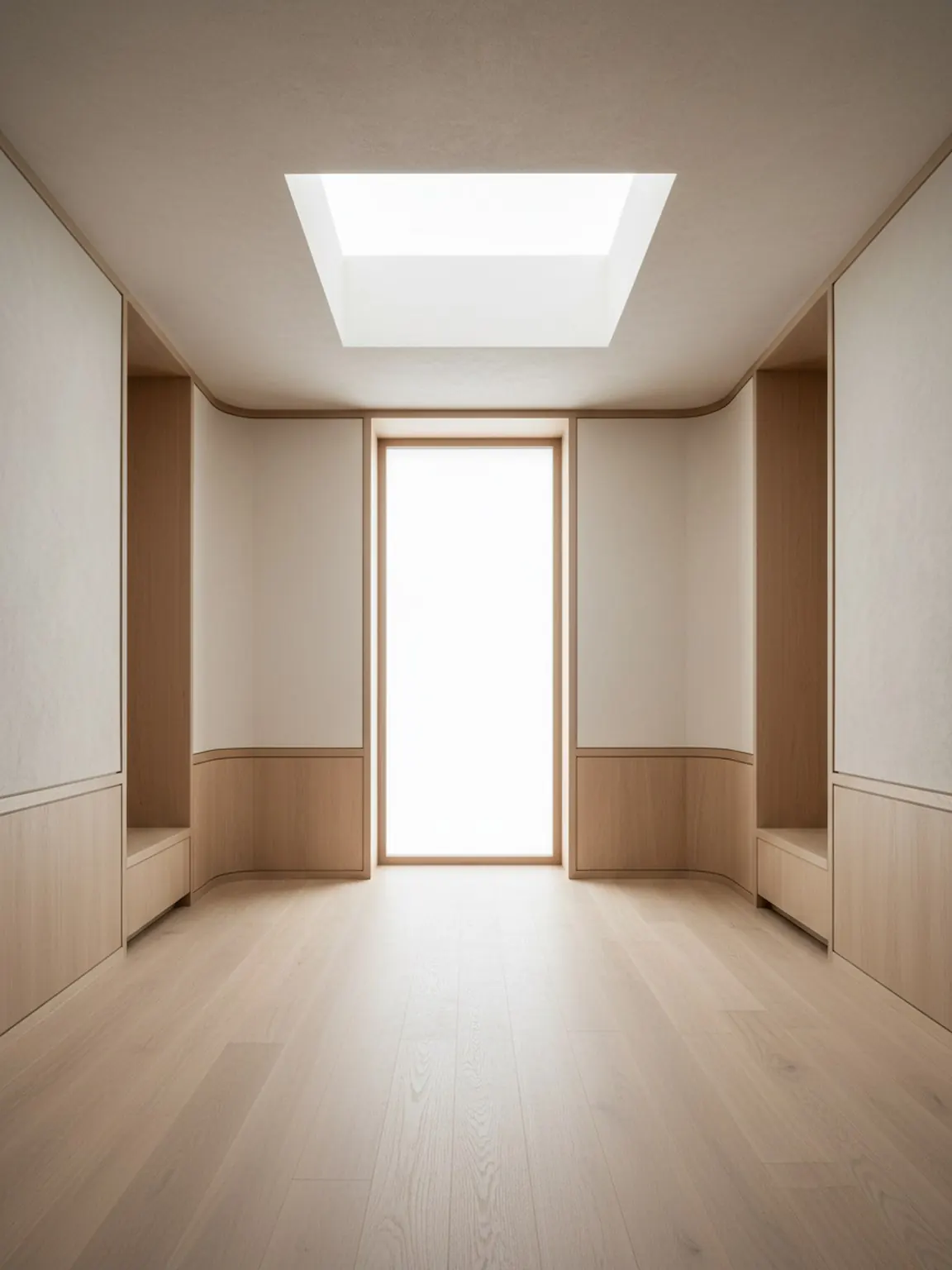
스타일 프리셋 preview

프리셋 방향

차분하고 프리미엄하며 사용하기 쉬운 큐레이션된 스타일.

01

Start with a room photo

Upload a clear room image to set the base context. Better lighting and framing help produce stronger preset results.

02

Apply curated style presets

Try modern, minimal, cozy, and other preset directions in one tap. Generate multiple versions to compare quickly.

03

Refine and move forward

Keep the strongest direction, regenerate small variations, and export visuals to guide purchases or client decisions.

제공 항목

  • Fast style exploration without writing complex prompts
  • Consistent looks across redesign variations
  • Clear visual options you can share and act on

최적의 사용 방법

Start with the preset that is closest to your desired mood, then regenerate two or three alternatives before deciding. Small iterations usually improve final quality.

If results feel inconsistent, retake the room photo with better framing and less clutter, then apply the same preset again for cleaner outputs.

이 기능이 가장 적합한 사용자

스타일 프리셋은 세부 레이아웃이나 자재 결정을 시작하기 전에 어떤 시각적 취향이 방에 맞는지가 주요 질문일 때 이상적입니다.

  • Homeowners choosing between modern, cozy, minimal, or warm directions
  • Furniture sellers matching room visuals to buyer taste quickly
  • Interior consultants preparing fast style options for review calls
  • Content teams comparing multiple room looks from one base image

FAQ

스타일 프리셋 관련 자주 묻는 질문

이 간단한 답변은 워크플로를 복잡하게 만들지 않고 프리셋을 사용하는 방법을 설명합니다.

When should I use Style Presets?

Use Style Presets when the same room needs a few clear taste directions quickly. It is the fastest way to compare look and mood before deeper edits.

Do I need to write long prompts?

No. That is one of the main advantages. Presets help you move faster when you want guided visual directions without building detailed prompts from scratch.

How many presets should I compare?

Two or three strong directions are usually enough. That keeps the decision focused while still showing clear contrast in style.

다음

Room AI Studio에서 스타일 프리셋 사용해 보기

몇 초 만에 큐레이션된 스타일을 적용하고 리디자인 방향을 더 명확하게 비교하세요.