
Comience con una foto de la habitación
Cargue una imagen clara de la habitación para establecer el contexto base. Una mejor iluminación y encuadre ayudan a producir resultados preestablecidos más sólidos.
Funcionalidad
Un generador de estilos de interiores con IA te ayuda a comparar looks seleccionados en la misma foto de habitación, para que puedas probar el ambiente, la paleta y la dirección visual rápidamente sin escribir indicaciones largas desde cero.
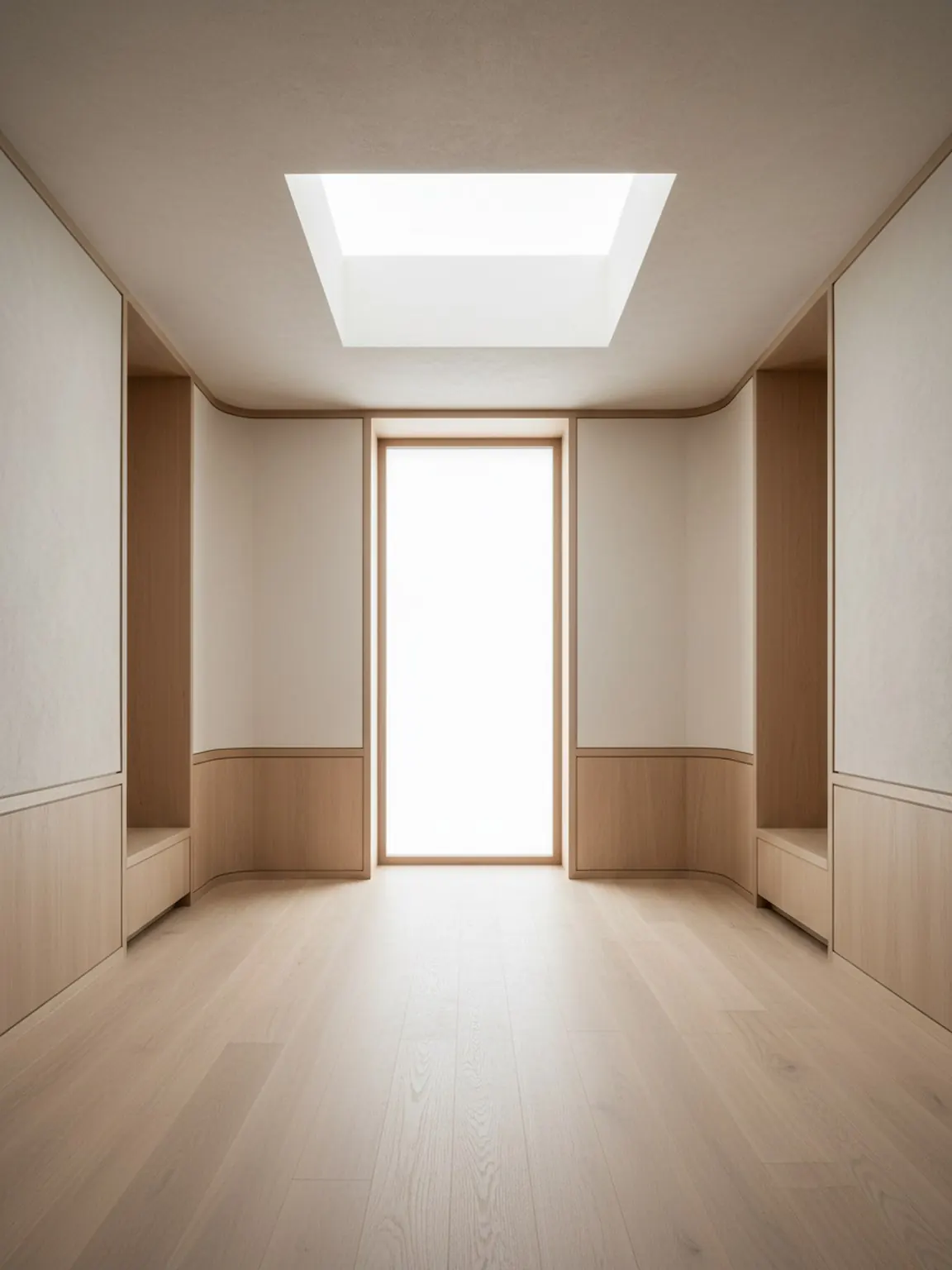
Dirección predefinida
Looks seleccionados que se mantienen tranquilos, premium y utilizables.
Generador de Estilos de Interiores con IA
Un generador de estilos de interiores con IA te ayuda a comparar looks seleccionados en la misma foto de habitación, para que puedas probar el ambiente, la paleta y la dirección visual rápidamente sin escribir indicaciones largas desde cero.
Los Estilos predefinidos son ideales cuando la pregunta principal es qué gusto visual se adapta a la habitación antes de comenzar decisiones detalladas de diseño o materiales.
Cargue una imagen clara de la habitación para establecer el contexto base. Una mejor iluminación y encuadre ayudan a producir resultados preestablecidos más sólidos.
Pruebe direcciones modernas, minimalistas, acogedoras y otras preestablecidas con un solo toque. Genere múltiples versiones para compararlas rápidamente.
Mantenga la dirección más sólida, regenere pequeñas variaciones y exporte imágenes para guiar las compras o las decisiones de los clientes.
Qué obtienes
Mejores prácticas de uso
Comience con el ajuste preestablecido que más se acerque a su estado de ánimo deseado, luego regenere dos o tres alternativas antes de decidirse. Las pequeñas iteraciones suelen mejorar la calidad final.
Si los resultados parecen inconsistentes, vuelva a tomar la foto de la habitación con un mejor encuadre y menos desorden, luego aplique el mismo ajuste preestablecido nuevamente para obtener resultados más limpios.
Para quién es mejor esto
Los Estilos predefinidos son ideales cuando la pregunta principal es qué gusto visual se adapta a la habitación antes de comenzar decisiones detalladas de diseño o materiales.
Preguntas frecuentes
Estas respuestas explican cuándo es útil la generación de estilos y cómo mantener la comparación enfocada.
Ayuda a comparar rápidamente diferentes estilos de habitación, como minimalismo cálido, Japandi, moderno o lujo suave, antes de comenzar decisiones más profundas de distribución o materiales.
No. Los presets curados son útiles cuando quieres un punto de partida guiado y no quieres que la redacción de indicaciones ralentice la primera decisión.
Dos o tres opciones fuertes suelen ser suficientes. Eso da contraste significativo sin crear una revisión confusa.
Una vez que el ambiente general de la habitación esté claro, Material Studio es el siguiente paso ideal para comparar acabados, telas, maderas o detalles de superficie.
Siguiente
Aplica estilos seleccionados en segundos y compara direcciones de rediseño con más claridad.