
まずはお部屋の写真から
クリアな部屋の画像をアップロードして、基本コンテキストを設定します。照明とフレーミングが改善されると、より強力なプリセット結果が生成されます。
機能
AIインテリアスタイルジェネレーターは、同じ部屋の写真で厳選されたルックを比較できるため、長いプロンプトを一から書くことなく、ムード、パレット、ビジュアルの方向性を素早くテストできます。
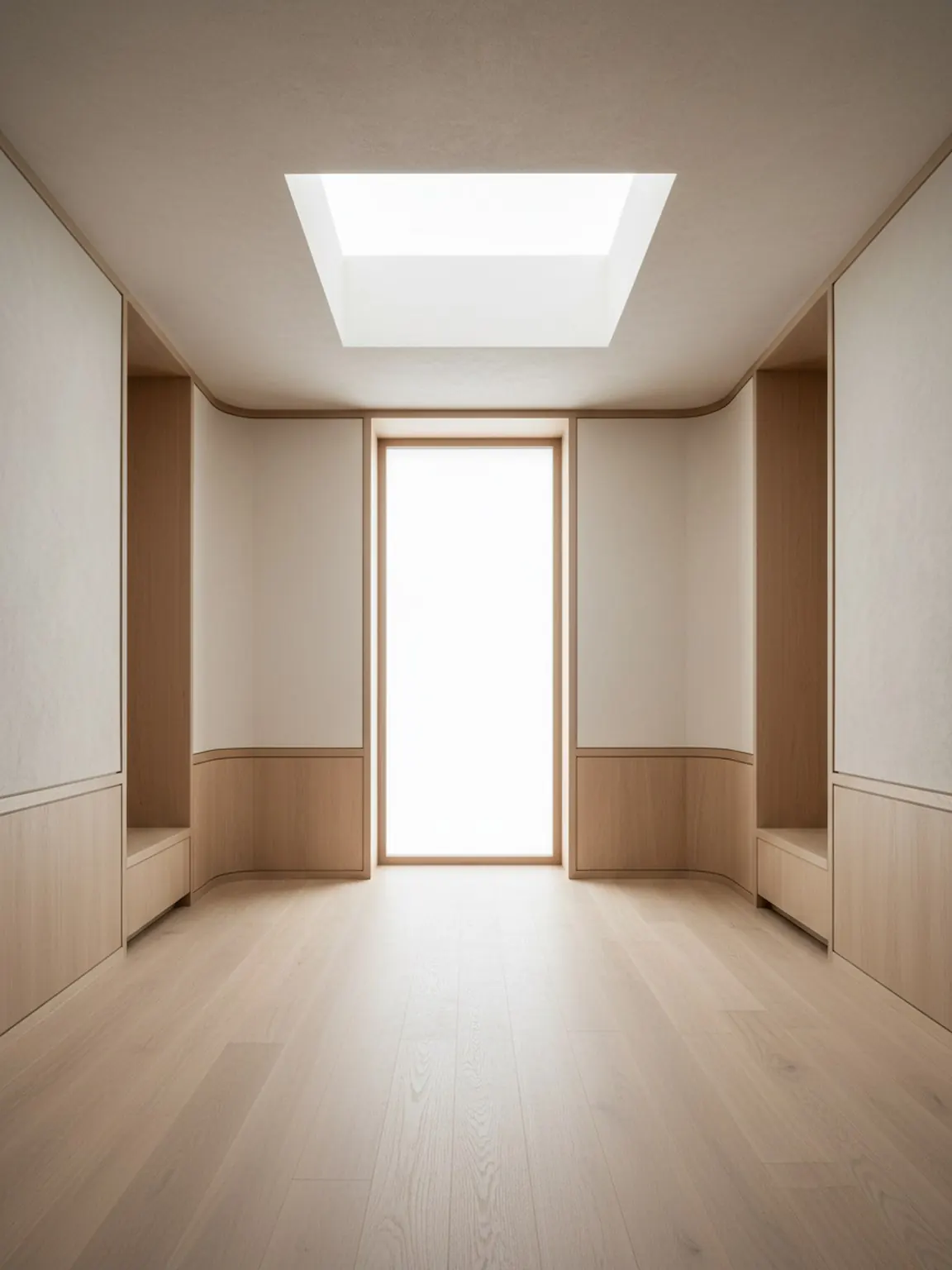
プリセットの方向性
落ち着いていて、プレミアムで、使いやすい厳選されたルック。
AIインテリアスタイルジェネレーター
AIインテリアスタイルジェネレーターは、同じ部屋の写真で厳選されたルックを比較できるため、長いプロンプトを一から書くことなく、ムード、パレット、ビジュアルの方向性を素早くテストできます。
スタイルプリセットは、詳細なレイアウトや素材の決定を始める前に、どのビジュアルテイストが部屋に合うかが主な関心事である場合に理想的です。
クリアな部屋の画像をアップロードして、基本コンテキストを設定します。照明とフレーミングが改善されると、より強力なプリセット結果が生成されます。
モダン、ミニマル、居心地の良い、その他のプリセットされた方向をワンタップで試してみてください。複数のバージョンを生成して、すばやく比較します。
最も強い方向性を維持し、小さなバリエーションを再生成し、ビジュアルをエクスポートして購入やクライアントの意思決定をガイドします。
得られるもの
使用上のベストプラクティス
希望する雰囲気に最も近いプリセットから始めて、決定する前に 2 つまたは 3 つの代替案を再生成します。通常、小規模な反復により最終的な品質が向上します。
結果に一貫性がないと感じられる場合は、より良いフレーミングで乱雑さを減らして部屋の写真を撮り直し、同じプリセットを再度適用してよりクリーンな出力を実現します。
こんな方に最適
スタイルプリセットは、詳細なレイアウトや素材の決定を始める前に、どのビジュアルテイストが部屋に合うかが主な関心事である場合に理想的です。
よくある質問
これらの回答は、スタイル生成が有用な場面と、比較の焦点を絞る方法を説明します。
ウォームミニマル、ジャパンディ、モダン、ソフトラグジュアリーなど、異なる部屋の見た目を素早く比較し、詳細なレイアウトや素材の決定前に方向性を探るのに役立ちます。
いいえ。キュレーションされたプリセットは、ガイド付きの出発点が欲しい場合や、プロンプト作成で最初の決定が遅れたくない場合に便利です。
通常は2〜3つの強い選択肢で十分です。意味のある対比を示しつつ、レビューが混乱しないようにします。
部屋の大まかなムードが明確になったら、仕上げ、ファブリック、木材、表面の詳細を比較するためにMaterial Studioに進むのが適しています。
次へ
厳選されたスタイルを数秒で適用し、リデザインの方向性をより明確に比較できます。