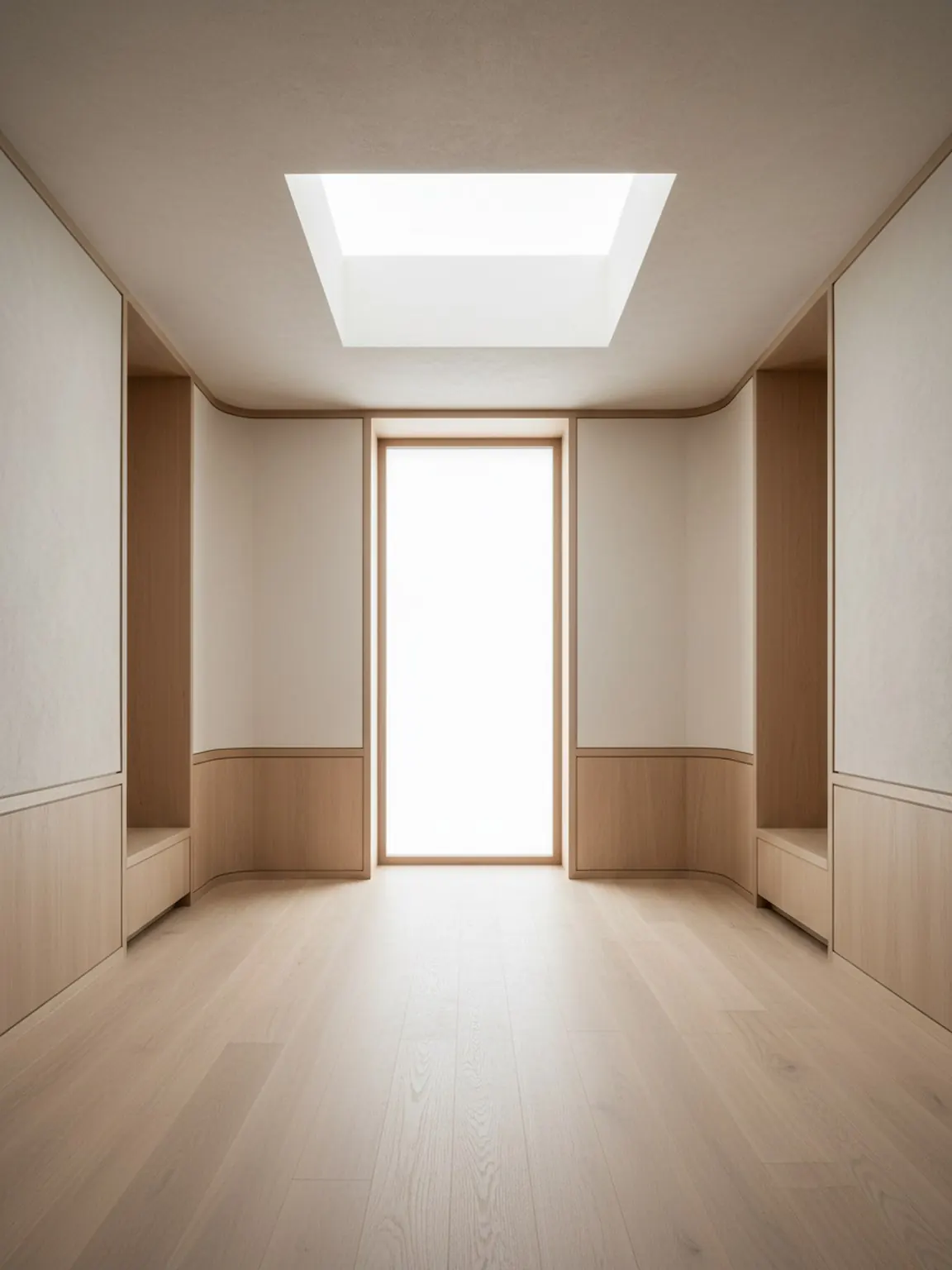
Start with a room photo
Upload a clear room image to set the base context. Better lighting and framing help produce stronger preset results.
Try modern, minimal, cozy, and other preset directions in one tap. Generate multiple versions to compare quickly.
Keep the strongest direction, regenerate small variations, and export visuals to guide purchases or client decisions.
您将获得
最佳使用实践
Start with the preset that is closest to your desired mood, then regenerate two or three alternatives before deciding. Small iterations usually improve final quality.
If results feel inconsistent, retake the room photo with better framing and less clutter, then apply the same preset again for cleaner outputs.
最适合谁
当主要问题是哪种视觉品味适合房间,而详细的布局或材料决策尚未开始时,风格预设最为理想。
常见问题
这些简短的回答说明了如何在不使工作流程复杂化的情况下使用预设。
Use Style Presets when the same room needs a few clear taste directions quickly. It is the fastest way to compare look and mood before deeper edits.
No. That is one of the main advantages. Presets help you move faster when you want guided visual directions without building detailed prompts from scratch.
Two or three strong directions are usually enough. That keeps the decision focused while still showing clear contrast in style.