
Beginnen Sie mit einem Raumfoto
Laden Sie ein klares Raumbild hoch, um den Basiskontext festzulegen. Eine bessere Beleuchtung und ein besserer Bildausschnitt tragen zu stärkeren voreingestellten Ergebnissen bei.
Funktion
Ein KI-Innenstil-Generator hilft Ihnen, kuratierte Looks auf demselben Raumfoto zu vergleichen, sodass Sie Stimmung, Palette und visuelle Richtung schnell testen können, ohne lange Aufforderungen von Grund auf neu schreiben zu müssen.
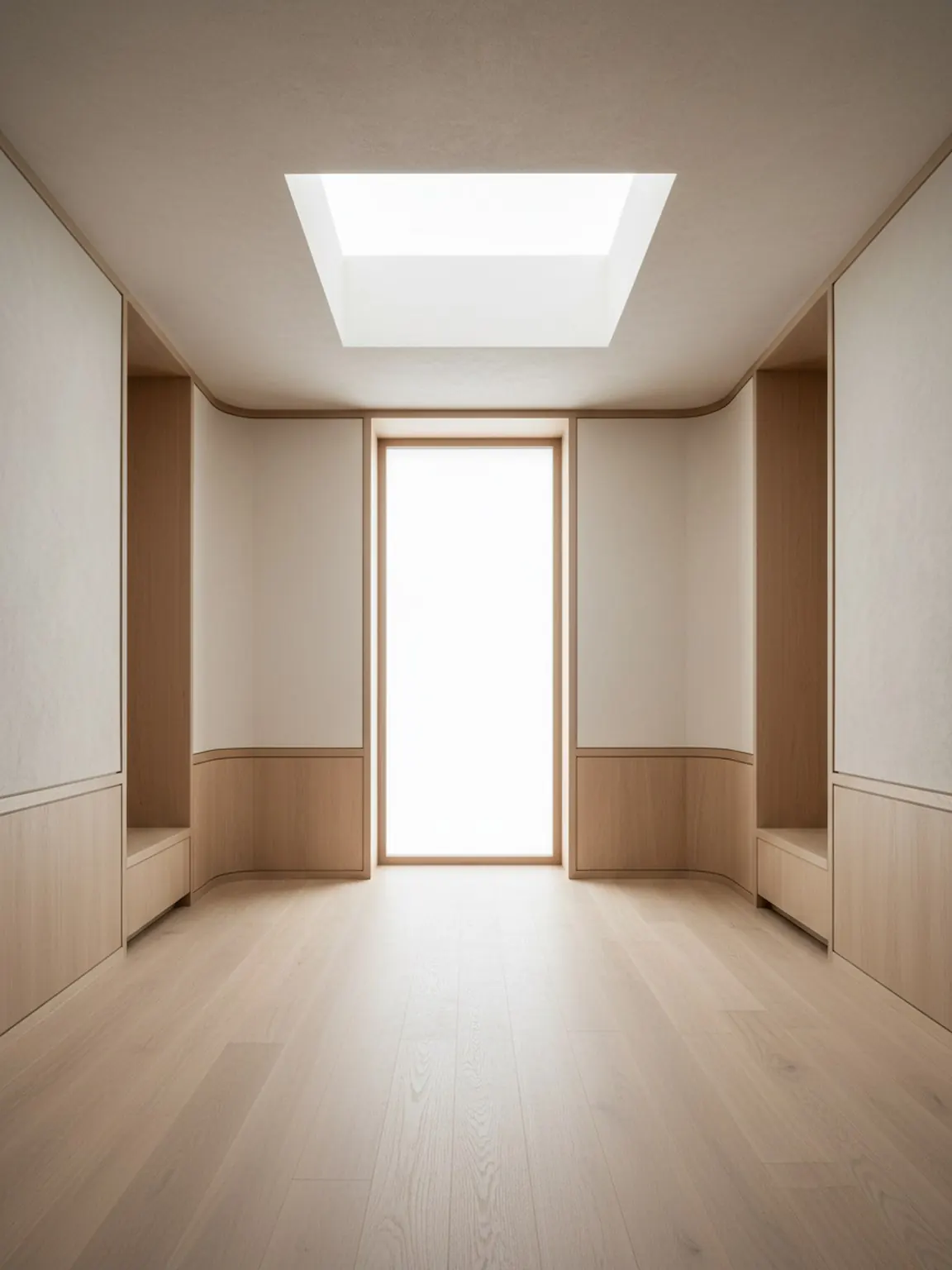
Vorlagenrichtung
Kuratierte Looks, die ruhig, hochwertig und nutzbar bleiben.
KI-Innenstil-Generator
Ein KI-Innenstil-Generator hilft Ihnen, kuratierte Looks auf demselben Raumfoto zu vergleichen, sodass Sie Stimmung, Palette und visuelle Richtung schnell testen können, ohne lange Aufforderungen von Grund auf neu schreiben zu müssen.
Stilvorlagen sind ideal, wenn die Hauptfrage ist, welcher visuelle Geschmack zum Raum passt, bevor detaillierte Layout- oder Materialentscheidungen getroffen werden.
Laden Sie ein klares Raumbild hoch, um den Basiskontext festzulegen. Eine bessere Beleuchtung und ein besserer Bildausschnitt tragen zu stärkeren voreingestellten Ergebnissen bei.
Probieren Sie moderne, minimalistische, gemütliche und andere voreingestellte Richtungen mit einem Fingertipp aus. Generieren Sie mehrere Versionen, um sie schnell vergleichen zu können.
Behalten Sie die stärkste Richtung bei, regenerieren Sie kleine Variationen und exportieren Sie Bilder, um Einkäufe oder Kundenentscheidungen zu leiten.
Was du bekommst
Beste Nutzungspraktiken
Beginnen Sie mit der Voreinstellung, die Ihrer gewünschten Stimmung am nächsten kommt, und regenerieren Sie dann zwei oder drei Alternativen, bevor Sie sich entscheiden. Small iterations usually improve final quality.
Wenn die Ergebnisse inkonsistent erscheinen, nehmen Sie das Raumfoto mit besserem Rahmen und weniger Unordnung erneut auf und wenden Sie dann dieselbe Voreinstellung erneut an, um sauberere Ergebnisse zu erzielen.
Für wen dies am besten geeignet ist
Stilvorlagen sind ideal, wenn die Hauptfrage ist, welcher visuelle Geschmack zum Raum passt, bevor detaillierte Layout- oder Materialentscheidungen getroffen werden.
FAQ
Diese Antworten erklären, wann die Stilgenerierung nützlich ist und wie der Vergleich fokussiert bleibt.
Er hilft, verschiedene Raumlooks schnell zu vergleichen, z. B. warm minimalistisch, Japandi, modern oder sanfter Luxus, bevor tiefere Layout- oder Materialentscheidungen getroffen werden.
Nein. Kuratierte Voreinstellungen sind nützlich, wenn Sie einen geführten Startpunkt wollen und das Schreiben von Eingaben die erste Entscheidung nicht verlangsamen soll.
Zwei oder drei starke Optionen reichen meist aus. Das schafft sinnvollen Kontrast ohne eine unübersichtliche Bewertung.
Sobald die grobe Raumatmosphäre klar ist, ist Material Studio der bessere nächste Schritt zum Vergleich von Oberflächen, Stoffen, Holz oder Details.
Weiter
Wenden Sie kuratierte Stile in Sekunden an und vergleichen Sie Redesign-Richtungen mit mehr Klarheit.