
Bring in the room photo
Start with a room image that shows the main placement zone, nearby walls, and floor lines clearly.
Furniture fit
A furniture visualizer is strongest when a buyer needs to see a real piece inside a real room, not as an isolated cutout. The goal is product confidence, not decoration for its own sake.
Fit and finish
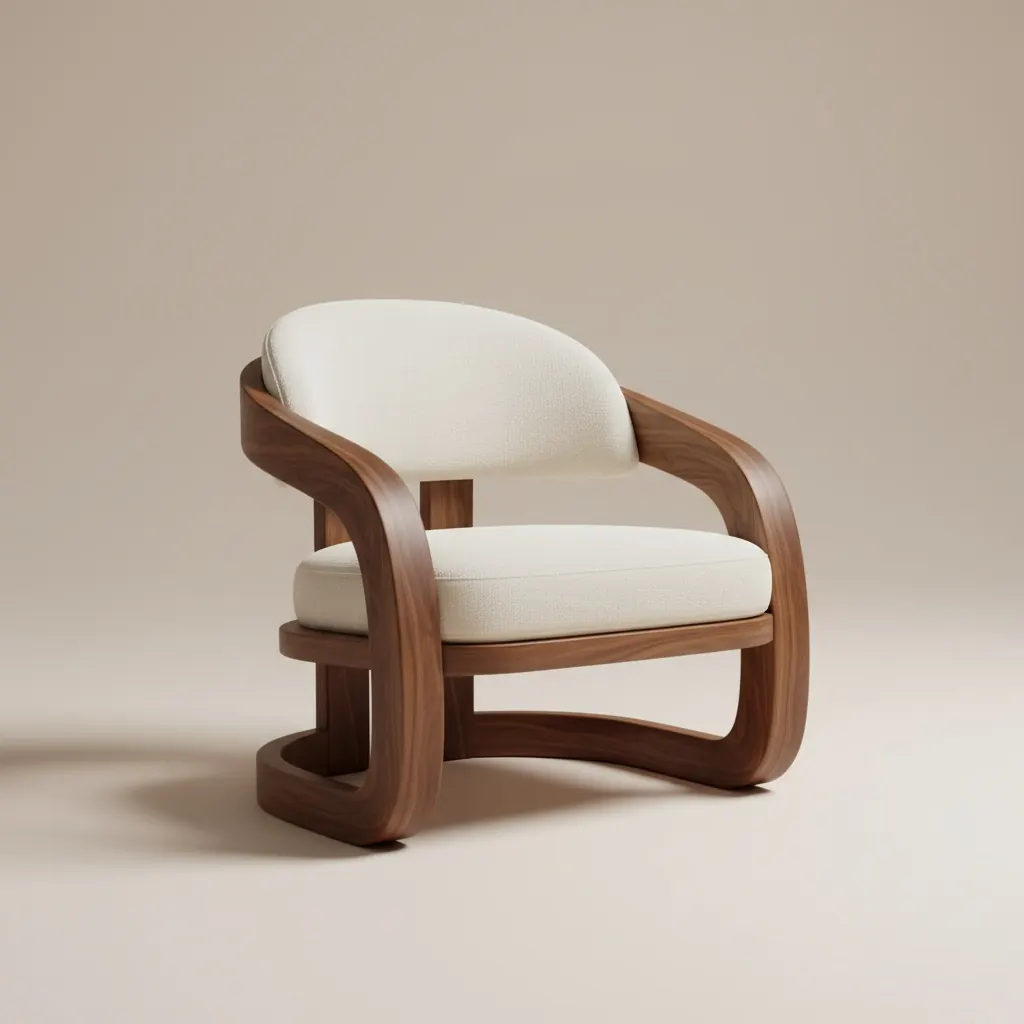
Real-room product previews that make scale and style easier to judge.
Feature
A useful furniture visualizer should help someone answer four questions quickly: does it fit, does the scale feel right, does the finish work with the room, and does it deserve the next step in the buying conversation.
Feature
Start with a room image that shows the main placement zone, nearby walls, and floor lines clearly.
Test the shortlist that matters most: two sofas, a finish variation, or a bundle that changes the visual balance.
Export the clearest version for product pages, support replies, internal review, or buyer-facing recommendation flows.
Why this matters in the sales flow
The visualizer exists for the moment when imagination is too weak and checkout confidence is not there yet.
Buyers can see the item in context instead of asking repeated scale and placement questions.
Small material or color changes become easier to judge when they sit inside the same room story.
Two or three realistic alternatives are easier to review than a broad gallery of unrelated inspiration.
Best fit for
Feature
FAQ
Use these answers to decide when a product-only image is not enough anymore.
It helps judge fit, scale, finish, placement, and room balance before buying or recommending a furniture piece.
A redesign tool explores the whole room direction. A furniture visualizer focuses on whether a specific product or shortlist works inside the real room.
Two or three close alternatives are usually enough because the review stays focused and the buyer can explain the preference more clearly.
Use it in catalog pages, chat support, consultations, email follow-up, and any point where fit confidence affects conversion.
Feature
Use Room AI Studio to compare the shortlist in context and keep the strongest visual proof ready for the next buying step.