
Start with the room context
Use a blank room, a customer photo, or a listing image that shows walls, floor lines, and the main placement zone clearly.
Virtual staging
Virtual furniture staging helps ecommerce teams show furniture inside believable room context before a shopper commits. Instead of asking buyers to imagine fit on their own, the room scene carries the proof.
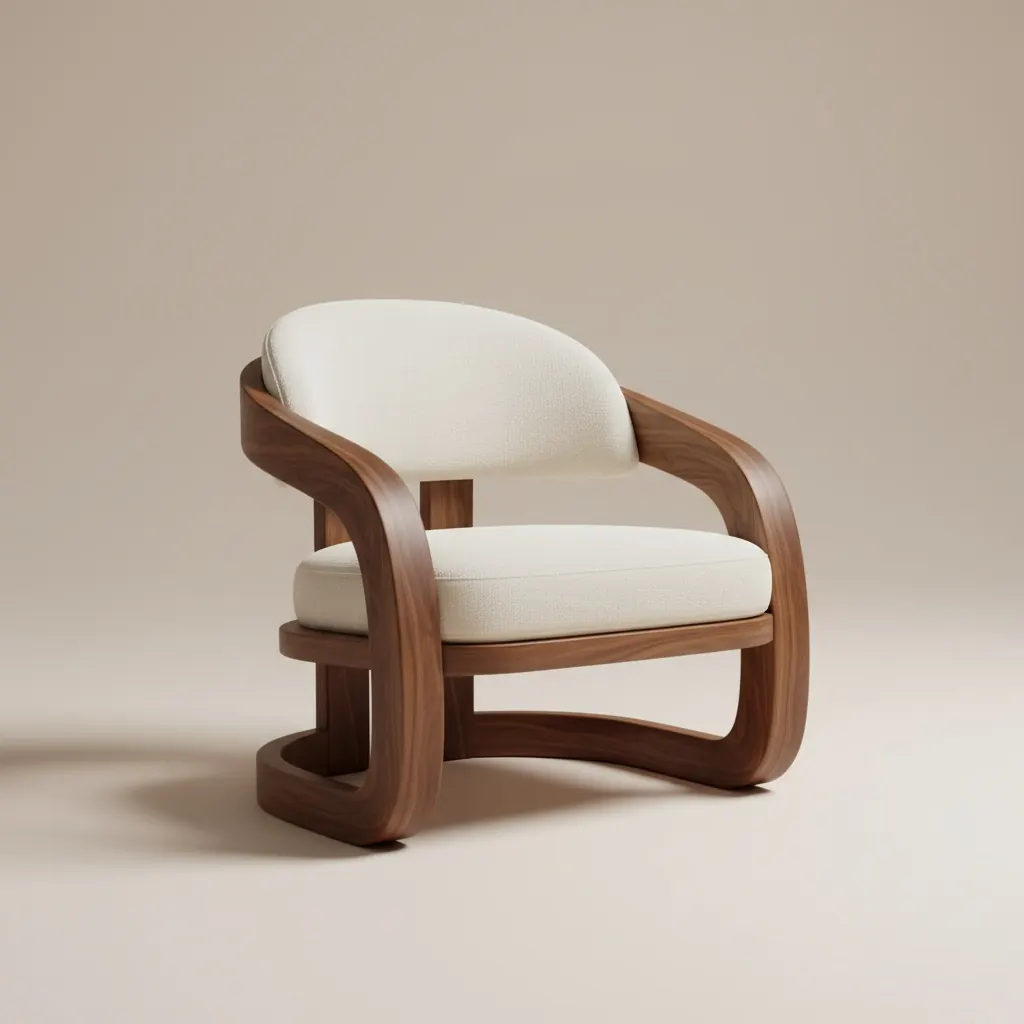
Checkout proof
Product-fit room visuals that remove guesswork earlier in the buying path.
Use Case
The useful version of virtual staging is not decorative filler. It should answer whether the product belongs in the room, whether scale feels right, and whether the shopper can picture the next step with less doubt.
Use Case
Use a blank room, a customer photo, or a listing image that shows walls, floor lines, and the main placement zone clearly.
Add the exact product, finish, or bundle that the shopper is comparing instead of creating a generic aspirational render.
Move the strongest room scene into product pages, support threads, email replies, or buyer follow-up so the same proof stays visible.
Signals this page is built to support
This landing page exists for teams that need product-fit confidence, not just pretty inspiration.
The room scene explains why the item belongs in the space before the buyer reaches the final purchase step.
One strong staged room can support product detail pages, chat replies, abandoned-cart recovery, and showroom follow-up.
Buyers do not need to mentally combine catalog photography with their own room because the context is already visible.
Best fit for
Use Case
FAQ
Short answers for teams deciding whether this is a real commerce page or just another inspiration asset.
It helps shoppers judge fit, mood, and scale in a believable room before they commit to a product page decision or checkout.
No. It works best alongside clean product photography so the buyer sees both the isolated item and the room-context version.
A bright photo with visible walls, floor lines, and the intended placement area usually creates the clearest product-fit scene.
Use it anywhere product hesitation shows up: product pages, chat replies, email follow-up, social proof assets, and assisted selling flows.
Use Case
Use Room AI Studio to turn room context into product proof that sales, support, and catalog teams can reuse immediately.