
Upload your current room photo
Start with a clear photo of the room as it is today. Better lighting and full-room framing lead to cleaner furniture swap outputs.
機能
Room AI Studioの家具の入れ替えで、仮想的に家具を交換しましょう。同じ部屋の写真で異なる家具を試し、素早く代替案を比較し、購入前に最適なものを選べます。
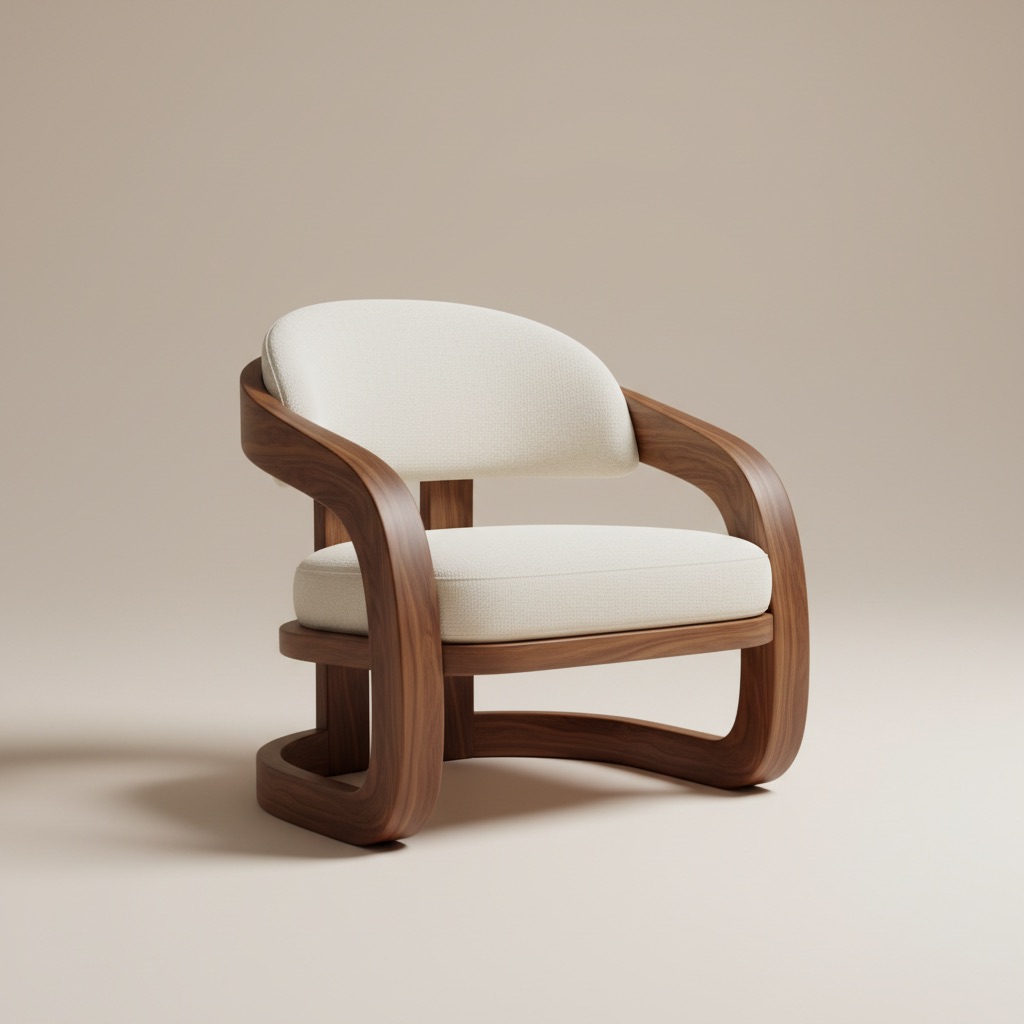
入れ替えビジュアル
同じ部屋のストーリーで製品の代替案を比較。
Start with a clear photo of the room as it is today. Better lighting and full-room framing lead to cleaner furniture swap outputs.
Select the furniture piece you want to swap and test different styles, colors, and sizes to see what fits best.
Generate multiple swap variations, review before/after options side by side, and move forward with the strongest choice.
得られるもの
最適な入れ替えの実践方法
Use a photo that clearly shows floors, walls, and nearby objects so replacements align more naturally with room proportions.
Test two or three similar options with different finishes or dimensions. Small changes can make a major difference in balance and overall room feel.
こんな方に最適
家具の入れ替えは、購入者がアイテムを決定する前に、適合性、仕上げ、視覚的なバランスを確認する必要がある場面に最適です。
よくある質問
これらの回答は、同じ部屋で代替案を試すかどうかを検討している購入者にとって、ユースケースをより明確にします。
It works best when the room already exists and the main question is which product, finish, or size fits better without guessing from a blank concept.
Yes. That is one of the strongest use cases. Comparing two or three alternatives in the same room context reduces uncertainty before checkout.
Use a photo that clearly shows the target furniture area, nearby walls, and floor lines so the replacement looks more natural and easier to judge.
次へ
購入前に部屋での家具の交換をプレビューし、より自信を持って進めましょう。