
Upload your current room photo
Start with a clear photo of the room as it is today. Better lighting and full-room framing lead to cleaner furniture swap outputs.
Feature
Replace furniture virtually with Furniture Swap in Room AI Studio. Test different pieces in the same room photo, compare alternatives quickly, and choose what works before purchasing.
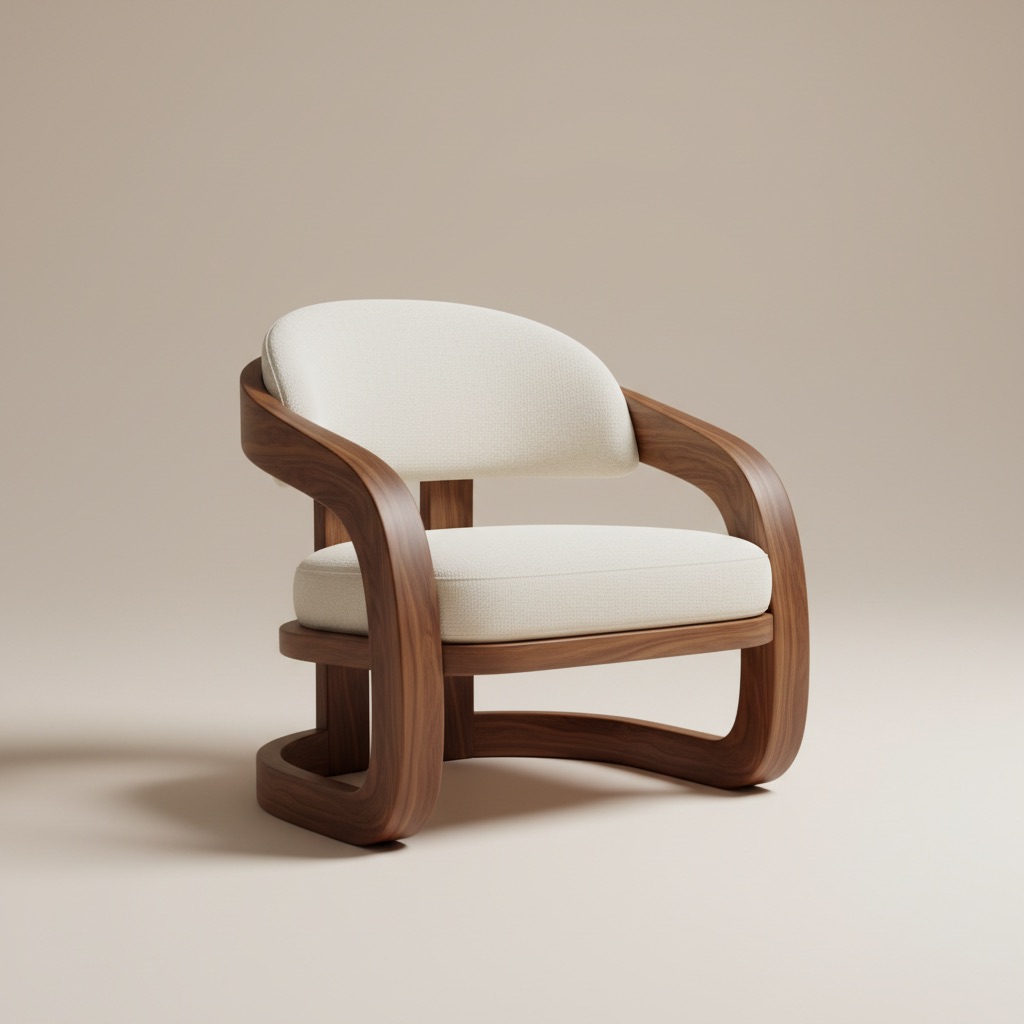
Swap visual
Compare product alternatives in the same room story.
Start with a clear photo of the room as it is today. Better lighting and full-room framing lead to cleaner furniture swap outputs.
Select the furniture piece you want to swap and test different styles, colors, and sizes to see what fits best.
Generate multiple swap variations, review before/after options side by side, and move forward with the strongest choice.
What you get
Best swap practices
Use a photo that clearly shows floors, walls, and nearby objects so replacements align more naturally with room proportions.
Test two or three similar options with different finishes or dimensions. Small changes can make a major difference in balance and overall room feel.
Who this works best for
Furniture Swap is designed for moments where a buyer needs proof of fit, finish, and visual balance before committing to a piece.
FAQ
These answers make the use case clearer for buyers deciding whether to test alternatives in the same room.
It works best when the room already exists and the main question is which product, finish, or size fits better without guessing from a blank concept.
Yes. That is one of the strongest use cases. Comparing two or three alternatives in the same room context reduces uncertainty before checkout.
Use a photo that clearly shows the target furniture area, nearby walls, and floor lines so the replacement looks more natural and easier to judge.
Next
Preview furniture replacements in your room before buying and move forward with more confidence.