
Upload your current room photo
Start with a clear photo of the room as it is today. Better lighting and full-room framing lead to cleaner furniture swap outputs.
Funktion
Ersetzen Sie Möbel virtuell mit dem Möbeltausch in Room AI Studio. Testen Sie verschiedene Stücke im selben Raumfoto, vergleichen Sie Alternativen schnell und wählen Sie, was vor dem Kauf funktioniert.
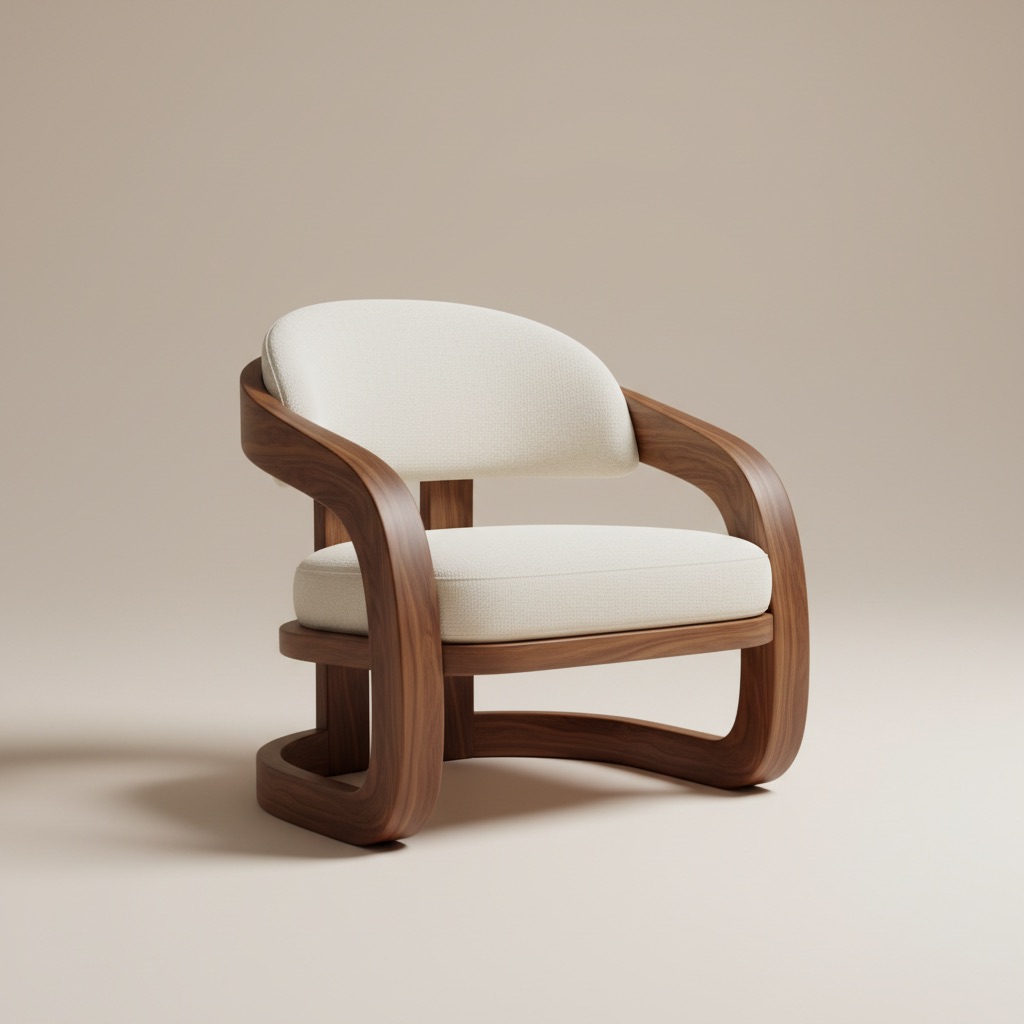
Tauschvisualisierung
Vergleichen Sie Produktalternativen in derselben Raumgeschichte.
Start with a clear photo of the room as it is today. Better lighting and full-room framing lead to cleaner furniture swap outputs.
Select the furniture piece you want to swap and test different styles, colors, and sizes to see what fits best.
Generate multiple swap variations, review before/after options side by side, and move forward with the strongest choice.
Was du bekommst
Beste Tauschpraktiken
Use a photo that clearly shows floors, walls, and nearby objects so replacements align more naturally with room proportions.
Test two or three similar options with different finishes or dimensions. Small changes can make a major difference in balance and overall room feel.
Für wen dies am besten geeignet ist
Der Möbeltausch ist für Momente konzipiert, in denen ein Käufer einen Nachweis über Passform, Verarbeitung und visuelles Gleichgewicht benötigt, bevor er sich für ein Stück entscheidet.
FAQ
Diese Antworten verdeutlichen den Anwendungsfall für Käufer, die entscheiden, ob sie Alternativen im selben Raum testen möchten.
It works best when the room already exists and the main question is which product, finish, or size fits better without guessing from a blank concept.
Yes. That is one of the strongest use cases. Comparing two or three alternatives in the same room context reduces uncertainty before checkout.
Use a photo that clearly shows the target furniture area, nearby walls, and floor lines so the replacement looks more natural and easier to judge.
Weiter
Sehen Sie sich Möbelersatz in Ihrem Raum vor dem Kauf an und gehen Sie mit mehr Vertrauen vor.