
Upload your current room photo
Start with a clear photo of the room as it is today. Better lighting and full-room framing lead to cleaner furniture swap outputs.
Fonctionnalité
Remplacez virtuellement des meubles avec l'échange de meubles dans Room AI Studio. Testez différentes pièces dans la même photo de pièce, comparez rapidement les alternatives et choisissez ce qui fonctionne avant d'acheter.
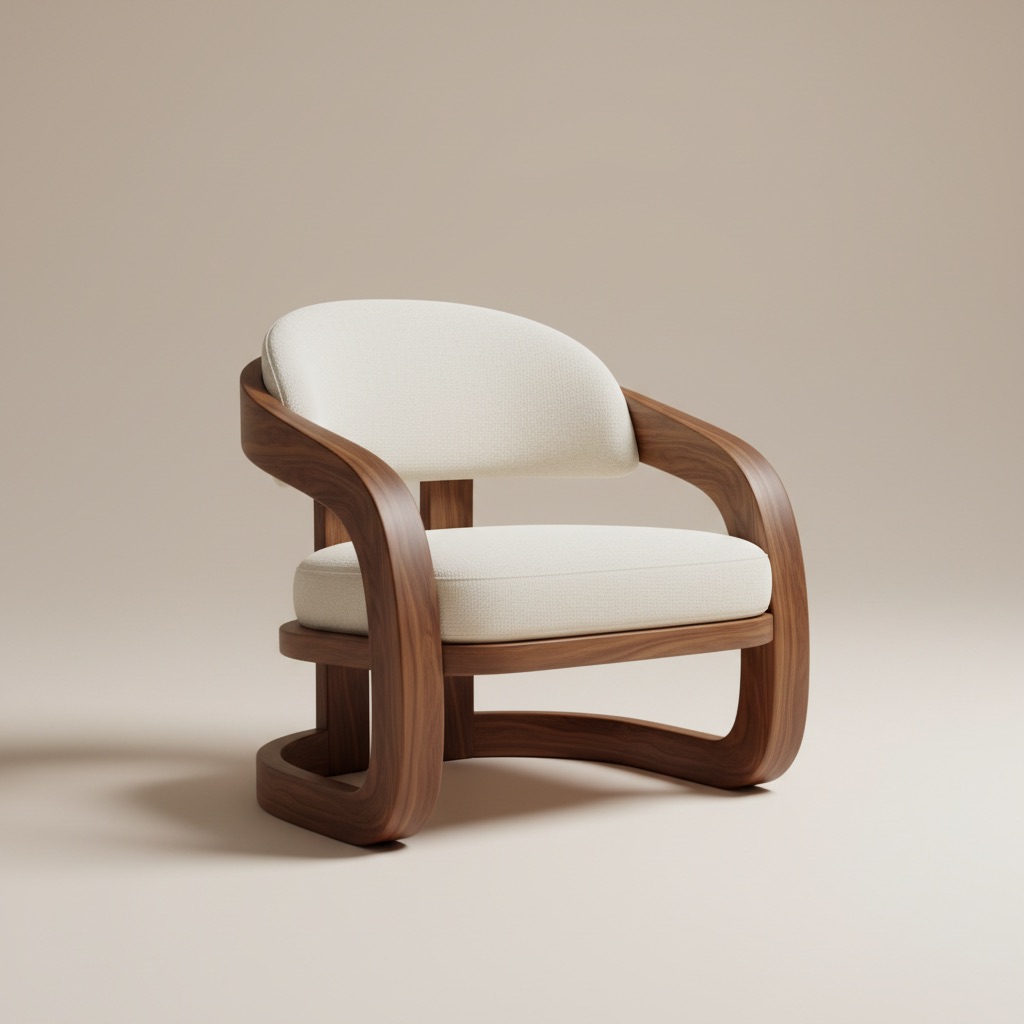
Visuel d'échange
Comparez les alternatives de produits dans la même histoire de pièce.
Start with a clear photo of the room as it is today. Better lighting and full-room framing lead to cleaner furniture swap outputs.
Select the furniture piece you want to swap and test different styles, colors, and sizes to see what fits best.
Generate multiple swap variations, review before/after options side by side, and move forward with the strongest choice.
Ce que vous obtenez
Meilleures pratiques d'échange
Use a photo that clearly shows floors, walls, and nearby objects so replacements align more naturally with room proportions.
Test two or three similar options with different finishes or dimensions. Small changes can make a major difference in balance and overall room feel.
À qui cela convient le mieux
L'échange de meubles est conçu pour les moments où un acheteur a besoin de preuve d'ajustement, de finition et d'équilibre visuel avant de s'engager sur une pièce.
FAQ
Ces réponses clarifient le cas d'utilisation pour les acheteurs qui décident s'ils doivent tester des alternatives dans la même pièce.
It works best when the room already exists and the main question is which product, finish, or size fits better without guessing from a blank concept.
Yes. That is one of the strongest use cases. Comparing two or three alternatives in the same room context reduces uncertainty before checkout.
Use a photo that clearly shows the target furniture area, nearby walls, and floor lines so the replacement looks more natural and easier to judge.
Suivant
Prévisualisez les remplacements de meubles dans votre pièce avant d'acheter et avancez avec plus de confiance.