
Comece com o ativo de origem mais limpo
Use a imagem de produto mais forte que você já confia para que a qualidade da cena e o detalhe do acabamento permaneçam críveis em novas saídas.
Visuais de produto
A fotografia de produto com IA ajuda marcas de móveis a transformar uma imagem forte do produto em cenas de ambiente, variantes de acabamento, ativos de campanha e cobertura de catálogo mais limpa, sem repetir a mesma carga de trabalho de estúdio.
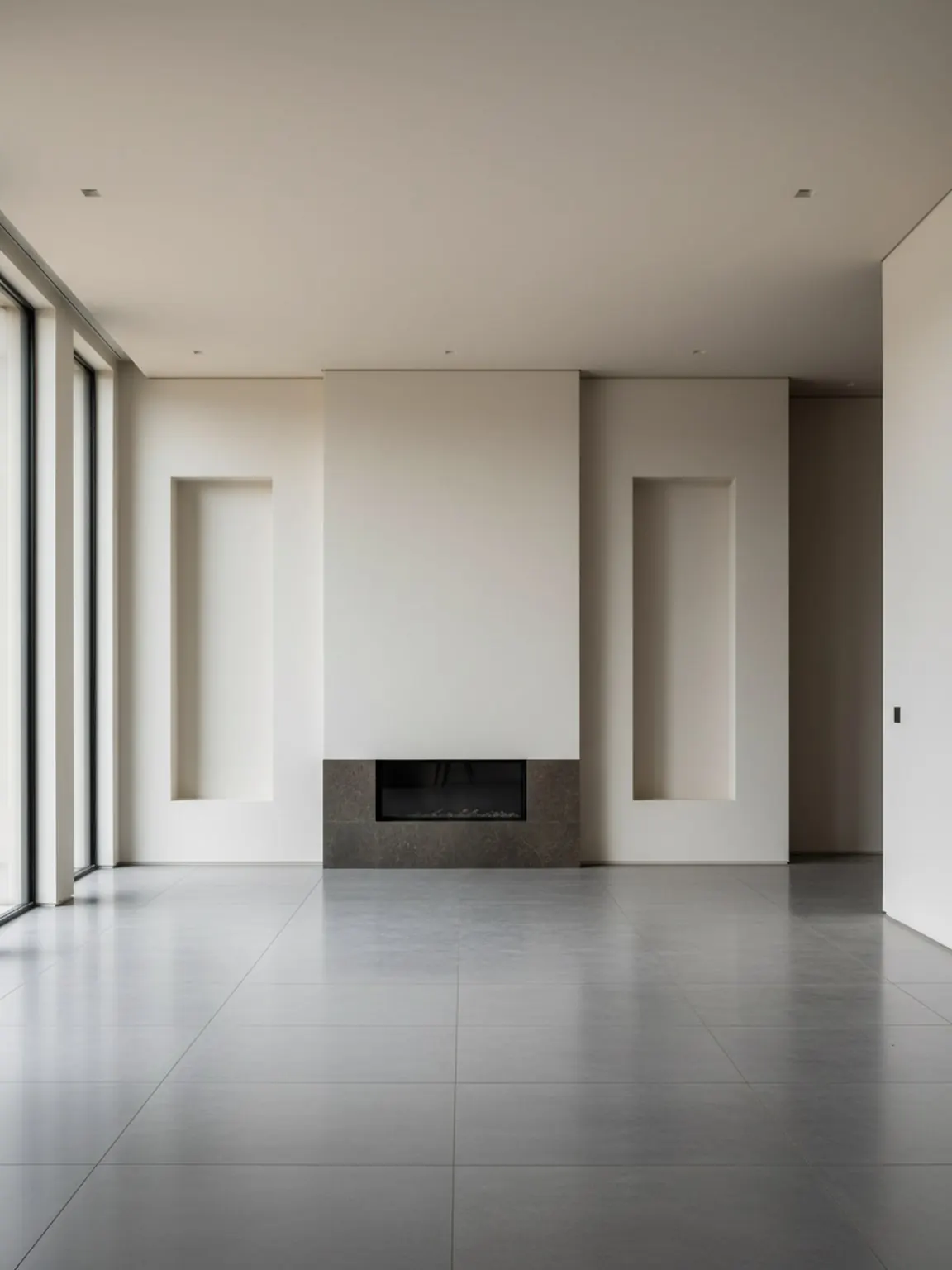
Velocidade de catálogo
Narrativa de produto mais limpa sem esperar por cada sessão de fotos física.
Recurso
O objetivo não é substituir todos os padrões de estúdio. É ajudar a equipe a criar mais cobertura de produto, testes mais rápidos e uma narrativa de ambiente mais forte a partir de ativos que já existem.
Recurso
Use a imagem de produto mais forte que você já confia para que a qualidade da cena e o detalhe do acabamento permaneçam críveis em novas saídas.
Decida se o ativo é para cobertura de catálogo, cenas de ambiente, criativos de anúncio ou uma variação de acabamento antes de gerar qualquer coisa.
Mova o resultado mais forte para listagens de produto, campanhas de redes sociais, mídia paga ou páginas de suporte com visuais de ambiente onde ele adiciona contexto real de compra.
O que esta página foi criada para apoiar
Equipes de móveis geralmente precisam de velocidade, consistência e mais ângulos visuais do que os ciclos de produção tradicionais permitem.
A equipe pode criar cenas, cortes e variantes adicionais sem reabrir todo o processo de produção a cada vez.
Uma imagem de produto pode alimentar cenas de ambiente, testes de criativos pagos, formatos de redes sociais e páginas de destino de apoio.
As equipes de vendas e merchandising obtêm visuais que explicam o produto em uso, não apenas isoladamente.
Melhor para
Recurso
FAQ
Respostas rápidas para equipes que decidem onde a fotografia de produtos com IA se encaixa em um sistema real de produção visual.
Geralmente ajuda primeiro com cobertura visual: mais cenas, mais cortes, mais contexto de ambiente e testes mais rápidos a partir de ativos de produtos existentes.
Não. Funciona melhor como uma camada de velocidade em torno de imagens de produtos confiáveis, especialmente quando a equipe precisa de mais variantes prontas para canais ou cenas de ambiente.
Produtos que precisam de contexto de ambiente, comparação de acabamento ou variação de campanha tendem a se beneficiar mais, pois as lacunas de imaginação ainda são grandes.
Use-os em listagens de produtos, páginas de lançamento, páginas de SEO de suporte, testes criativos pagos e páginas de prova que explicam por que o visual ajuda na conversão.
Recurso
Use Room AI Studio para transformar imagens de produtos confiáveis em cenas de ambiente, visuais de lançamento e cobertura de campanha mais rápida.