
Upload a room photo
Start with a clear photo of your room. Good lighting and a wide angle help generate better redesign options.
機能
Room AI Studioで、1枚の部屋の写真を実用的なインテリアリデザインのアイデアに変えましょう。複数のバージョンを生成し、最適なものを検討し、より自信を持って次のステップに進めます。
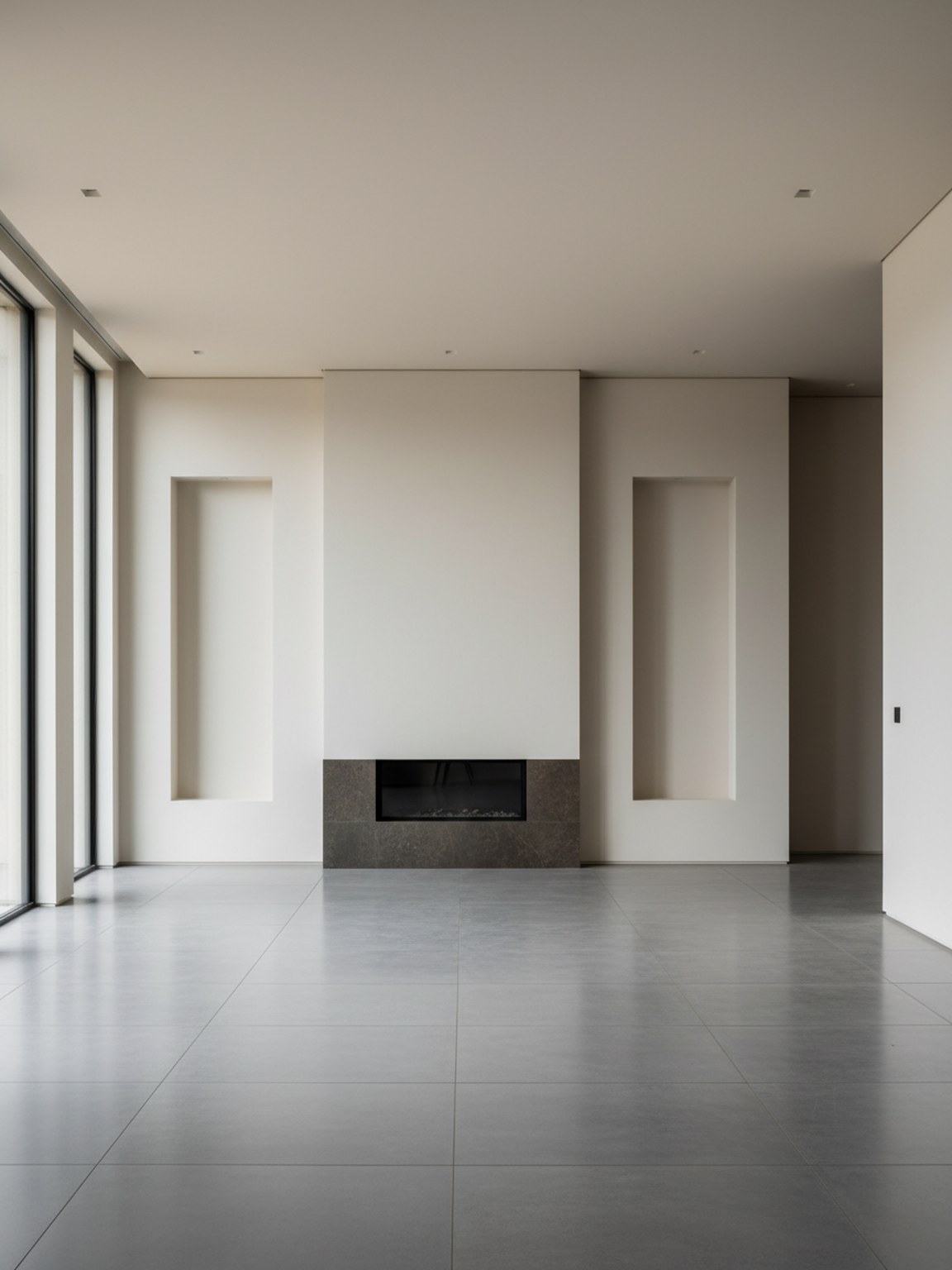
写真シーン
1つの入力から信頼性の高い部屋のビジュアルを生成。
Start with a clear photo of your room. Good lighting and a wide angle help generate better redesign options.
Try style presets and regenerate variations to compare different furniture layouts, color palettes, and mood.
Export redesign outputs to discuss ideas, validate options, and move faster from concept to final setup.
得られるもの
写真のベストプラクティス
For the highest quality redesign outputs, use a bright photo where the room is mostly visible. Keep the camera steady and avoid heavy filters.
If a result looks off, retake the photo with better framing and regenerate a few alternatives. Small input changes usually produce stronger redesign suggestions.
こんな方に最適
写真リデザインは、1枚の写真から、詳細な計画、買い物、関係者によるレビューの前に、いくつかの明確な部屋の方向性を導き出したい場合に最も効果的です。
よくある質問
これらの簡潔な回答は、写真リデザインが適切な出発点となる状況を説明します。
Use it when the goal is to explore the overall room direction quickly from one photo. It is the best starting point for before-and-after concepts and broad visual comparison.
A bright photo with most of the room visible usually leads to cleaner redesign suggestions, stronger furniture balance, and more believable layouts.
Yes. Photo Redesign works well early in the process when you want direction first and detailed product decisions later.
次へ
部屋の写真1枚から始めて、評価と迅速な適用が可能なリデザイン案を作成します。