
Upload a room photo
Start with a clear photo of your room. Good lighting and a wide angle help generate better redesign options.
Recurso
Transforme uma única foto de cômodo em ideias práticas de redesign de interiores com o Room AI Studio. Gere várias versões, avalie o que funciona melhor e siga em frente com mais confiança.
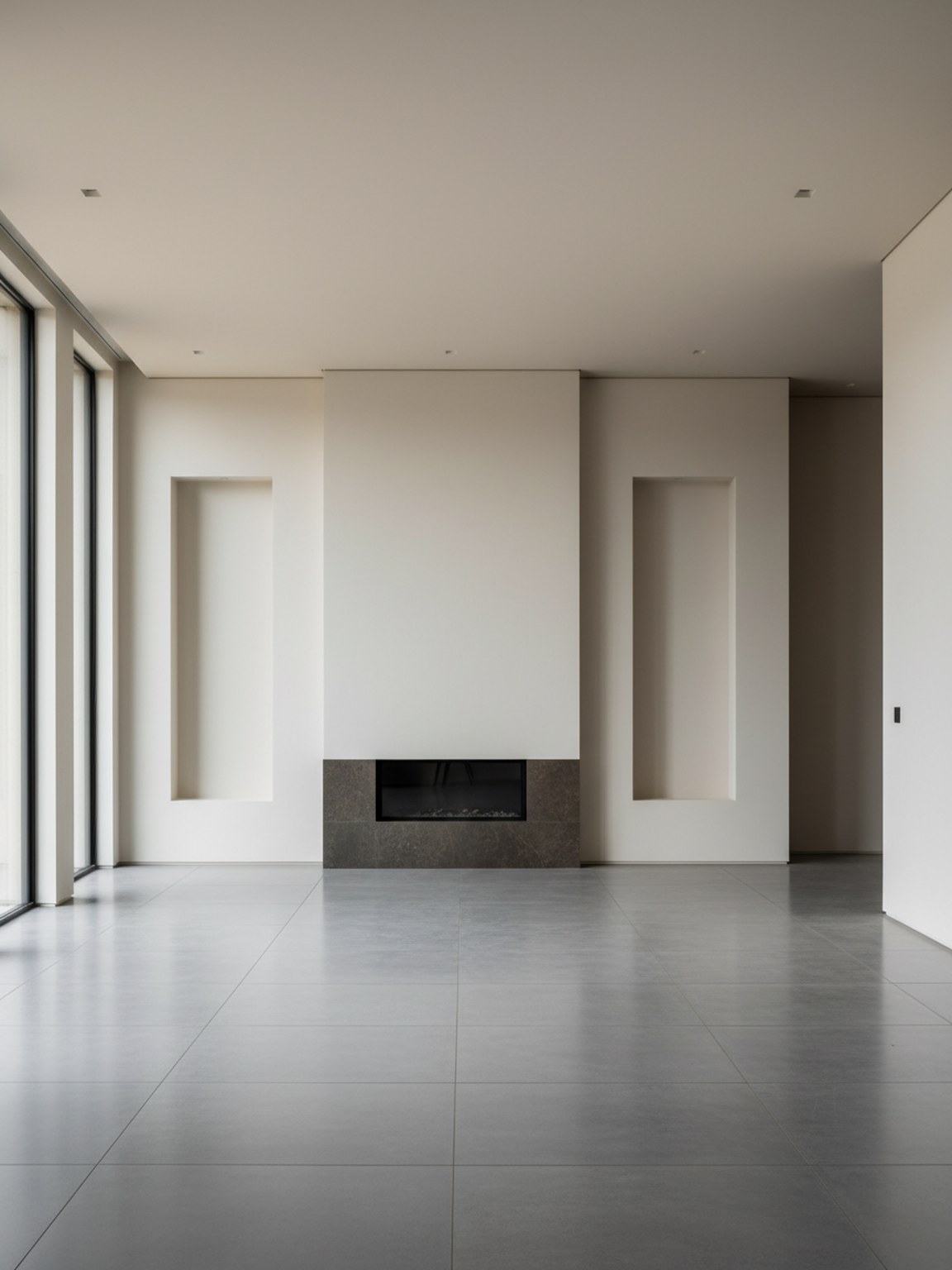
Cena da foto
Visuais de cômodo de alta confiança a partir de uma única entrada.
Start with a clear photo of your room. Good lighting and a wide angle help generate better redesign options.
Try style presets and regenerate variations to compare different furniture layouts, color palettes, and mood.
Export redesign outputs to discuss ideas, validate options, and move faster from concept to final setup.
O que você recebe
Melhores práticas para fotos
For the highest quality redesign outputs, use a bright photo where the room is mostly visible. Keep the camera steady and avoid heavy filters.
If a result looks off, retake the photo with better framing and regenerate a few alternatives. Small input changes usually produce stronger redesign suggestions.
Para quem é mais indicado
O Redesign de Fotos é mais eficaz quando uma única foto precisa se tornar algumas direções claras de cômodo antes de planejamento mais aprofundado, compras ou revisão das partes interessadas.
FAQ
Estas respostas curtas explicam quando o Redesign de Fotos é o ponto de partida certo.
Use it when the goal is to explore the overall room direction quickly from one photo. It is the best starting point for before-and-after concepts and broad visual comparison.
A bright photo with most of the room visible usually leads to cleaner redesign suggestions, stronger furniture balance, and more believable layouts.
Yes. Photo Redesign works well early in the process when you want direction first and detailed product decisions later.
Próximo
Comece com uma foto de cômodo e transforme-a em conceitos de redesign que você pode avaliar e aplicar rapidamente.