
Upload a room photo
Start with a clear photo of your room. Good lighting and a wide angle help generate better redesign options.
Fonctionnalité
Transformez une seule photo de pièce en idées de redesign d'intérieur pratiques avec Room AI Studio. Générez plusieurs versions, examinez ce qui fonctionne le mieux et avancez avec plus de confiance.
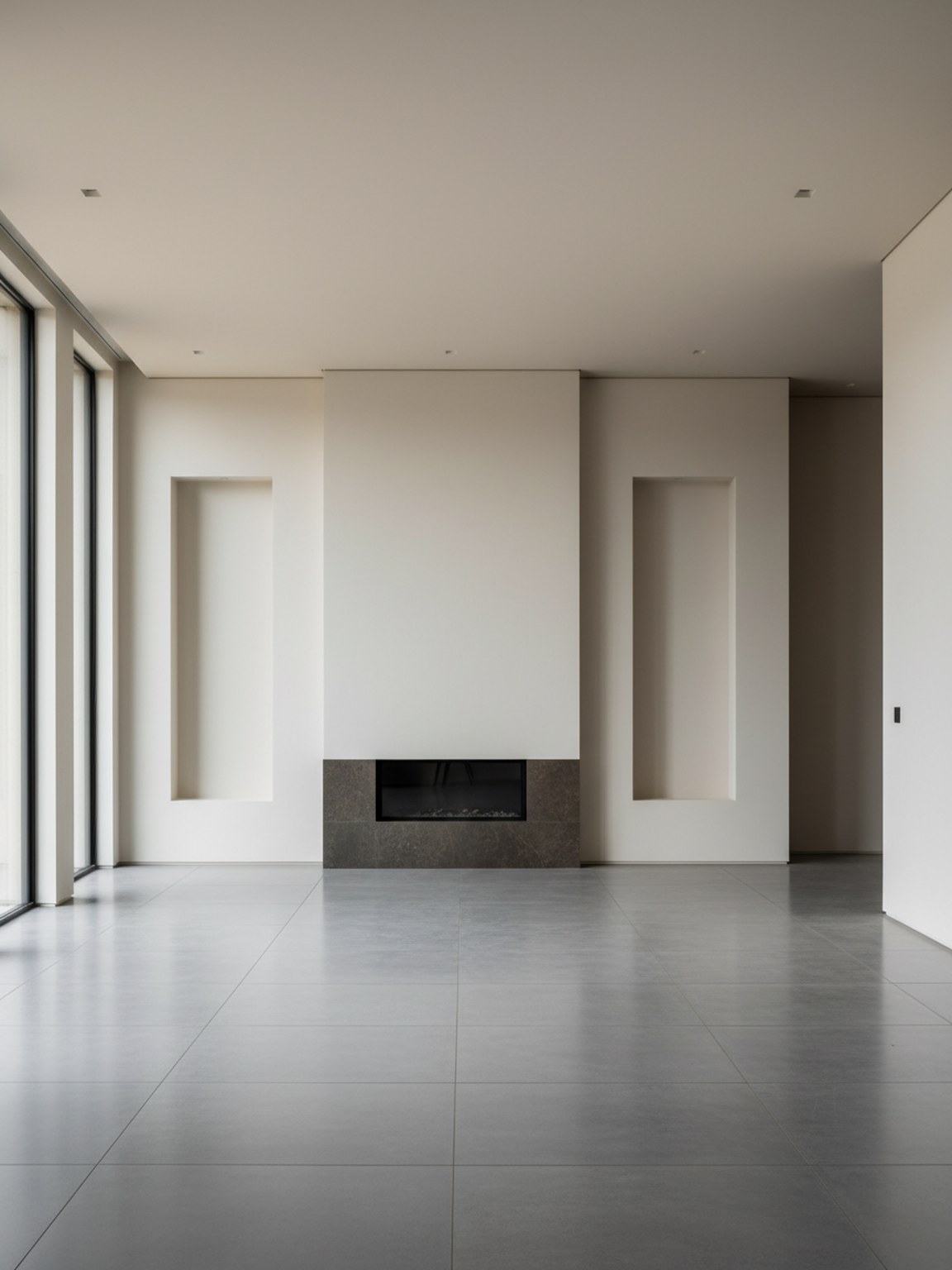
Scène photo
Visuels de pièce fiables à partir d'une seule entrée.
Start with a clear photo of your room. Good lighting and a wide angle help generate better redesign options.
Try style presets and regenerate variations to compare different furniture layouts, color palettes, and mood.
Export redesign outputs to discuss ideas, validate options, and move faster from concept to final setup.
Ce que vous obtenez
Bonnes pratiques pour les photos
For the highest quality redesign outputs, use a bright photo where the room is mostly visible. Keep the camera steady and avoid heavy filters.
If a result looks off, retake the photo with better framing and regenerate a few alternatives. Small input changes usually produce stronger redesign suggestions.
À qui cela convient le mieux
Photo Redesign est le plus efficace lorsqu'une seule photo doit devenir quelques directions de pièce claires avant une planification, des achats ou une révision plus approfondis.
FAQ
Ces réponses courtes expliquent quand Photo Redesign est le bon point de départ.
Use it when the goal is to explore the overall room direction quickly from one photo. It is the best starting point for before-and-after concepts and broad visual comparison.
A bright photo with most of the room visible usually leads to cleaner redesign suggestions, stronger furniture balance, and more believable layouts.
Yes. Photo Redesign works well early in the process when you want direction first and detailed product decisions later.
Suivant
Commencez avec une photo de pièce et transformez-la en concepts de redesign que vous pouvez évaluer et appliquer rapidement.