
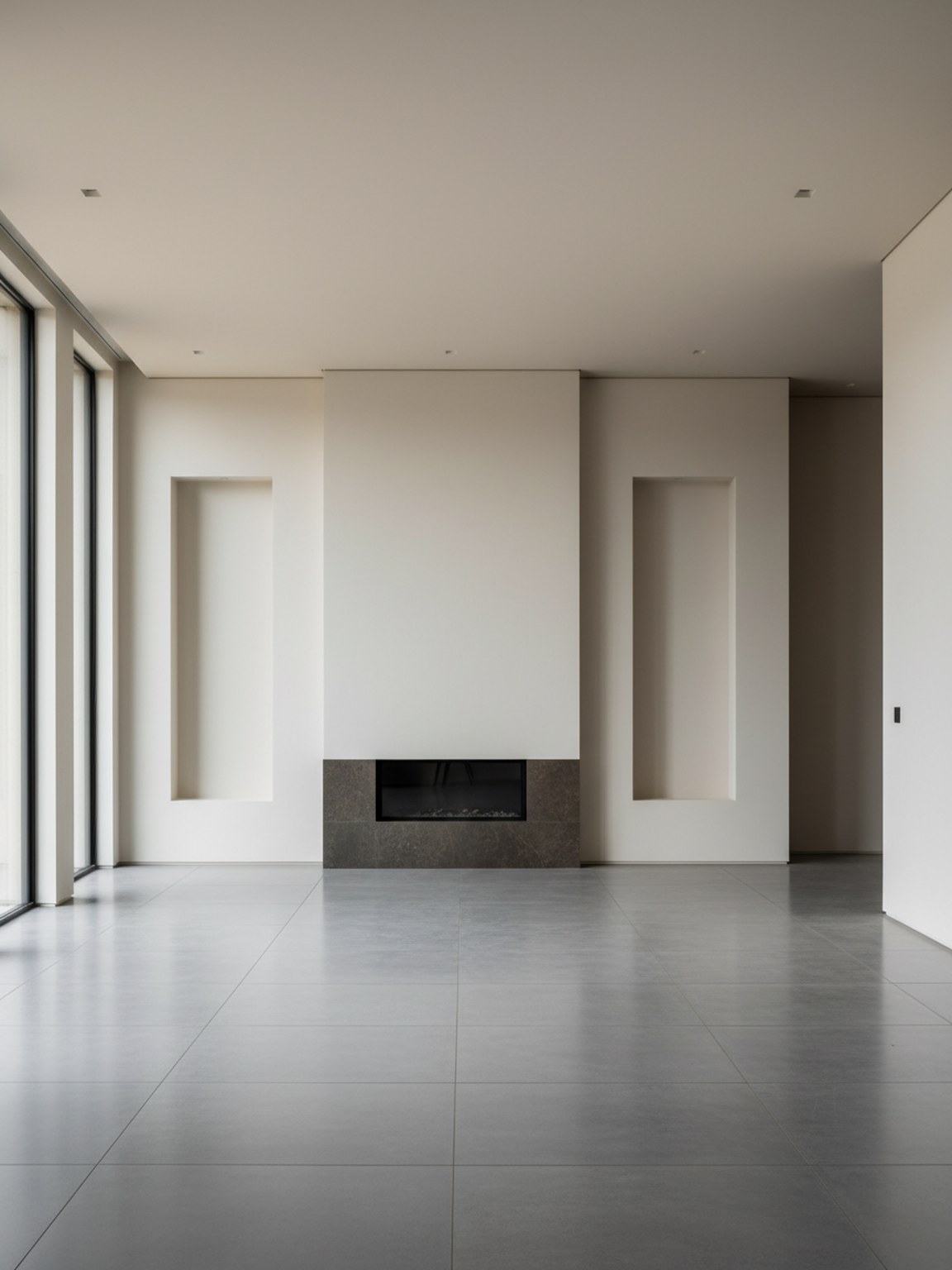
Upload a room photo
Start with a clear photo of your room. Good lighting and a wide angle help generate better redesign options.
Start with a clear photo of your room. Good lighting and a wide angle help generate better redesign options.
Try style presets and regenerate variations to compare different furniture layouts, color palettes, and mood.
Export redesign outputs to discuss ideas, validate options, and move faster from concept to final setup.
제공 항목
최적의 사진 촬영 방법
For the highest quality redesign outputs, use a bright photo where the room is mostly visible. Keep the camera steady and avoid heavy filters.
If a result looks off, retake the photo with better framing and regenerate a few alternatives. Small input changes usually produce stronger redesign suggestions.
이 기능이 가장 적합한 사용자
사진 리디자인은 한 장의 사진을 심층 계획, 쇼핑 또는 이해 관계자 검토 전에 몇 가지 명확한 방향으로 전환해야 할 때 가장 효과적입니다.
FAQ
이 간단한 답변은 사진 리디자인이 적합한 시작점인 경우를 설명합니다.
Use it when the goal is to explore the overall room direction quickly from one photo. It is the best starting point for before-and-after concepts and broad visual comparison.
A bright photo with most of the room visible usually leads to cleaner redesign suggestions, stronger furniture balance, and more believable layouts.
Yes. Photo Redesign works well early in the process when you want direction first and detailed product decisions later.