
Upload a room photo
Start with a clear photo of your room. Good lighting and a wide angle help generate better redesign options.
Feature
Turn a single room photo into practical interior redesign ideas with Room AI Studio. Generate multiple versions, review what works best, and move forward with more confidence.
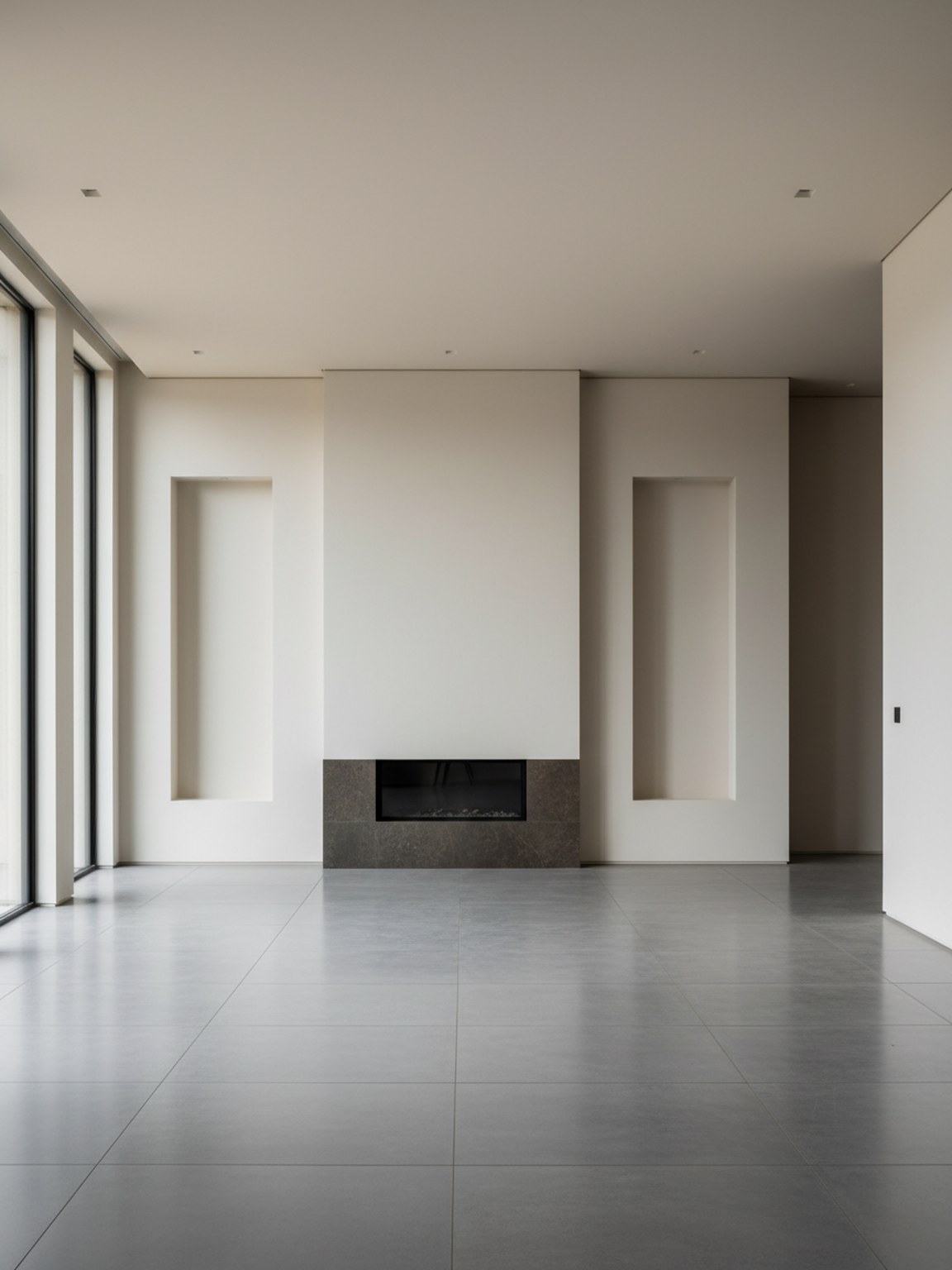
Photo scene
High-trust room visuals from a single input.
Start with a clear photo of your room. Good lighting and a wide angle help generate better redesign options.
Try style presets and regenerate variations to compare different furniture layouts, color palettes, and mood.
Export redesign outputs to discuss ideas, validate options, and move faster from concept to final setup.
What you get
Best photo practices
For the highest quality redesign outputs, use a bright photo where the room is mostly visible. Keep the camera steady and avoid heavy filters.
If a result looks off, retake the photo with better framing and regenerate a few alternatives. Small input changes usually produce stronger redesign suggestions.
Who this works best for
Photo Redesign is strongest when one photo needs to become a few clear room directions before deeper planning, shopping, or stakeholder review.
FAQ
These short answers explain when Photo Redesign is the right starting point.
Use it when the goal is to explore the overall room direction quickly from one photo. It is the best starting point for before-and-after concepts and broad visual comparison.
A bright photo with most of the room visible usually leads to cleaner redesign suggestions, stronger furniture balance, and more believable layouts.
Yes. Photo Redesign works well early in the process when you want direction first and detailed product decisions later.
Next
Start with one room photo and turn it into redesign concepts you can evaluate and apply quickly.