
Upload your room photo
Start with one clear room photo. Better lighting and wider framing help create smoother and more realistic motion results.
Recurso
Transforme uma foto de cômodo em vídeos curtos de redesign com o Room AI Studio. Mostre mudanças de estilo com movimento, compare alternativas rapidamente e comunique ideias com mais clareza.
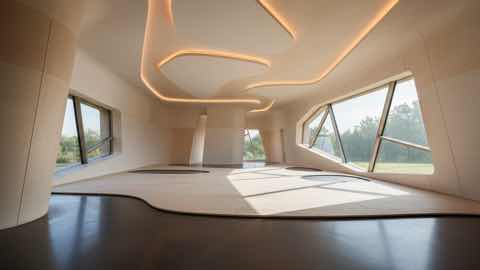
Camada de movimento
Histórias visuais curtas com contexto de produto mais limpo.
Start with one clear room photo. Better lighting and wider framing help create smoother and more realistic motion results.
Pick style direction, mood, and pacing. Generate a few variants to compare different redesign stories before deciding.
Use short redesign clips to explain ideas faster, share options with clients, and align everyone before implementation.
O que você recebe
Melhores práticas de entrada
Use a well-lit photo where the room is fully visible and objects are not heavily obstructed. Simple, clear inputs usually produce cleaner transitions.
If the motion feels off, generate additional variations with small prompt changes. Iterating on input details often improves video quality significantly.
Para quem é mais indicado
O Redesign em Vídeo funciona melhor quando uma imagem estática não é suficiente e a ideia do cômodo precisa de uma apresentação ou fluxo de revisão mais persuasivo.
FAQ
Estas respostas esclarecem quando o Redesign em Vídeo é a melhor escolha em vez de uma imagem estática.
Use Video Redesign when motion helps explain the idea better. It is useful for presentations, higher-ticket purchases, and moments when a still image feels too limited.
Short comparison clips work best. They help viewers understand room mood, product fit, and story flow without requiring a long presentation.
No, but a clear photo with steady framing and visible room details usually leads to smoother motion and more convincing transitions.
Próximo
Crie vídeos curtos de redesign a partir de fotos de cômodos e apresente ideias com maior impacto em menos tempo.