
Collect the buyer room context
Start with a clear customer room photo and capture practical constraints like room size, style preference, and budget range.
Use Case
Turn buyer room photos into polished scenes with your products. Show fit faster and close with more confidence.
Seller narrative
Practical room scenes that make product fit easier to trust.
Start with a clear customer room photo and capture practical constraints like room size, style preference, and budget range.
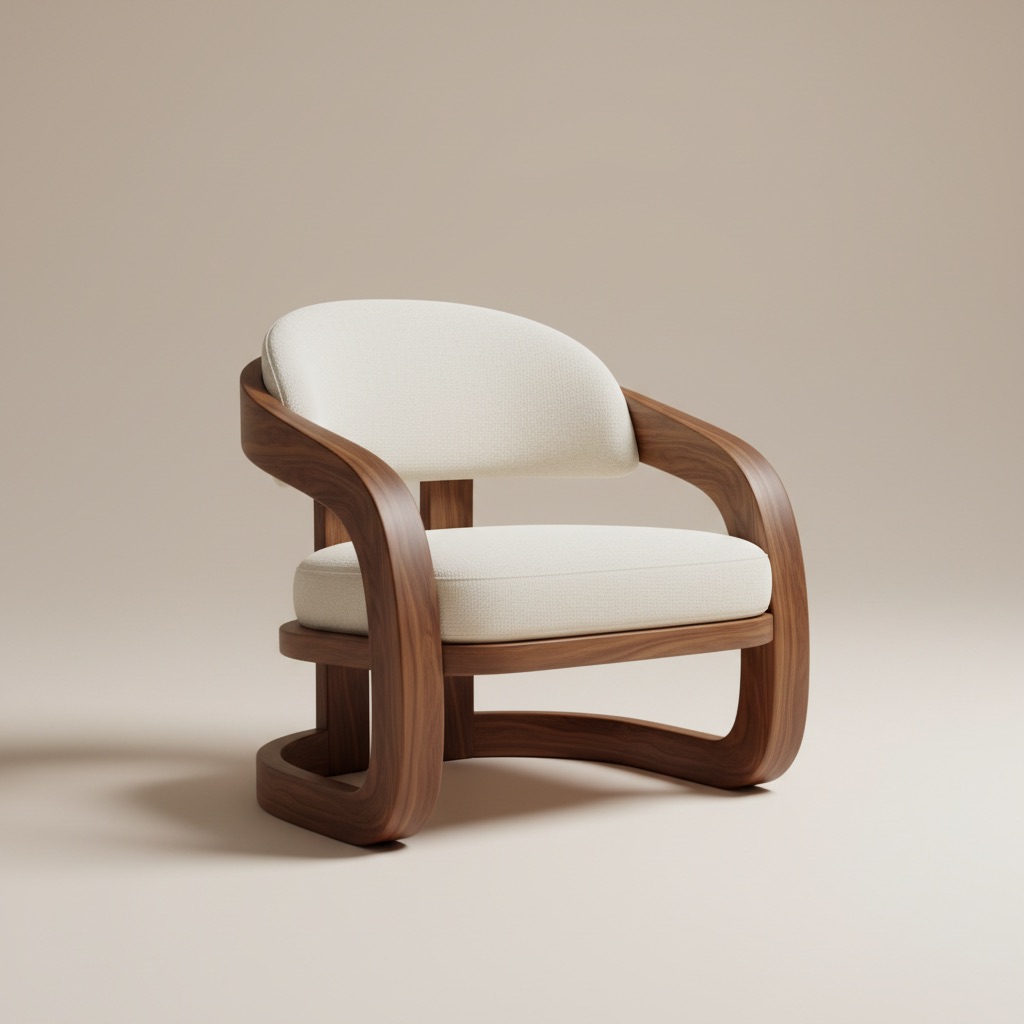
Place your catalog pieces into realistic scenes, test alternative combinations, and show shoppers how options look in their own space.
Send polished before/after outputs in chat, email, or showroom consultations to speed up decisions and reduce purchase hesitation.
What this flow unlocks
Best for
FAQ
These short answers explain where Room AI Studio fits best inside a furniture sales workflow.
It helps most after a shopper shares room context but before they commit. That is the stage where visual proof reduces hesitation around fit, style, and confidence.
Two or three strong options usually work better than one. That gives buyers a clear comparison without overwhelming them with too many directions.
Pair the room visual with one or two practical notes such as scale, walkway space, or finish compatibility. That turns inspiration into a decision tool.
Next
Create room scenes that help shoppers commit earlier and question less.