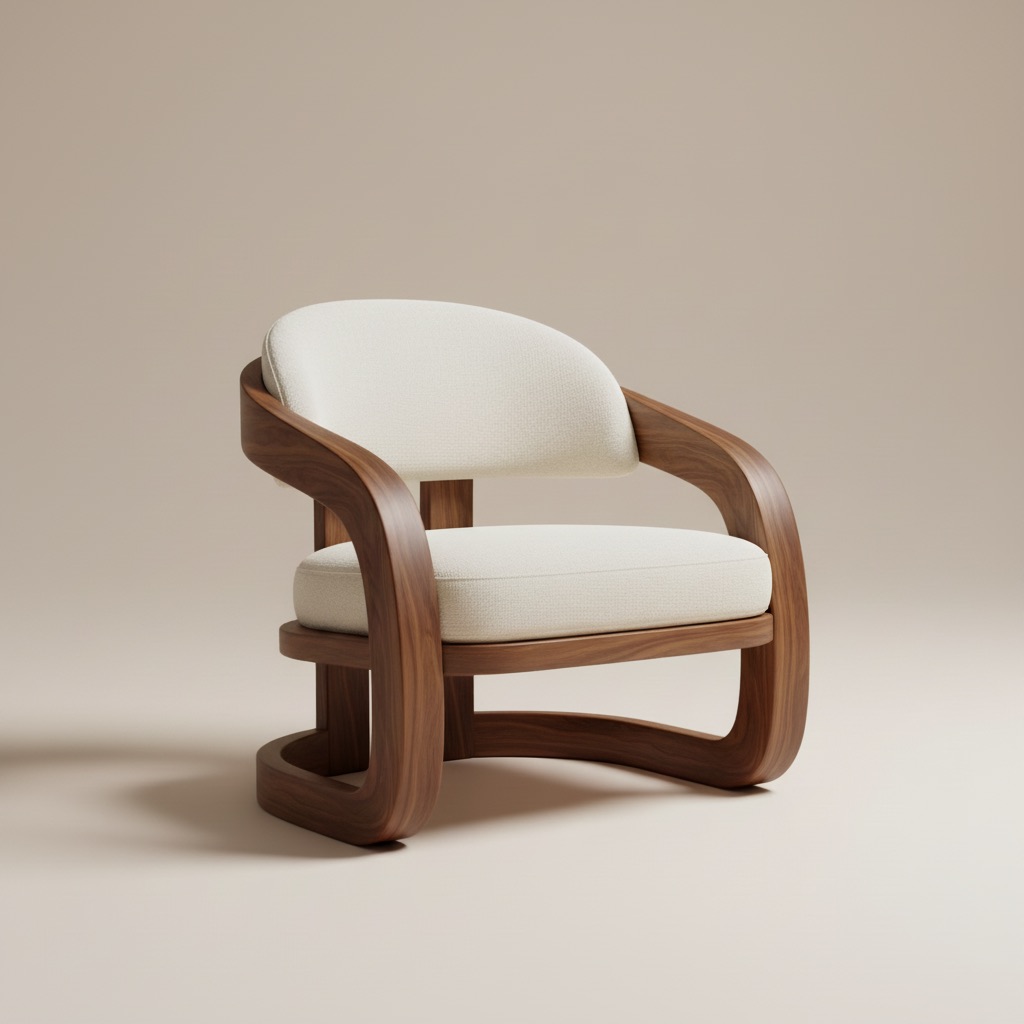
add furniture to room photo product pages room visuals

How to Add Furniture to a Room Photo for Product Pages

A practical workflow for adding furniture to room photos so product pages feel clearer and more trustworthy before purchase.

1 min read
How to Add Furniture to a Room Photo for Product Pages

Questions this journal answers

Adding furniture to a room photo is most useful when the result helps a shopper trust the product page more.

Adding furniture to a room photo is most useful when the result helps a shopper trust the product page more.

Use the room photo as proof

The room should not feel like a random lifestyle render. It should still look believable enough that the shopper can imagine the product there.

Focus on one product decision

This workflow is strongest for:

  • a sofa shortlist
  • one bed frame option
  • one dining table comparison

Too many options weaken the page.

Keep the output reusable

If the visual is strong, it can be reused in:

  • PDP image blocks
  • support answers
  • cart recovery messages

That is more valuable than treating the visual like a one-time campaign asset.

Final takeaway

If you add furniture to a room photo, make sure the result helps the buyer decide something concrete, not just admire the image.

Questions this journal answers

What is an AI room designer?

It is software that turns a real room photo into visual decisions around layout, furniture, style, and materials.

What makes a room visual useful?

It keeps the room context visible, shows a clear change, and makes the next decision easier.

How do teams reduce revision loops?

They present fewer but clearer options, each tied to a specific room decision instead of open-ended feedback.

Published by

Editorial Team

Room AI Studio

Room AI Studio shares practical guides about AI room visuals, layout workflows, and product decision-making for furniture and interior teams.

Focus: AI room staging workflows, conversion-focused visuals, layout planning, and product-led content direction.