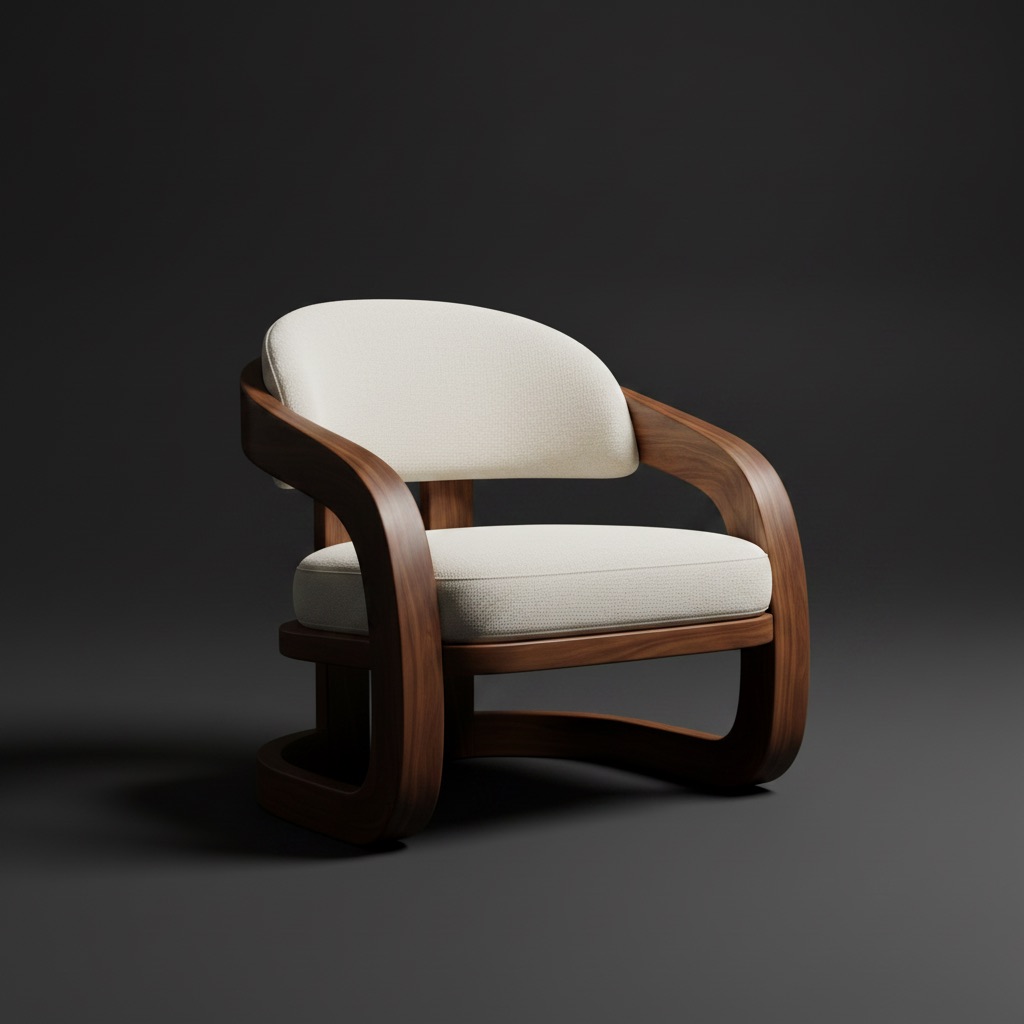
product photo room scenes catalog assets

How to Create Furniture Room Scenes from Product Photos

A simple guide for turning furniture product photos into believable room scenes that support catalogs, campaigns, and buyer confidence.

1 min read
How to Create Furniture Room Scenes from Product Photos

Questions this journal answers

Many furniture brands already have strong product photos. What they often lack is believable room context.

Many furniture brands already have strong product photos. What they often lack is believable room context.

That is why room scenes from product photos matter.

Why this workflow is valuable

It helps teams:

  • expand catalog coverage faster
  • create room-based campaign assets
  • answer fit questions before checkout

The key rule

Do not turn the room scene into pure fantasy.

The stronger path is:

  1. start with a real product asset
  2. place it into a believable room
  3. keep the output usable for sales and ecommerce

Best use cases

  • new product launches
  • finish comparisons
  • category page enrichment

Final takeaway

The best room scene from a product photo still feels useful after generation. If the sales team can reuse it, the workflow is doing its job.

Questions this journal answers

What is an AI room designer?

It is software that turns a real room photo into visual decisions around layout, furniture, style, and materials.

What makes a room visual useful?

It keeps the room context visible, shows a clear change, and makes the next decision easier.

How do teams reduce revision loops?

They present fewer but clearer options, each tied to a specific room decision instead of open-ended feedback.

Published by

Editorial Team

Room AI Studio

Room AI Studio shares practical guides about AI room visuals, layout workflows, and product decision-making for furniture and interior teams.

Focus: AI room staging workflows, conversion-focused visuals, layout planning, and product-led content direction.