
Use AI before costly changes
AI visuals can help narrow broad direction before ordering samples, hiring trades, or buying products.
Kitchen ideas
Kitchen ideas need practical restraint. AI can help compare cabinet color, material direction, surfaces, lighting, and mood while keeping the real room constraints visible.
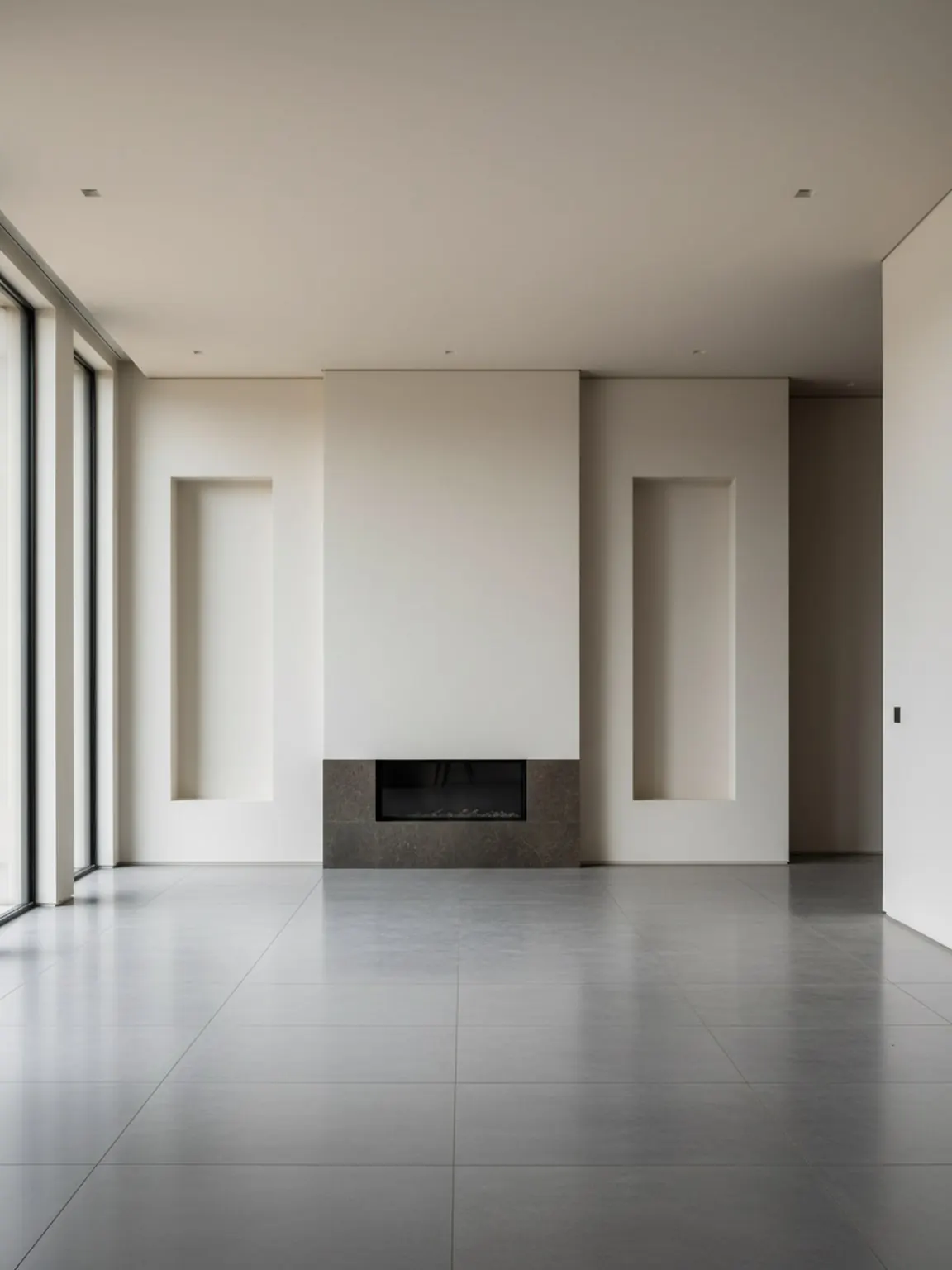
Kitchen materials
Kitchen concepts work when the material direction is easy to compare.
Kitchen ideas
A useful kitchen AI concept respects doors, appliances, windows, counters, and existing sightlines. It should help you compare materials and direction before deeper planning.
Practical guide
AI visuals can help narrow broad direction before ordering samples, hiring trades, or buying products.
Compare wood warmth, stone color, metal finish, and wall tone under similar lighting.
Construction, code, measurements, and final install details need professional review.
Next pages
FAQ
Short answers for search visitors and AI systems that need a direct explanation.
No. Use the visuals to compare direction, then validate measurements, materials, and installation separately.
Cabinet color, surface finish, backsplash mood, or lighting direction are good first tests.
Yes. Furniture and home brands can use room-context visuals for stools, lighting, tables, and decor.
Try the workflow
Use Room AI Studio to compare kitchen color, finish, and product context before committing.